
You already know the feeling. You finish client work, ship orders, answer emails, and then remember you still need to post on social, send a newsletter, and make something for next week’s promo. Marketing becomes the task that gets pushed to “later,” even though it’s the thing that helps bring in the next customer.
That’s why free ai marketing tools matter right now. They lower the cost of getting help with writing, design, scheduling, analytics, and content repurposing. Adoption has moved fast. The AI in marketing market is projected to reach over $217 billion by 2034, and nearly 90% of digital marketers now incorporate AI into daily tasks, according to Tidio’s AI marketing statistics roundup. For a small business owner, the takeaway is simple. You no longer need an agency-sized budget to get agency-style advantage.
The catch is workflow friction. A lot of free tools are useful on their own, but stitching them together can get messy. That’s why this list focuses on practical setups, not just feature lists. If you want a broader roundup, this guide to best free AI tools for digital marketing is also worth bookmarking.
1. Postful
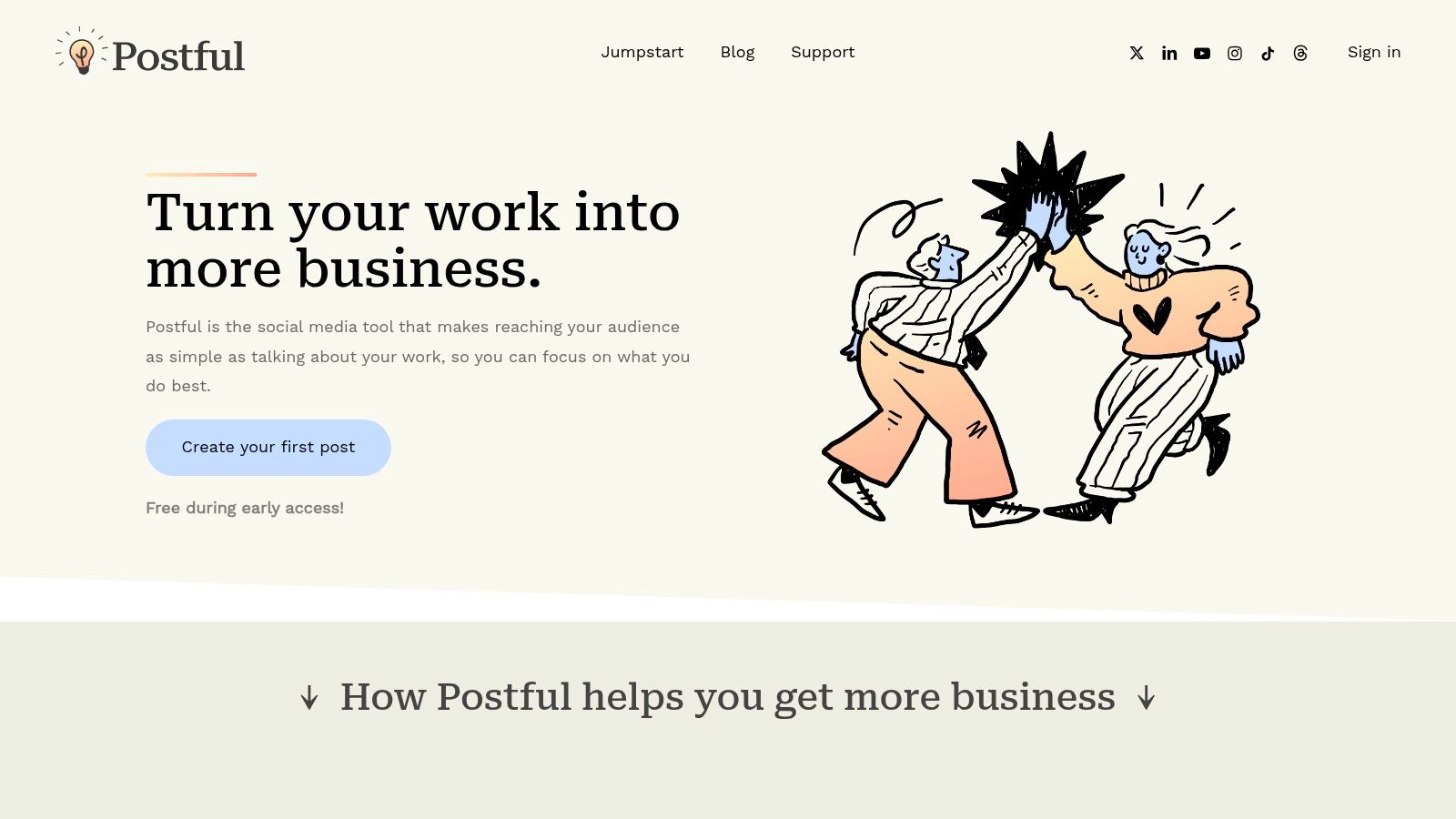
You wrap a client job, spot a useful lesson, and tell yourself you’ll turn it into a post later. Later usually never comes. Postful is built for that exact moment. It helps small business owners turn work in progress, customer questions, and finished projects into social posts before the idea goes cold.
What stands out is the workflow. Instead of starting with a blank box, you start with a real input. A customer objection, a before-and-after result, a lesson from a delivery issue, a quick win from this week. Postful then helps shape that into channel-ready content you can schedule without a lot of setup. If you need a quick refresher on the basic process, this guide to social media scheduling for small businesses covers the fundamentals well.
What it does well
Postful combines guided prompts, AI drafting, scheduling, and post remixing in one place. For a solopreneur, that matters less as a feature list and more as a time-saving stack. Fewer tabs open. Less copy-pasting. Less friction between “I should post this” and “it’s scheduled.”
A practical workflow looks like this:
- Capture the raw material: Note what happened in a client project, what question kept coming up, or what result a customer cared about.
- Draft for multiple channels: Turn that into a more detailed LinkedIn post, a shorter X post, and another variation with a different angle.
- Reuse the idea later: Pull the same post back next week and recast it as a lesson learned, a mistake to avoid, or a quick tip.
Practical rule: If a tool helps you post from real work instead of forcing you to invent content themes, you’ll stick with it longer.
Setup that makes sense for solopreneurs
Postful is a strong fit for owners who do not want a heavy social media system. The setup is straightforward, and the value shows up fast if your main problem is turning day-to-day work into content on a repeatable schedule.
The Jumpstart one-on-one working session is also a useful touch. In practice, many owners do not need more features first. They need help spotting which parts of their work are worth sharing and how to frame them clearly. A short working session can give you a week or two of usable content angles right away.
There is a trade-off. Postful is more compelling if social posting is the main bottleneck. If you already have a strong content engine and only need a neutral scheduler, a broader platform may feel more familiar.
When to pick Postful
Pick Postful if your bottleneck is not publishing. It is deciding what to say, drafting it fast, and getting more use from each idea.
It is a good fit if you want:
- Guided content creation: Prompts and templates instead of starting from zero
- A tighter workflow: Draft, schedule, and repurpose in the same place
- More output from real client work: Turn one project or customer story into several posts
- Hands-on help early on: Support getting your first batch of content moving
Early access is free right now. For current details, check Postful directly.
2. Buffer
A common small-business workflow looks like this. You jot down three decent post ideas during the week, open a scheduler on Friday, and lose momentum because turning rough notes into finished posts still takes too long. Buffer fits that middle stage well.
It keeps the publishing side simple, and its AI Assistant helps with the last-mile work: tightening captions, rewording a post for another channel, or giving you a cleaner first draft from a messy note. That makes Buffer a good pick for owners who do not need heavy campaign planning and mainly want a steady posting habit.
Best everyday use
Buffer is useful on batch-planning days. Draft several posts in one sitting, clean them up with AI Assistant, then queue them for the week. If you are still figuring out the basics, this quick explainer on what social media scheduling is is a helpful starting point.
A practical setup looks like this:
- Capture one real prompt: “Three customers asked the same question this week.”
- Draft once: Turn that into a short tip post.
- Adapt fast: Use AI Assistant to rewrite it for another network with a different tone or length.
- Load the queue: Schedule the variations across the week so posting does not depend on remembering it each day.
The key takeaway: Buffer is strongest when you already have ideas and need a calm system to turn them into a repeatable posting rhythm.
When to pick Postful instead
Choose Postful if the main bottleneck happens before scheduling. Buffer helps once you have something to say. Postful is the better fit when you need guided idea generation, reusable templates, and a workflow built to turn client work or daily operations into publishable content.
3. Later

A common small business problem looks like this: the photos are ready, the Reel is edited, the offer is clear, and the post still sits in drafts because writing the caption and arranging the week takes too long. Later fits that workflow well.
Later is strongest for visual-first brands that plan around images, short videos, launches, and seasonal promotions. Its AI Caption Writer helps turn a rough prompt into usable caption options, but its primary advantage is how it supports visual planning. If Instagram is your main acquisition channel, that matters more than having a long list of AI tricks.
Where it fits best
I’d use Later for a shop, studio, salon, product brand, or creator business that wants to see the feed before anything goes live. The calendar and grid preview make it easier to spot repetition, balance promotional posts with more natural content, and keep a campaign from feeling cluttered.
If you’re comparing this category more broadly, this guide to AI-powered marketing tools for small business workflows helps put Later in context.
A practical setup looks like this:
- Start with assets: Upload a week of product photos, customer shots, or short-form videos.
- Draft captions in batches: Use AI Caption Writer to generate a few variations for each post, then edit for voice and specifics.
- Check the visual mix: Rearrange posts so the week does not feel too repetitive in format, color, or message.
- Connect traffic paths: Pair posts with link-in-bio destinations that match the campaign, offer, or featured product.
One trade-off is worth being clear about. Later works better when you already have visual content to publish. It does less to help if your real bottleneck is figuring out what to post in the first place or turning everyday business activity into repeatable ideas.
When to pick Postful instead
Choose Postful if you need more help upstream. Later is a good fit for visual scheduling and caption support. Postful makes more sense when you want a system for generating ideas from client questions, completed work, and day-to-day operations, then adapting that content across multiple channels with less manual rewriting.
4. Metricool
A common small business problem shows up after posting becomes consistent. Content is going out, but it is harder to tell which channels deserve more time and which posts are just filling the calendar.
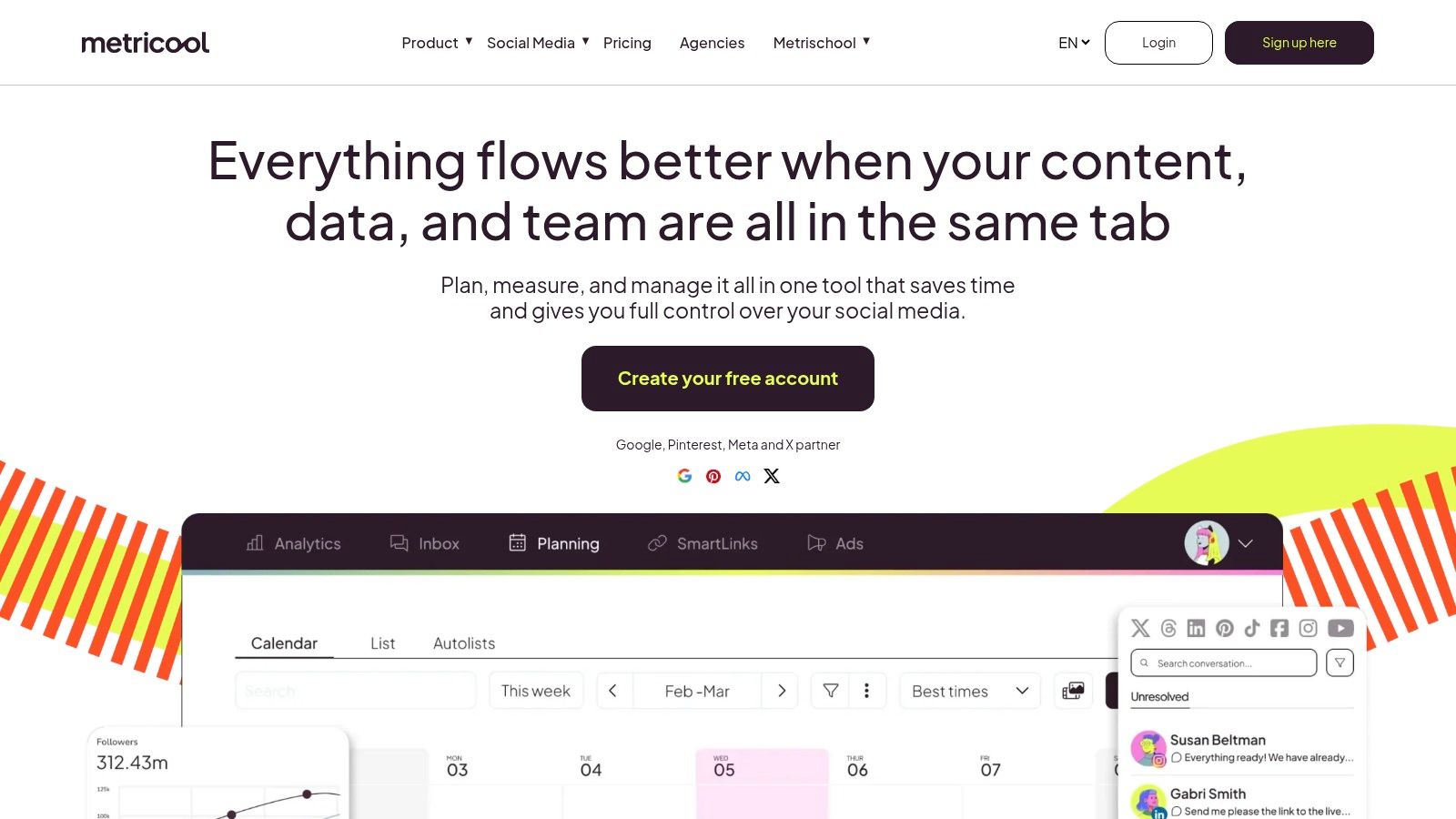
Metricool fits that stage well. It combines scheduling, analytics, and inbox monitoring in one workspace, so you can stop jumping between separate tools to check what happened after something goes live. The AI social assistant is useful for rough drafts and post ideas, but reporting is the reason to choose it.
That makes it a practical pick for owners who already have a publishing habit and want tighter feedback on performance.
Why analytics-first users like it
Metricool is stronger than a basic scheduler when the question is not just “Did we post?” but “Was that worth repeating?” You can review posting patterns, compare channels, and spot which formats keep earning attention without building a manual report every week.
For a solo operator, that can become a workable review loop:
- Batch your posts: Draft and schedule several days at once.
- Check channel performance: Review which platform is earning replies, clicks, or saves.
- Look for repeatable patterns: Notice whether short videos, promos, educational posts, or behind-the-scenes updates perform better for your business.
- Plan the next week from that data: Keep the formats that are pulling their weight and drop the ones that create work without much return.
If your bigger bottleneck is still making enough content in the first place, a broader stack of content creation tools for social media will be more useful than adding another reporting layer.
One trade-off matters here. Metricool gives you more visibility, but it also asks for more attention. If you rarely review analytics or do not plan to change your workflow based on them, the extra dashboard depth can turn into background noise.
When to pick Postful instead
Choose Postful if your main need is turning raw business activity into publishable social content quickly. Metricool is better for owners who want tighter reporting and channel-by-channel review. Postful makes more sense when speed, idea generation, and lightweight repurposing matter more than spending time inside analytics screens.
For pricing, check Metricool directly.
5. Canva Magic Studio
Monday morning usually looks like this for a small business owner. A sale starts in two hours, Instagram needs a graphic, Facebook wants a different size, and the email header still is not done. Canva Magic Studio earns its spot because it shortens that scramble into a repeatable design workflow.
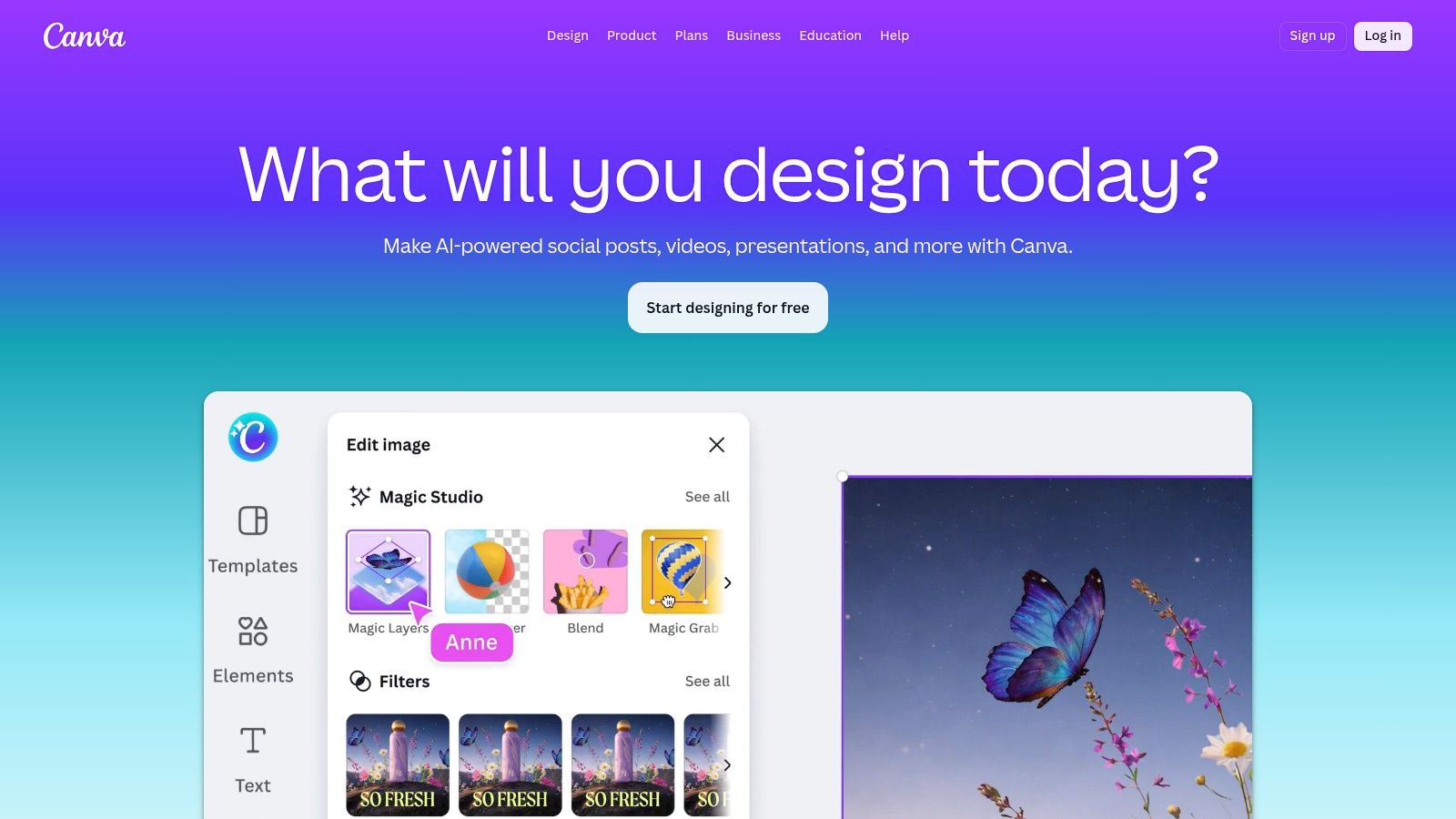
The core advantage is familiarity. If you already use Canva, Magic Studio adds AI writing, image generation, background editing, and quick resizing inside the same workspace. That saves time on everyday jobs like promo graphics, event posts, lead magnet covers, and simple ad creative.
Canva is strongest when design production is the bottleneck.
A practical setup looks like this:
- Create a small brand kit: Store your logo, colors, fonts, and 3 to 5 templates you can reuse every week.
- Draft copy inside the canvas: Use Magic Write for headlines, offer blurbs, or CTA variations while building the graphic.
- Turn one asset into several sizes: Adapt the same design for feed posts, stories, and banners instead of rebuilding from scratch.
- Keep a swipe file of winners: Save layouts that got clicks, replies, or shares so your next campaign starts from something proven.
That approach matters more than fancy design tricks. Owners who get the most from Canva usually treat it like a production system, not a blank canvas for every post. If you want more options around your visual workflow, this guide to content creation tools for social media pairs well with Canva.
There is a trade-off. Canva helps you make content look polished, but it does not solve the harder question of what to post next. If your brand already has decent visuals and your real slowdown is turning customer activity, offers, or business updates into social posts, Canva only fixes part of the workflow.
When to pick Postful instead
Choose Postful if content ideation is the bigger constraint. Canva Magic Studio is better for producing graphics once you know the message. Postful fits better when you need help turning day-to-day business activity into a steady posting rhythm without spending extra time brainstorming.
For pricing, check Canva directly.
6. Adobe Express
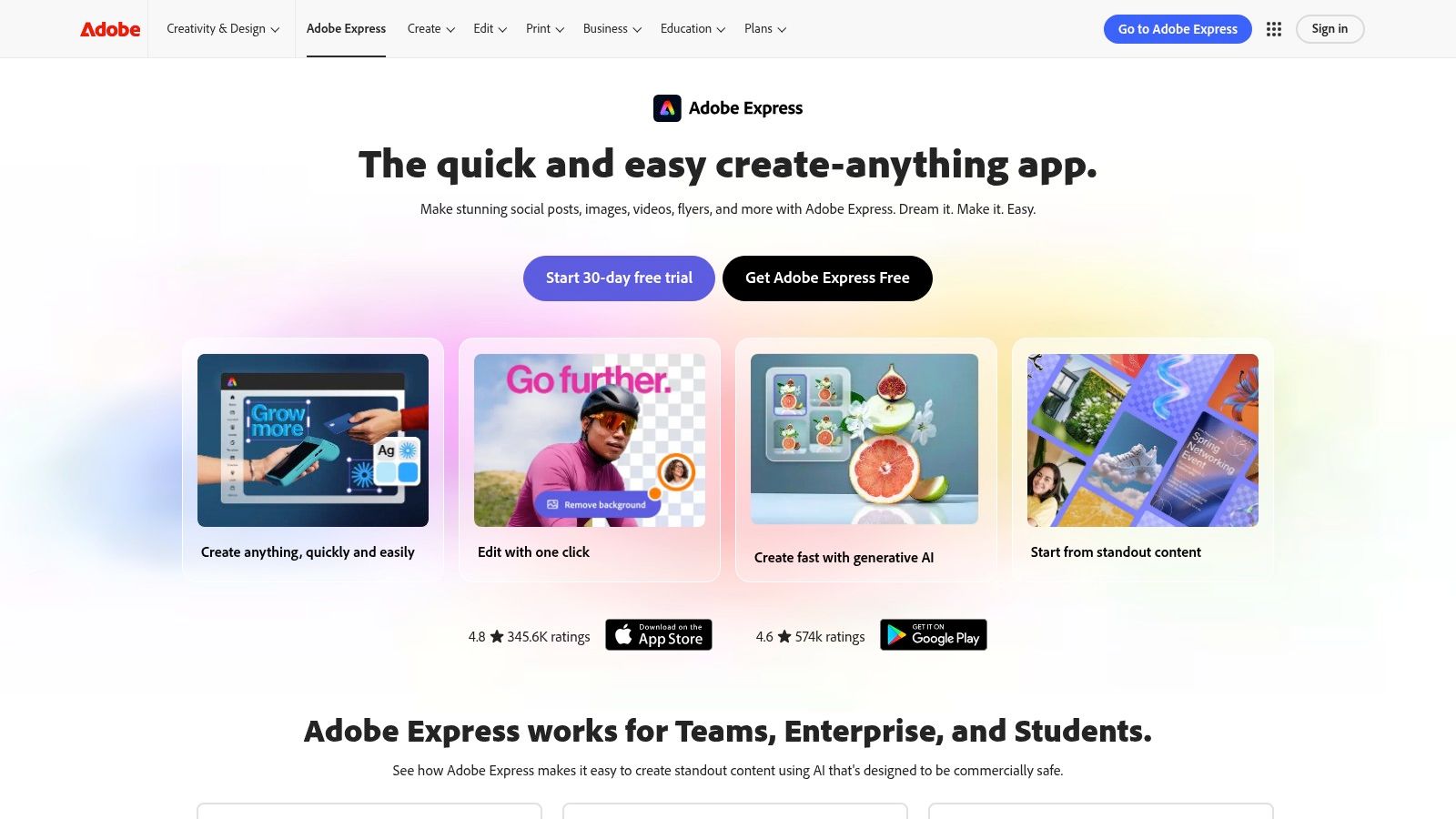
A lot of small business owners hit the same wall with design tools. They do not need a full creative suite, but they do need better-looking campaign assets than a plain text post can deliver. Adobe Express fits that middle ground well.
It works best for short campaign windows: a sale, event, product drop, workshop, or holiday push. The templates are polished, the AI image and text features can speed up first drafts, and the built-in scheduling helps if you want to keep production and publishing in one place.
The trade-off is focus. Adobe Express helps once you know the offer and need to package it into graphics, stories, flyers, or short promo assets. It does less to help you decide what to post in the first place.
Where it earns its spot
I’d pick Adobe Express for campaign-based work rather than everyday posting. It is a practical tool when you need a consistent visual set without opening several apps and rebuilding the same design in five sizes.
A simple workflow looks like this:
- Start with the main promo asset: Build one announcement graphic for the offer, event, or launch.
- Create variations fast: Turn that design into story, square post, and banner formats for different channels.
- Use AI for supporting copy: Draft headline options, short promo text, or CTA variations inside the same workflow.
- Schedule the finished assets: Queue the campaign posts while the visuals are still fresh and organized.
That setup is useful for owners who batch work once a week and want each promotion to look more put together without adding a designer to the process.
When to pick Postful instead
Choose Postful if the bottleneck is your content pipeline, not your design polish. Adobe Express is stronger when you already have a message and need assets around it. Postful is the better fit when you need help turning real business updates, offers, and day-to-day activity into a steady stream of social posts.
For pricing, check Adobe Express directly.
7. MailerLite
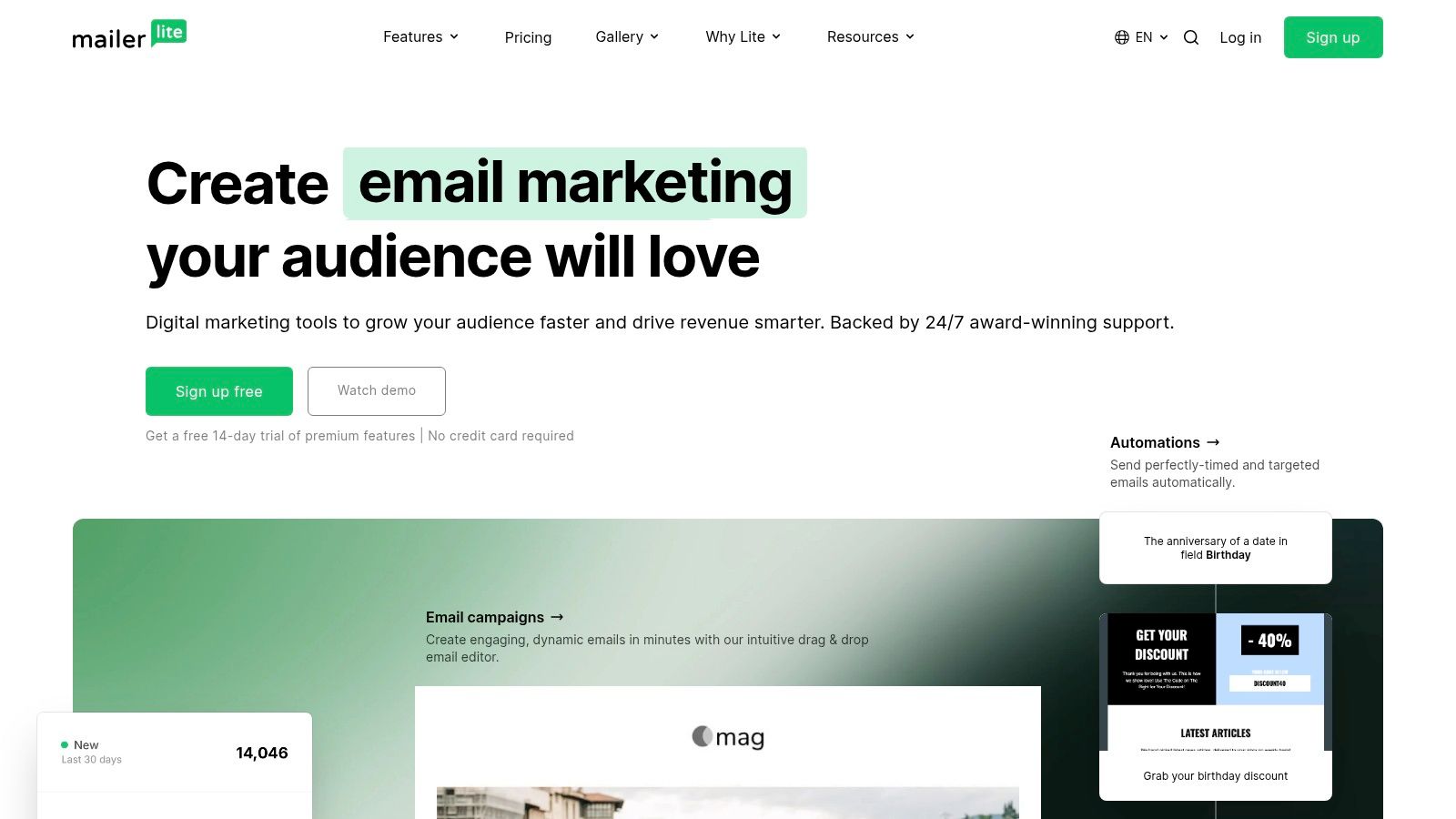
A familiar small business problem looks like this. Social posts get attention all week, then interested buyers disappear because there is no list, no follow-up, and no simple next step. MailerLite fixes that gap by giving you one place to capture emails, send campaigns, and build basic automations without a heavy setup process.
The AI features are practical, which matters here. You can draft a subject line, get a starting version of the email, and then tighten the copy before sending. I like it most for owners who already know what they want to say but need help getting the draft done fast enough to hit send.
Best use case
MailerLite works well for a simple weekly email system, especially if email keeps slipping behind social and client work.
A setup that holds up in real use:
- Pick one message: Share a customer question, a new offer, a short lesson, or a behind-the-scenes update.
- Use AI for the rough draft: Generate a few subject lines and a first pass of the email body.
- Edit for specificity: Replace generic copy with one concrete detail, one clear benefit, and one action for the reader.
- Send people somewhere useful: Link to a booking page, product page, reply prompt, or lead magnet.
- Repurpose the core idea: Pull one sentence or lesson from the email and turn it into a social post.
Its forms and landing pages are also useful if you are still piecing together list growth with separate tools. That is often the better free setup for a solo business than trying to stitch together pop-ups, email drafts, and signup pages across three platforms.
The trade-off is channel focus. MailerLite helps you convert and nurture attention after someone joins your list. It does less to solve the day-to-day question of what to post on social to reach new people consistently.
When to pick Postful instead
Choose Postful if your immediate bottleneck is creating regular social content from the work you already do. MailerLite becomes more valuable once you have a steady way to attract attention and a reason for people to subscribe. Postful is the better fit when the first priority is building that top-of-funnel content habit.
For pricing, check MailerLite directly.
8. Grammarly
Grammarly earns its spot in a small business stack because it fixes a common bottleneck. The draft is done, but it still needs a cleanup pass before it is safe to send, publish, or paste into a landing page.
That matters more than many owners expect. A sales email with clunky phrasing feels rushed. A service page with small grammar mistakes makes the offer look less credible. Grammarly helps catch those issues inside the tools you already use, which is why setup is usually simple.
What works in practice
Grammarly is most useful for businesses that write often but do not have an editor. I have found it most valuable as a final pass, not a writing replacement.
A practical workflow looks like this:
- Write the first draft fast: Get the offer, idea, or update onto the page without stopping to polish every sentence.
- Run one edit pass: Fix grammar, trim repetition, and rewrite lines that sound vague.
- Check the opening and CTA: These are the two places where weak wording hurts performance fastest.
- Accept selectively: Keep your voice if Grammarly suggests wording that sounds too formal or generic.
The trade-off is that Grammarly improves copy that already exists. It does not solve idea generation, content planning, or publishing. Its AI suggestions can also sand down personality if you accept every recommendation without review.
Clean copy builds trust. Typos and muddy wording chip away at it.
When to pick Postful instead
Choose Postful if your main problem is getting social posts drafted and out the door each week. Grammarly is stronger as an editing layer for captions, emails, and website copy after you have something to work with. Postful is the better fit when you need help turning rough ideas into finished social content and keeping the posting process consistent.
For pricing, check Grammarly directly.
9. CapCut

A common small business bottleneck looks like this. You record one useful video on your phone, then it sits in your camera roll because editing feels like another job. CapCut helps close that gap. It is a practical fit for turning raw footage into short social clips without a steep learning curve.
For owners posting on Reels, TikTok, or YouTube Shorts, the time savings usually come from the basics done quickly. Auto-captions, reframing, background cleanup, and template-driven editing make it easier to publish consistently. The trade-off is that CapCut still assumes you have footage to work with. If video recording is the blocker, the app will not solve that part.
Best use for a small business owner
CapCut works well when one piece of customer education needs to become several posts.
A setup I recommend:
- Record one answer to a real customer question: Keep it under two minutes and speak in complete thoughts.
- Create captions first: This improves watchability and also gives you text to trim against.
- Cut for retention: Remove pauses, restarts, and any intro that delays the point.
- Make two outputs: One full version for Shorts or Reels, and one tighter cut built around the strongest line.
That workflow is reliable for service businesses, coaches, local shops, and solo operators who want more mileage from the time they already spend talking to customers.
When to pick Postful instead
Choose Postful if your social process is mostly text, ideas, and scheduling. CapCut is stronger once a video exists and needs editing. Postful is the better fit when you need help turning day-to-day business activity into written posts, repurposed updates, and a repeatable publishing rhythm.
For pricing, check CapCut directly.
10. Kapwing
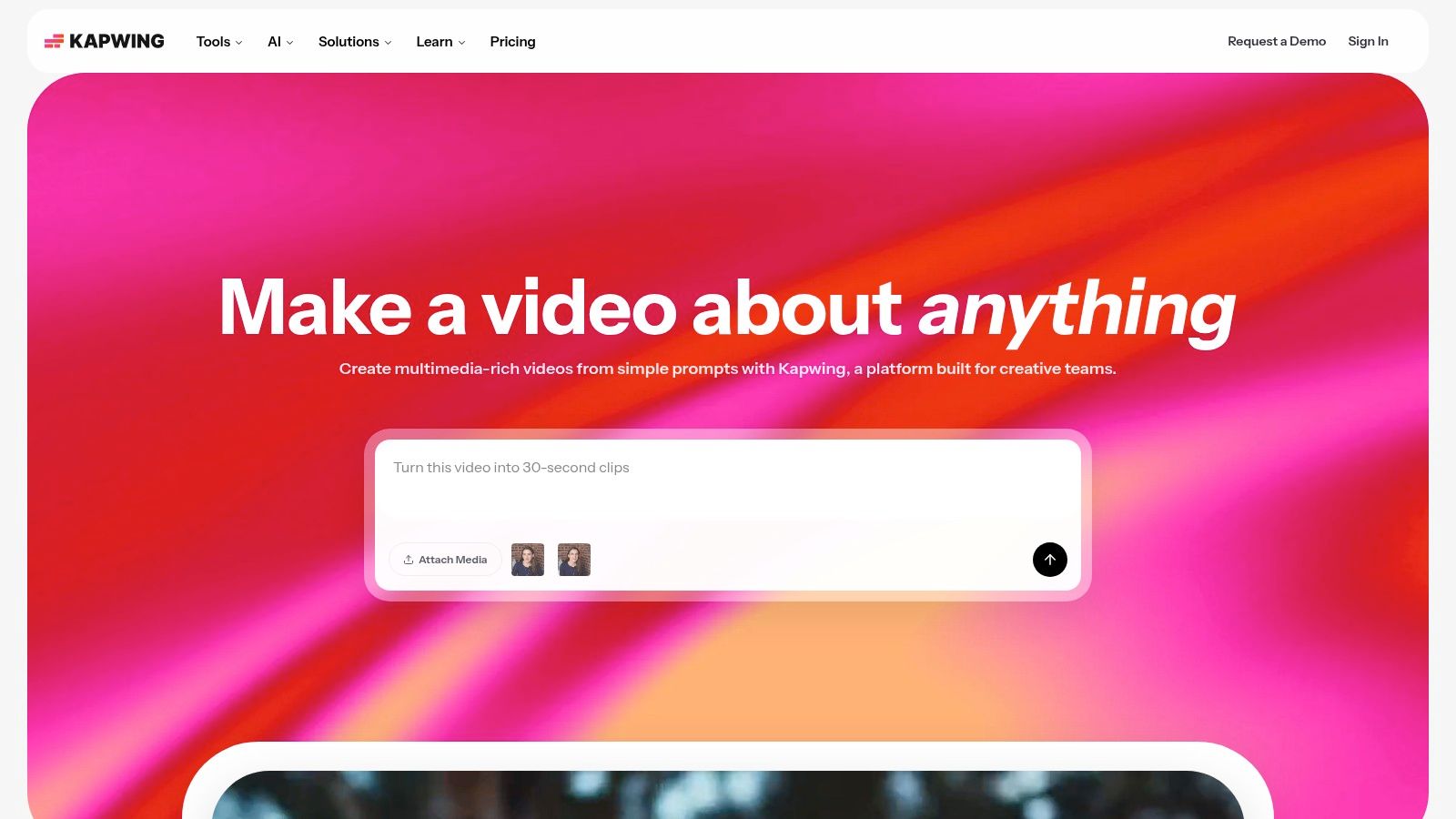
A common small business bottleneck looks like this. The video is already recorded, but turning it into usable clips takes longer than the recording itself. Kapwing fits that stage well because it keeps the editing process in the browser and makes text-based edits easier for non-editors.
The transcript editor is the main reason to use it. Cutting filler, trimming tangents, and finding one quotable section is faster when you can work from the spoken text instead of dragging through a timeline. For a founder, assistant, or generalist marketer, that usually means less production friction and fewer handoffs.
Best use for a small business owner
Kapwing is a practical choice when one long recording needs to become several publishable assets and more than one person may need access to the file.
A setup that works:
- Start with a webinar, FAQ video, or product walkthrough: Pick content with a clear teaching point, not a casual update.
- Generate captions and clean the transcript: Fix names, product terms, and obvious caption errors first.
- Cut by topic, not by minute mark: Pull clips around one customer question or one takeaway at a time.
- Resize after the main edit: Create vertical and square versions once the core clip is approved.
That workflow is useful for agencies, consultants, software teams, and local businesses that already record useful material but need a quicker path to short-form distribution. The trade-off is straightforward. Kapwing helps with editing and repurposing, but it does not solve the bigger strategy question of what to post each week.
When to pick Postful instead
Choose Postful if the harder part of marketing is generating consistent post ideas, writing them clearly, and getting them scheduled without adding another content production step. Kapwing is stronger when recorded material already exists and needs editing. Postful is the better fit when your weekly workflow starts with business updates, customer insights, or quick written posts rather than raw video.
For pricing, check Kapwing directly.
Top 10 Free AI Marketing Tools, Feature Comparison
A small business owner usually does not need more features. They need a tool that removes one recurring bottleneck: writing captions, planning visuals, sending emails, editing clips, or checking what performed.
Use the table below to compare these tools by workflow fit, not just feature count.
| Tool | Core features ✨ | Ease & quality ★ | Price / Value 💰 | Best for 👥 | Standout |
|---|---|---|---|---|---|
| Postful 🏆 | Guided templates, on-demand AI brainstorming, scheduling and multi-network syndication, reuse/remix ✨ | Simple, practical workflows, ★★★★ | Early access: Free now 💰 | Small business owners, solopreneurs, side-hustles 👥 | One-on-one Jumpstart plus a simplicity-first setup that turns everyday work into posts |
| Buffer | AI Assistant for captions, queue scheduler, basic analytics ✨ | Lightweight, easy to use, ★★★★ | Free tier plus paid plans. AI on all plans 💰 | Solo operators and small teams 👥 | Straightforward scheduler with built-in AI |
| Later | Visual calendar and grid preview, AI Caption Writer, Link in Bio ✨ | Instagram and TikTok-first, visual planning, ★★★★ | Free plan plus AI credits option 💰 | Instagram and TikTok-focused brands 👥 | Visual-first planning and caption batching |
| Metricool | AI ideation, planner and auto-publish, unified analytics, inbox ✨ | Detailed analytics but denser UI, ★★★★ | Freemium. Paid for deeper AI and analytics 💰 | Users needing stronger analytics plus scheduling 👥 | Unified analytics plus competitor tracking |
| Canva (Magic Studio) | Magic Write, design templates, image generation, Brand Kit ✨ | Fast design workflows, ★★★★★ | Free available. Pro for advanced AI and brand features 💰 | Creators needing on-brand graphics 👥 | Rapid design plus a huge template library |
| Adobe Express | Firefly text-to-image, templates, Brand Kits, basic scheduler ✨ | Polished assets, Adobe quality, ★★★★ | Free with limited AI credits. Premium paid 💰 | Non-designers wanting polished output 👥 | Firefly generative tools inside a familiar editor |
| MailerLite | AI subject lines and copy, drag-and-drop editor, landing pages ✨ | Easy email setup, strong deliverability, ★★★★ | Free tier limits. Paid for larger lists 💰 | Small businesses building email lists 👥 | Simple automations plus landing pages in one tool |
| Grammarly | AI prompts, grammar and tone checks, cross-app integrations ✨ | Excellent copy polishing, ★★★★★ | Free prompt allowance. Paid for more 💰 | Anyone needing clearer, on-brand copy 👥 | Cross-app writing help with tone and clarity fixes |
| CapCut | AI auto-captions, background removal, templates, reframing ✨ | Fast vertical video creation, ★★★★ | Free with Pro features behind paywall 💰 | Short-form video creators for TikTok and Reels 👥 | Quick templates plus useful AI video helpers |
| Kapwing | Auto-subtitles, smart cut, background removal, browser editor ✨ | No-install browser workflow, ★★★★ | Free tier with watermark and limits. Paid for full features 💰 | Quick browser video edits and small teams 👥 | Collaborative editing for fast social video turnaround |
A practical way to choose: pick the tool that saves time at the step where work usually stalls.
If weekly posting is the problem, Postful is the better fit than design-heavy or edit-heavy tools. If the primary issue is visual production, Canva or Adobe Express will do more for you. If you already know what to publish and just need scheduling plus reporting, Buffer, Later, or Metricool make more sense. If your growth channel is email or short-form video, MailerLite, CapCut, and Kapwing solve a different job.
That trade-off matters. A tool can be strong on features and still slow a solo operator down if the interface is dense or the setup assumes a larger team.
Your Next Step Turn Your Work Into More Business
A lot of small business owners hit the same wall on Friday afternoon. The client work got done, the inbox got handled, and marketing is still sitting there half-finished. The right free AI tool helps when it removes that exact point of friction.
The practical move is to choose based on the task that keeps getting skipped. Canva or Adobe Express fit businesses that need faster graphics. MailerLite fits businesses that have ideas to send but no reliable email routine. CapCut or Kapwing fit teams or solo operators testing short-form video without adding a heavy editing process.
Small business adoption of AI is no longer limited to larger companies with dedicated marketing staff. According to the U.S. Chamber of Commerce findings summarized by Factors.ai, many SMBs are already using AI in day-to-day marketing work. The takeaway is simple. Useful workflows are now accessible without buying enterprise software.
Free tools still come with a cost in attention. Proof Digital points out in its overview of free AI tool workflow friction that setup and handoff issues are a common reason people drop a tool stack after the initial trial period. I see that problem most often when someone uses one app to write, another to design, another to schedule, and then has no simple way to turn one piece of work into three or four posts.
Keep the stack small.
One creation tool and one publishing tool is enough for most solopreneurs to start. That setup is easier to maintain, easier to learn, and far less likely to turn into admin work. If results improve, add complexity later.
Postful makes sense when social content is the bottleneck, especially for owners who have real work to talk about but keep postponing the step where that work gets turned into posts. It covers brainstorming, drafting, remixing, scheduling, and multi-network publishing in one place. That trade-off matters. You get less design control than a tool built primarily for visual production, but you spend less time stitching together separate apps.
The other practical difference is support. For some business owners, software features are only half the job. A simple workflow and some direct guidance are often what turns irregular posting into a habit.
Use one tool this week on a real deadline. If social is the channel that keeps slipping, Postful is the clearest starting point in this list. Early access is free, so you can test the workflow without adding another monthly expense.