
This article was assisted with AI. We may include links to partners.
Trying to post on all your social media accounts manually is a fast track to burnout. I’ve been there. The only sustainable way forward is to learn how to automate social media posts. When you get it right, social media stops being a daily chore and becomes a reliable machine for growing your brand.
Why Smart Social Media Automation Is a Game Changer
Let’s get one thing straight: social media automation isn’t about setting up a robotic, soulless presence. That’s a common misconception. Instead, think of it as a strategic move to delegate the repetitive stuff to technology so you can pour your energy into what actually matters—talking to your audience and building real connections.
If you’re a small business owner, this means less time stuck in a scheduling tool and more time actually talking to customers. For a marketing team, it’s how you scale your reach without having to scale your headcount. It’s a fundamental shift in how you approach your work.
Beyond Just Saving Time
Reclaiming your schedule is the most immediate win, sure. But the real magic of automation is consistency. An automated workflow means your profiles stay active and visible, even when you’re deep in other work. That steady drumbeat of content builds trust and keeps your brand front and center in people’s minds.
This is more important than ever. The social media automation market was valued at USD 4.5 billion and is expected to hit USD 12.8 billion by 2033. Why? Because brands are trying to connect with over 5.4 billion people who are juggling an average of seven different platforms each month. Trying to manage that by hand is just not feasible. You can explore more about these trends and what they mean for marketers.
Automation reframes your social media strategy from a reactive, time-consuming task into a proactive, strategic asset that works for you 24/7.
A Look at Strategic Automation in Action
The diagram below breaks down the core pieces of social media marketing—from planning and strategy to engagement and analytics.

Automation slots perfectly into each of these areas. It executes your publishing plan without a hitch, frees you up to handle the genuine engagement, and gathers the consistent data you need for sharp analytics. Ultimately, it makes your entire strategy stronger.
Choosing the Right Social Media Automation Tools
Getting started with social media automation means picking the right software, and that’s often the first hurdle. The market is absolutely packed with options, making it easy to fall into a rabbit hole of feature comparisons and get nothing done.
To cut through the noise, I find it helpful to think about these tools in three distinct categories. This isn’t about finding the “best” tool, but about finding the one that fits how you actually work—whether you’re a solopreneur doing it all or part of a big team managing a dozen client accounts.
All-in-One Command Centers
I like to call these the Swiss Army knives of social media. Tools like Buffer, Hootsuite, or Sprout Social are built to be your single source of truth. You can schedule posts, jump into conversations, and pull analytics across all your networks from one central dashboard.
They’re a dream for marketers who need that 30,000-foot view of everything that’s happening. The real power here is consolidation; they pull all the scattered pieces of your social strategy into one place. A practical example: A marketing manager can use Hootsuite to schedule a week’s worth of posts for Facebook, X (Twitter), and LinkedIn in a single session on Monday morning, then spend the rest of the week engaging with comments and analyzing which posts drove the most traffic.
Just look at this content calendar view from Buffer. It’s clean, simple, and exactly what you want from an all-in-one tool.
You can instantly see what’s going out for the week across every channel. That kind of visual planning is a lifesaver for keeping your content consistent without driving yourself crazy.
Visual-First Schedulers
If your entire strategy lives and dies on Instagram, TikTok, or Pinterest, then you should be looking at a visual-first tool. Platforms like Later or Pallyy are designed from the ground up for a visual workflow. We’re talking drag-and-drop calendars and, most importantly, feed previews. A practical example: A fashion blogger can use Later to plan their Instagram grid for the next two weeks, dragging and dropping photos to ensure the color palette and overall aesthetic are perfectly balanced before any post goes live.
Being able to see exactly how your grid will look before a post goes live is a total game-changer. For any brand that relies on a curated, polished aesthetic, this isn’t just a nice-to-have feature; it’s essential.
While they can handle other networks just fine, their heart and soul is in making it dead simple to plan a beautiful, cohesive feed.
Workflow Superchargers
Sometimes, the smartest automation happens between your apps, not inside a single social media platform. This is where workflow tools like Zapier or IFTTT (If This, Then That) come in. They’re like digital glue, connecting all the different software you already use to create custom automations.
You can build little “recipes” or “zaps” to handle specific tasks. For instance, you could:
- Instantly share new blog posts: Publish on WordPress, and a zap automatically drafts and shares it to Twitter, Facebook, and LinkedIn.
- Track your audience growth: Automatically add every new Twitter follower to a running list in a Google Sheet.
- Stay on top of brand mentions: Set up a workflow that pings you in Slack the moment your brand is mentioned anywhere online.
This is definitely a more hands-on approach, but it lets you build a hyper-specific automation engine that fits your processes perfectly. It’s a key part of a sophisticated social media management strategy. And if you want to dive deeper into platform comparisons, this roundup of the top social media automation tools is a great place to start.
Automation Tool Feature Comparison
To help you narrow it down, I’ve put together a quick comparison of some of the most popular tools. Think of this as a starting point to match your specific needs with the right platform.
| Tool | Best For | Key Features | Starting Price |
|---|---|---|---|
| Buffer | Solopreneurs & Small Teams | Intuitive scheduling, content calendar, basic analytics, AI assistant | $6/month |
| Hootsuite | Small to Medium Businesses | All-in-one scheduling, social listening, team collaboration, advanced analytics | $99/month |
| Sprout Social | Large Teams & Agencies | Deep analytics, CRM integration, advanced listening, approval workflows | $249/month |
| Later | Instagram-focused Brands & Creators | Visual planner, feed preview, link-in-bio tool, hashtag suggestions | $25/month |
| Zapier | Custom Workflow Automation | Connects 5,000+ apps, multi-step workflows (“Zaps”), conditional logic | Free tier |
Ultimately, the best tool is the one that saves you time and removes friction from your workflow. Don’t be afraid to take advantage of free trials to see which one feels right before you commit.
Building Your Automated Content Workflow
Once you’ve picked the right tool for the job, it’s time to build the engine that will run your social media on autopilot. An effective automated workflow is so much more than just scheduling posts; it’s a whole system for creating, organizing, and pushing content out efficiently. This whole process really comes down to four key pillars that, when working together, create a social media machine you can actually rely on.
First up, you need a solid game plan for content creation and curation. This means finally getting away from that daily scramble of “what should I post today?” and moving toward a system where you find and prep your material way in advance. For me, that looks like batch-creating a month’s worth of graphics in one sitting, writing all the captions in a few focused sessions, or using a discovery tool to pull in relevant articles to share.
Designing Flexible Post Templates
To make your batching process fly, create simple, reusable templates for different kinds of content. Don’t think of these as rigid, cookie-cutter formats. Instead, see them as flexible starting points. This approach keeps your brand looking consistent while saving you from reinventing the wheel for every single post.
You could easily design templates for things like:
- Industry Tips: A specific graphic style paired with a caption structure like “Pro Tip: [Actionable advice]. Here’s why it works…”
- Company News: A branded announcement graphic with a template ready for sharing updates, milestones, or team highlights.
- Engaging Questions: Simple text-based graphics or a consistent visual theme to get your audience talking.
- Promotional Content: A clear template for product features or special offers that always aligns with your brand’s look and feel.
The real goal of templating is to automate all the repetitive design and formatting decisions. This frees up your mental energy to focus on what actually matters: crafting a compelling message.
This structured way of working also makes it a breeze to hand off content creation to a team member or a VA down the line. To take it even further, you can automate content creation with AI tools to whip up the first drafts of your captions for you.
Mastering Bulk Scheduling with Spreadsheets
One of the biggest productivity hacks I’ve found for social media automation is bulk scheduling. Most of the top tools let you upload a simple CSV file (just a spreadsheet) to schedule dozens, or even hundreds, of posts all at once. This is where all that content batching you did earlier really pays off.
Here’s a practical workflow:
- Create a Spreadsheet: Open Google Sheets or Excel. Create columns for
Date,Time,Caption, andImageURL. - Plan Your Content: Spend an afternoon filling out the spreadsheet for the entire month. For the
ImageURL, you can upload your graphics to a service like Google Drive or Dropbox and use the public share link. - Export as CSV: Save the file in CSV format.
- Bulk Upload: In your tool (like Hootsuite or Buffer), find the bulk upload option, and import your CSV file. Your entire month’s content calendar will populate in seconds.
This is how you really start to automate social media at scale.
This infographic breaks down a simple way to think about choosing the right tool to support this kind of workflow.
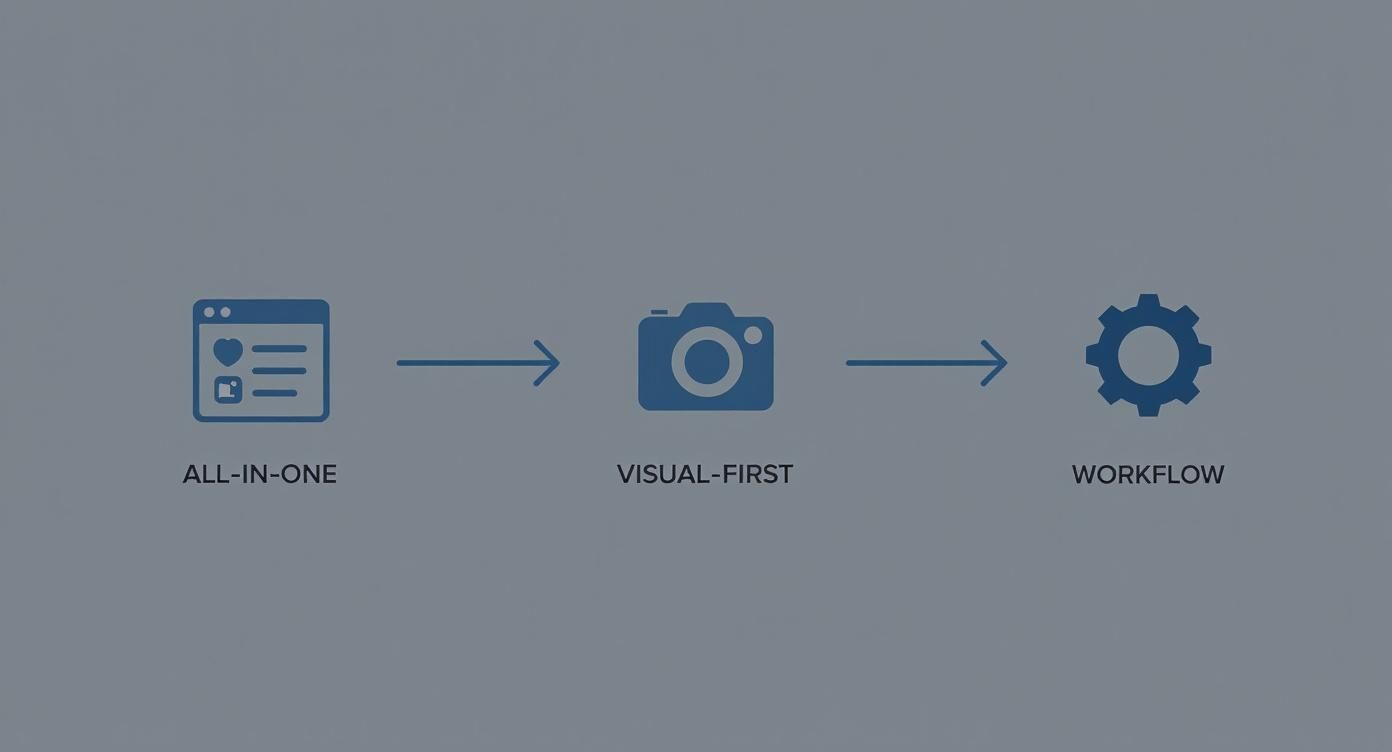
As you can see, your workflow needs—whether you need an all-in-one manager or something more visual—should be what guides your tool selection from the start.
Creating Evergreen Content Queues
Finally, it’s time to build a self-sustaining library of your best timeless content. Evergreen content is stuff that stays relevant long after you first post it, like foundational tips, answers to frequently asked questions, or your most popular blog posts. Most automation tools have a “queue” or “autolist” feature where you can store all of this gold.
Here’s how it usually works:
- Add your best timeless posts to a special evergreen category or queue.
- Set a schedule for the tool to automatically pull from this queue. For example, “post one evergreen tip every Monday and Wednesday at 10 AM.”
- The tool recycles the content, either by re-adding a post to the back of the queue after it’s published or stopping once everything has been shared.
This is a fantastic way to keep your profiles active with high-quality content, filling in the gaps between your new posts and big campaigns. It’s also just a smart way to get more mileage out of the content you already know performs well. This tactic is pretty close to another time-saving strategy you can read about in our guide on what is cross-posting.
Advanced Automation for Better Engagement
Basic scheduling is a great start, but it’s just the beginning. If you really want to get ahead, you need to build smarter, more responsive systems. This is where you move beyond just pushing out posts and start letting automation handle real engagement, freeing you up to focus on the big picture.
The next level is all about “if-this-then-that” logic. The idea is simple: when a specific trigger happens in one app, it automatically kicks off an action in another. This is how you start building powerful workflows that connect all the different tools you use every day.
Creating Powerful If-This-Then-That Workflows
Tools like Zapier are the masters of this. They don’t live inside one social platform; instead, they act as the glue connecting everything. Once you start thinking in terms of triggers and actions, the possibilities are practically endless.
Think about these real-world scenarios:
- Instant Blog Promotion: The second you hit “publish” on a new WordPress post, a workflow automatically crafts and shares a unique announcement to your LinkedIn, Facebook, and X accounts. No more manual copy-pasting.
- High-Priority Mention Alerts: Imagine a tool like Brand24 spots a mention of your brand from an account with over 10,000 followers. A workflow could instantly send a priority notification straight to a specific Slack channel so your team can jump on it immediately.
- Automated Content Sourcing: Every time you save a fascinating article to Pocket, a workflow could add it to a Google Sheet, building a running list of curated content you can draw from for future posts.
Here’s a look at the Zapier interface, which shows just how you can visually connect different apps to build out these custom workflows.
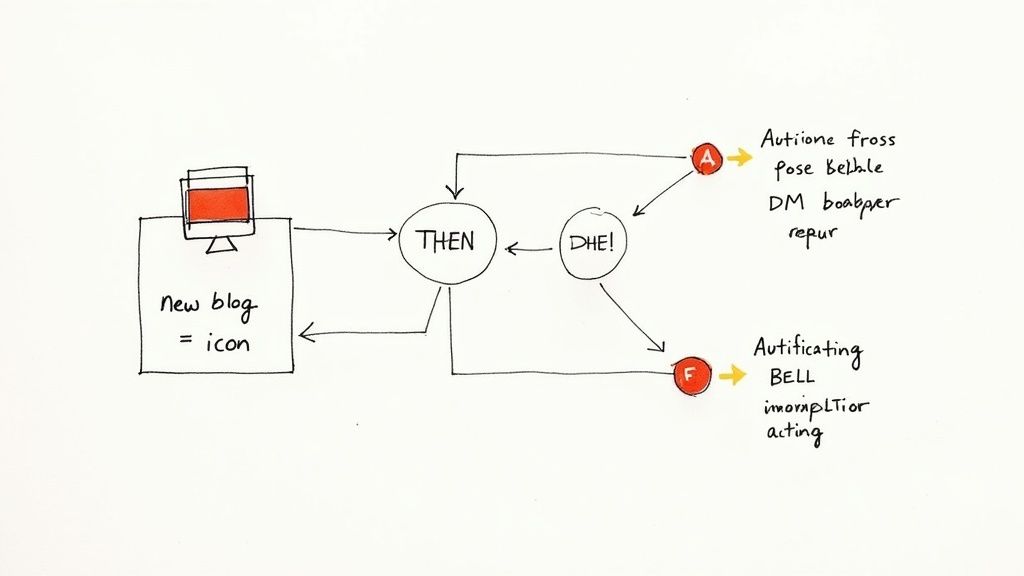
This drag-and-drop approach lets you map out complex automations for social media posts and all the tasks around them without ever having to write a line of code.
Automating Direct Messages for Faster Responses
Another powerful tactic is setting up automated direct message (DM) responses. This isn’t about spamming your followers with generic sales pitches. It’s about giving people immediate, helpful answers to common questions, which has become a huge part of meeting customer expectations.
The pressure to be responsive is real. In fact, 83% of consumers expect a reply to their social media comments within a day. DM automation is a fantastic way to tackle this by handling routine questions instantly.
A practical example: A local restaurant can set up an automated response on Facebook Messenger. When someone messages with keywords like “hours” or “menu,” the bot instantly sends back the opening times and a link to the online menu. This provides immediate value to the customer and saves the staff from answering the same questions all day. It’s a small touch that makes a huge difference. One case study even saw a 329% increase in Instagram lead generation after setting up DM automation. You can find more data on workflow automation trends on kissflow.com.
By automating those first-level support questions through DMs, you free up your team to focus on the more complex conversations that actually build relationships and close sales. It’s a win-win for efficiency and customer satisfaction.
How to Measure Your Automation Success
Getting your social media posts automated is a great first step, but it’s absolutely not a “set it and forget it” deal. If you want to turn that automation into a genuine growth engine, you have to know what’s working and—just as importantly—what isn’t. This is where you move beyond simple scheduling and start making smart, data-driven decisions.
The best place to begin is right inside your tool’s analytics dashboard. It’s easy to get lost in a sea of numbers, so my advice is to ignore the noise and focus on the few metrics that actually tell a story about your performance.
Key Metrics to Keep an Eye On
Your main goal here is to figure out what your audience actually cares about. By tracking a few crucial data points, you’ll get a clear picture of how your automated content is landing.
- Engagement Rate Per Post: This is your north star. It cuts through vanity metrics like impressions and tells you how many people who saw your post actually cared enough to interact. A high engagement rate is a huge signal that a certain topic, format, or tone is a winner.
- Best Times to Publish: Most scheduling tools will show you peak activity times for your specific audience. This is gold. Tweak your posting schedule based on this data to make sure your content goes live when it has the best shot at being seen.
- Audience Growth: Is your steady stream of content actually bringing new people in? Keep an eye on your follower growth week-over-week. If it’s trending up, you know your consistent presence is paying off.
- Click-Through Rate (CTR): For anyone sharing links—whether to a blog post or a product page—CTR is everything. It tells you point-blank how well your captions and visuals are compelling people to take that next step.
With global social media ad spending now north of USD 276 billion, it’s obvious these platforms are serious business. Automation is how you stay competitive, and tracking these numbers is how you optimize every dollar and minute you spend. You can discover more insights about social media ad spend on inbeat.agency.
Think of your analytics less like a report card and more like a roadmap. Use the data to guide your next move, ensuring every automated post is smarter than the last one.
Using Data to Refine Your Content Strategy
Once you have the numbers, it’s time to put them to work. And if you really want to get into the weeds, we have a whole guide on calculating and improving your social media engagement rate. Use what you’re learning to constantly sharpen your automation workflow.
A practical example of data-driven refinement: After a month of automated posting, your analytics show that your LinkedIn posts with short video clips get three times the engagement of posts with static images. Your workflow adjustment: You decide to dedicate one “batching” day per month solely to creating 5-7 short videos. You then update your content templates and your bulk scheduling CSV to prioritize video content on LinkedIn, ensuring your most effective content type is consistently scheduled.
Finally, make a habit of auditing your evergreen content queue. Are there posts in there that have gone stale or just don’t hit like they used to? Ditch them. At the same time, find your top-performing evergreen content and make sure it gets recycled more often. This is how you transform a basic scheduler into an intelligent system that learns and improves on its own.
Got questions about social media automation? Most people do. Let’s walk through some of the most common concerns that come up before you jump in.
Will Automating My Posts Make My Brand Seem Robotic?
This is the number one fear I hear, but it’s completely avoidable. The whole point is to automate the task of publishing, not the art of engagement.
Think of your automation tool as a scheduler—that’s it. It handles the repetitive task of getting your content out on time, which frees you up to personally reply to comments, answer DMs, and have real conversations with your audience. It’s a hybrid approach. You automate the predictable parts but handle all the personal interactions yourself to keep that human touch front and center.
Automation should actually make you more human, not less. By taking scheduling off your plate, you get back the time you need for genuine, one-on-one community engagement.
How Often Should I Post When Using Automation?
There’s no single magic number that works for everyone, but if you’re looking for a solid starting point, here’s what works for most brands:
- X (Twitter): 3-5 times per day
- Facebook: 1-2 times per day
- Instagram: 1 time per day
- LinkedIn: 1 time per day
But honestly, the real answer is hiding in your analytics. Your automation tool’s dashboard is your best friend here. Dig into the data. Are posts at 10 AM getting more engagement than those at 3 PM? Let your audience’s behavior be your guide. Adjust your schedule based on what the numbers tell you.
What Is the Biggest Mistake to Avoid?
The single biggest mistake is “setting it and forgetting it.” Never, ever automate your engagement.
You still have to monitor notifications, check your inbox, and respond to your community. Automation is a tool for consistency, not an excuse to disappear.
Another huge misstep is cross-posting the exact same message everywhere. A caption that sounds perfectly polished and professional on LinkedIn is going to feel stiff and out of place on Instagram. Always take a minute to tweak the message, visuals, and hashtags for each platform’s unique audience and style. Your tool schedules the content, but you still own the strategy.
Ready to build a consistent social media presence without the grind? Postful is an AI-powered tool designed for founders and creators who do it all. Get curated post ideas and smart templates to jumpstart your content, so you can show up regularly and grow your reach with less effort. Join the waitlist at https://postful.ai to secure your spot.