Tag: content creation tools

  • 12 Best AI Powered Marketing Tools to Boost Productivity in 2026

    12 Best AI Powered Marketing Tools to Boost Productivity in 2026

    In today's competitive market, staying ahead means working smarter, not harder. AI powered marketing tools are no longer a futuristic luxury but an essential part of a modern marketer's toolkit, especially for busy founders, side-hustlers, and small teams. These platforms automate repetitive tasks, generate creative ideas on demand, analyze complex data, and personalize customer experiences at a scale that was once unimaginable for smaller operations.

    The primary challenge isn't a lack of options, but rather an overwhelming number of them. The goal isn't just to do more, but to achieve better results with less friction, freeing you up to focus on strategy and growth. This guide cuts through the noise to bring you a curated list of standout platforms, organized by key marketing functions like content creation, social media management, and analytics. For those looking for AI marketing tools tailored to smaller operations, exploring options like the 12 Best AI Marketing Tools for Small Business can provide a focused starting point.

    This resource is designed to be your definitive guide. You won't find generic marketing copy here. Instead, for each tool, we’ll provide:

    • A one-line summary.
    • Standout AI features and honest limitations.
    • Practical use cases with screenshots.
    • Clear pros, cons, and pricing information.

    Our goal is to give you everything needed to make an informed decision, find the perfect tool for your specific workflow, and integrate it effectively. Let's dive in and find the right AI tools to supercharge your productivity.

    1. Postful

    Best for: Founders, side-hustlers, and solo teams who need to publish high-quality social media content consistently without a dedicated marketing team.

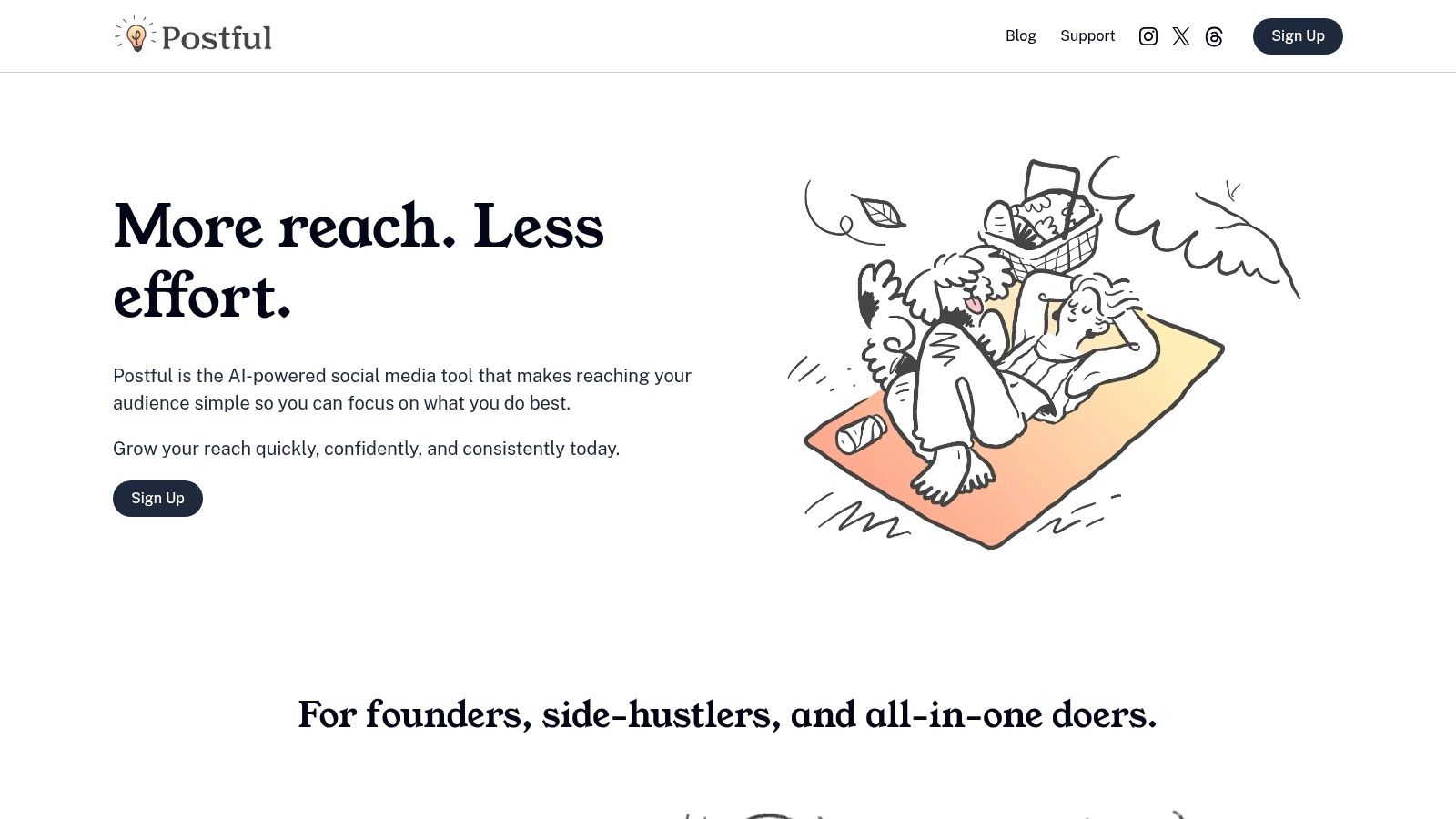
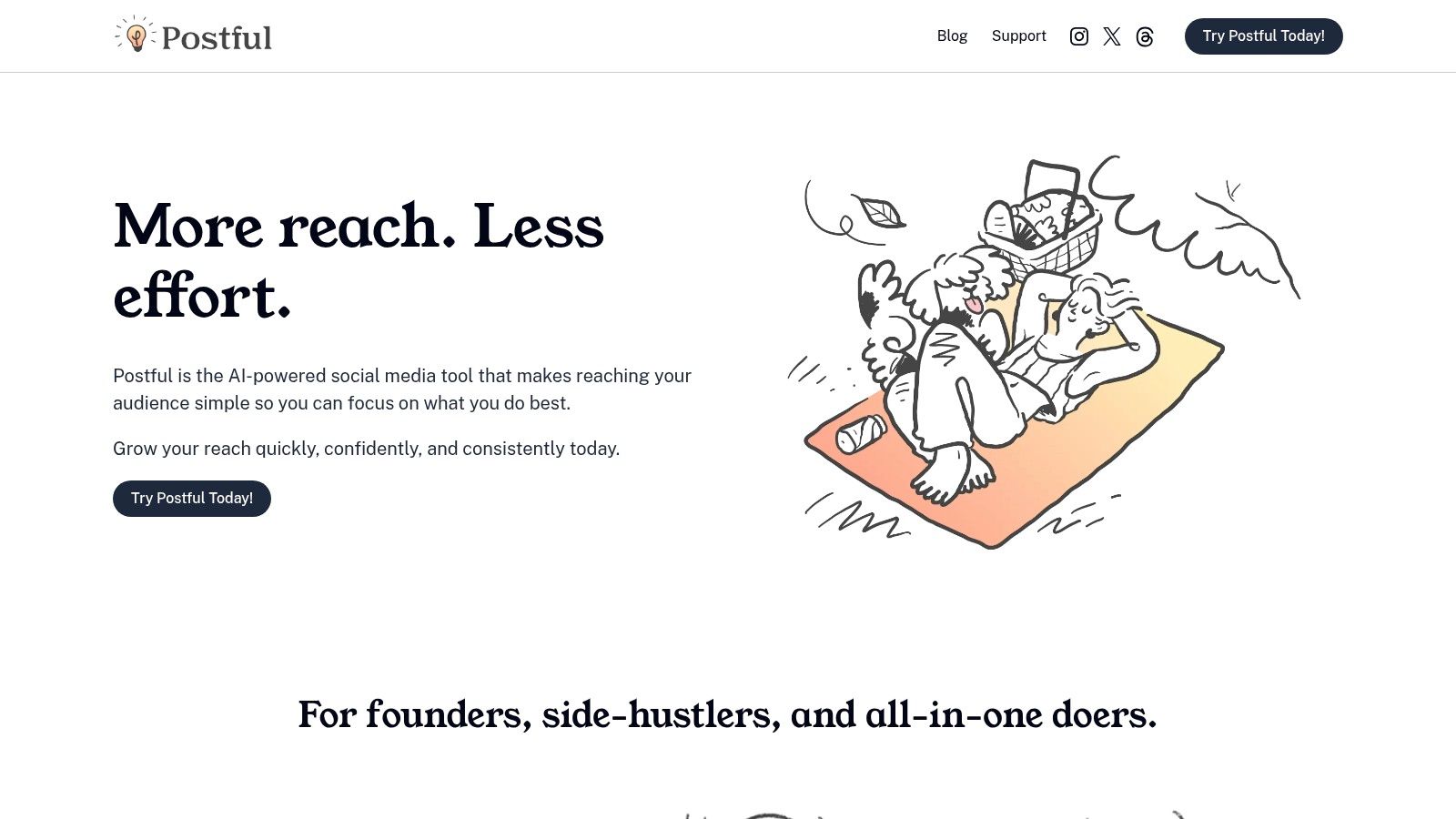
    Postful is an AI-powered social media assistant engineered to solve the core content challenges faced by busy entrepreneurs. It streamlines the entire workflow from ideation to publication, acting as a strategic partner rather than just a simple scheduling tool. Its key differentiator lies in its deep understanding of the solo operator's workflow, combining idea generation, content refinement, and smart automation to eliminate friction and save valuable time. This makes it one of the most practical ai powered marketing tools for individuals juggling multiple business responsibilities.
    Postful

    Key Features & Capabilities

    Postful’s feature set is thoughtfully designed to address the most common social media bottlenecks for founders.

    • AI-Powered Idea Generation: Instead of staring at a blank screen, users get access to curated post ideas and proven templates tailored for business goals like building in public, announcing product updates, or sharing industry insights. This jumpstarts the creative process and ensures content is always relevant.
    • On-Demand Brainstorming & Refinement: This is where Postful truly excels. You can input a raw, half-formed idea, and the AI will expand on it, suggest different angles, or refine the tone to better match your brand voice. It helps elevate simple thoughts into clear, audience-focused messages.
    • Intelligent Automation: The platform automates repetitive tasks like scheduling posts for optimal times and handling routine formatting. This frees up mental energy, allowing you to focus on high-impact activities like customer engagement and product development.

    Practical Use Case

    Imagine you’re a founder who just fixed a critical bug at 10 PM. You know you should share the update with your users on LinkedIn and X (formerly Twitter), but you’re too tired to write a polished post.

    Workflow:

    1. Input Raw Idea: Open Postful and type a simple note: "fixed the login bug that was affecting users."
    2. AI Generation: The AI generates several post variations. For LinkedIn, it might create a professional post explaining the technical fix and reassuring customers. For X, it could generate a concise, relatable version like, "Squashed that annoying login bug! Thanks for your patience. Back to smooth sailing."
    3. Schedule: Choose the best options and let the system schedule them for the next morning. This turns a late-night chore into a valuable communication touchpoint with minimal effort.

    Pricing & Access

    Postful is currently invite-only, and pricing information is not publicly available on its website. To gain access, you need to join the waitlist at postful.ai. This early-access model means that while you may get to use cutting-edge features, you should weigh this against the lack of public case studies or testimonials.

    Pros Cons
    Founder-Focused: Features are specifically designed to solve the content challenges of solo operators and small teams. Invite-Only Access: Cannot be implemented immediately; requires joining a waitlist.
    Reduces Writer's Block: AI-driven templates and idea generation make it easy to create content consistently. Limited Social Proof: The website lacks public customer testimonials or official awards.
    Elevates Content Quality: On-demand brainstorming tools help refine raw ideas into professional, audience-focused messages. No Public Pricing: Difficult to budget for or compare against competitors without getting access.
    Saves Significant Time: Automates scheduling, formatting, and other repetitive tasks to free up founders for core business work.

    2. G2

    G2 is less a single tool and more of a comprehensive B2B software marketplace, making it an essential starting point for discovering and comparing ai powered marketing tools. It aggregates thousands of verified user reviews, allowing you to see how different platforms perform in real-world scenarios before you commit.

    What makes it invaluable is its granular filtering and side-by-side comparison grids. Instead of just browsing, you can drill down into specific categories like "AI Writing Assistants" or "Conversational Marketing" and filter results by company size, user satisfaction ratings, and specific features. This helps cut through the marketing noise to find tools that genuinely fit your business needs. While G2 is free to browse, be mindful that sponsored placements can influence search results, so always sort by "Highest Rated" or "Most Reviews" for a more organic view.

    Key Features & Use Case

    • Standout AI Features: Deep category pages, detailed user review filters, side-by-side comparison grids, and market trend reports.
    • Best For: Marketers and business owners in the research and selection phase, wanting to shortlist and compare tools based on peer experiences.
    • Pricing: Free to access and browse all reviews and comparisons.
    Pros Cons
    Broad coverage of the software market Sponsored listings can skew visibility
    Verified reviews offer authentic insights The sheer number of options can be overwhelming
    Powerful comparison grids for feature analysis Reviews sometimes lack deep technical detail

    Practical Example: You need an AI-driven social media scheduler but are stuck between three popular options. On G2, you can build a comparison grid that directly contrasts their user ratings on "Ease of Use," "Quality of Support," and specific features like "AI Content Generation." You can then read reviews specifically from users at companies of a similar size to yours, giving you a highly relevant preview of your potential experience.

    Website: https://www.g2.com/categories/ai-writing-assistant

    3. Capterra — AI Marketing Tools Directory

    Similar to G2, Capterra serves as a vast software directory, but its dedicated "AI Marketing Tools" category and buyer's guide make it a highly focused resource for this specific niche. It streamlines the discovery process by gathering hundreds of ai powered marketing tools into one filterable, review-backed database. This is ideal for marketers who know they need an AI solution but aren't sure which specific tools exist for their use case.

    What sets Capterra apart is its user-friendly filtering system that lets you zero in on platforms offering specific AI capabilities like content personalization, predictive analytics, or automated copywriting. While it's free for users, Capterra also uses a sponsored listing model, so it’s wise to use the "Sort by" function to view options based on "Highest Rated" or "Most Reviews" to get a more objective look at the landscape.

    Key Features & Use Case

    • Standout AI Features: Dedicated AI marketing software category, granular filters for specific AI capabilities, integrated buyer's guides, and thousands of user reviews.
    • Best For: Small business owners and marketers looking to quickly discover and shortlist AI-specific tools without having to browse through broader, non-AI categories.
    • Pricing: Free to browse, research, and compare software.
    Pros Cons
    Fast and focused discovery of AI marketing tools Sponsored listings can influence the default order
    Transparent labeling of sponsored vendors Pricing information often requires visiting the vendor's site
    User reviews provide valuable real-world context The interface can feel slightly less modern than competitors

    Practical Example: You’re a small business owner wanting to automate your email marketing with AI-driven subject line generation and send-time optimization. Using Capterra, you can navigate directly to the AI Marketing Tools section and apply filters for "Email Marketing" and "AI Writing." This instantly narrows down hundreds of options to a manageable list of contenders that fit your exact requirements, which you can then sort by user rating to see top-performers.

    Website: https://www.capterra.com/ai-marketing-tools-software/

    4. Product Hunt — Marketing topic

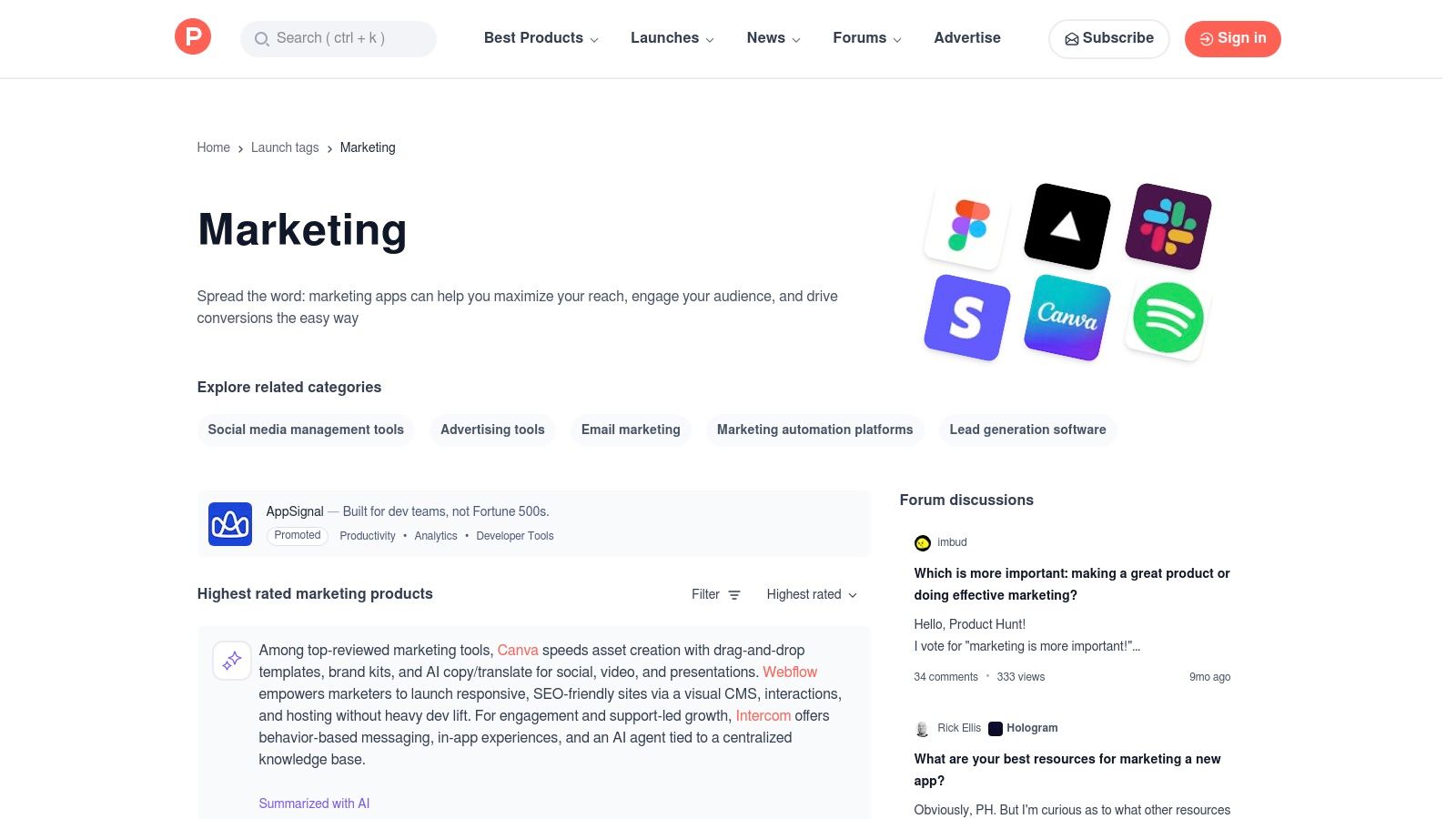
    Product Hunt is the go-to discovery platform for what's new and trending in the tech world, and its marketing topic is a goldmine for finding emerging ai powered marketing tools. It’s a dynamic, community-driven space where makers launch their latest products, allowing you to get a first look at innovative tools before they become mainstream. It’s less of a structured marketplace and more of a real-time feed of what’s exciting the tech community right now.
    Product Hunt — Marketing topic

    What sets Product Hunt apart is the direct interaction with the creators and the raw feedback from early adopters in the comments. You can ask founders questions directly, understand their vision, and read unfiltered user experiences. This makes it an invaluable resource for marketers who want to stay ahead of the curve and discover lightweight, niche tools that solve very specific problems, often before they appear on larger review sites. To get the most out of it, check the daily and weekly leaderboards in the marketing category.

    Key Features & Use Case

    • Standout AI Features: Curated posts and themed roundups (e.g., “AI for marketers”), community comments that surface real-world use cases and caveats, and direct links from posts to product sites for trials.
    • Best For: Marketers, startup founders, and tech enthusiasts looking to discover innovative, early-stage AI tools and get a pulse on the latest industry trends.
    • Pricing: Free to browse, vote, and comment.
    Pros Cons
    Great for discovering innovative, lightweight tools Many products are early-stage and may change or sunset
    Direct access to product creators and feedback Less consistent vetting than established marketplaces
    Free and quick to scan what's trending now Hype can sometimes outweigh long-term utility

    Practical Example: You’re looking for a novel AI tool to generate short-form video ideas for TikTok. Instead of searching on Google, you browse the "Marketing" topic on Product Hunt. You discover a newly launched tool that specifically analyzes trending audio and suggests video concepts. By reading the comments, you see feedback from other social media managers, learn about a hidden feature, and even get a special launch-day discount code directly from the founder.

    Website: https://www.producthunt.com/topics/marketing

    5. AppSumo

    AppSumo is a dynamic deals marketplace that provides access to emerging software, including a wide variety of ai powered marketing tools, often through lifetime deals (LTDs) or steep annual discounts. For marketers and founders on a tight budget, it serves as a high-value launchpad for testing and adopting new AI technology without committing to expensive monthly subscriptions. It allows you to experiment with paid tools that might otherwise be out of reach.

    The platform's value lies in its risk-reduced trial model. Many deals come with a 60-day money-back guarantee, giving you ample time to integrate a tool into your workflow and assess its actual ROI. While the deals are constantly rotating, AppSumo curates collections and editor’s picks, helping you sift through the noise to find vetted AI solutions for content generation, social media automation, and more. To succeed, you must vet the vendors carefully, as some LTDs are from early-stage startups that may pivot or sunset.

    Key Features & Use Case

    • Standout AI Features: Curated deals on AI marketing software, lifetime access models for a one-time fee, and a 60-day refund window for most products.
    • Best For: Startup founders, small business marketers, and side-hustlers looking to build a powerful AI marketing stack on a minimal budget.
    • Pricing: Varies per deal, but typically involves a one-time payment for lifetime access or a heavily discounted annual plan.
    Pros Cons
    Extremely low upfront cost for powerful AI tools Some deals are for new companies that may not be viable
    Refund window allows for risk-free trials The best deals have limited quantities and sell out fast
    Discover innovative, under-the-radar software Requires due diligence to ensure long-term tool quality

    Practical Example: You want to automate your blog's SEO strategy with an AI tool but can't afford a major platform's $99/month fee. On AppSumo, you might find an emerging AI-driven SEO toolkit for a $69 lifetime deal. You can purchase it, use the 60-day guarantee to test its keyword clustering and content optimization features, and if it delivers results, you’ve secured a valuable tool for a fraction of the typical cost.

    Website: https://appsumo.com

    6. Shopify App Store — AI Marketing Apps

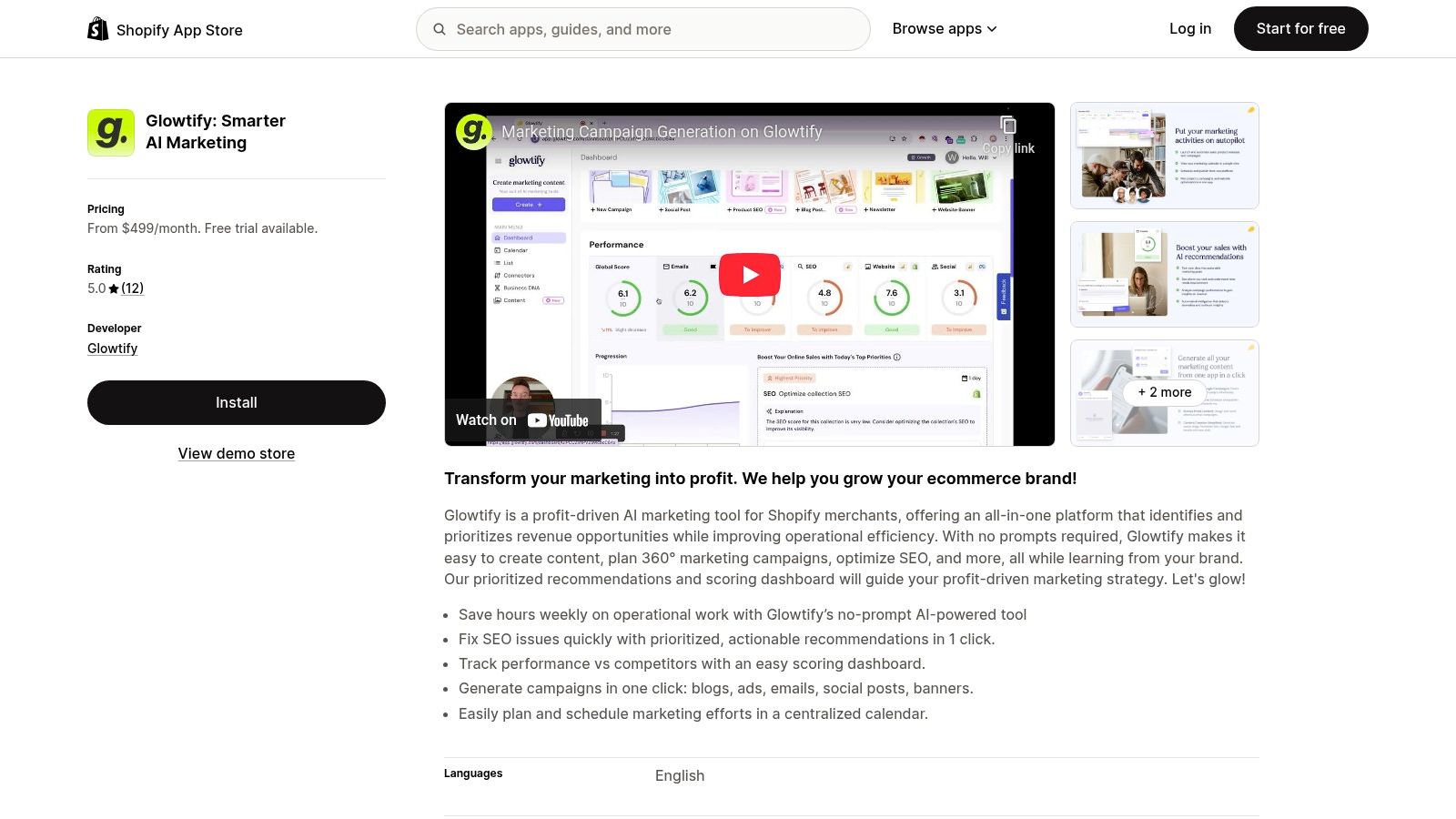
    For ecommerce businesses, the Shopify App Store is less an option and more an essential ecosystem for discovering ai powered marketing tools that integrate natively. It’s a dedicated marketplace where you can find and install apps that plug directly into your store’s backend, covering everything from AI-driven ad creation and SEO optimization to personalized email campaigns and social media content.
    Shopify App Store — AI Marketing Apps

    The primary advantage is the seamless, one-click installation and unified billing process (for US merchants), which removes technical barriers. Instead of wrestling with APIs, you can instantly add capabilities like AI-generated product descriptions or predictive analytics. However, app quality and pricing can vary significantly, so it's crucial to read recent merchant reviews and carefully examine the pricing tiers to avoid unexpected costs. Always check for compatibility with your theme and other key apps.

    Key Features & Use Case

    • Standout AI Features: Native one-click integrations, merchant ratings and reviews, apps for AI product descriptions, SEO, ad creative, and analytics.
    • Best For: Shopify store owners who need tightly integrated, ecommerce-specific AI tools without needing technical setup or external platforms.
    • Pricing: Varies widely from free plans to hundreds of dollars per month, depending on the app's complexity and features.
    Pros Cons
    One-click install and native billing App quality varies widely; research is essential
    Wide selection across SEO, ads, and content Some higher-end AI suites can be costly
    Apps are built specifically for ecommerce needs App conflicts can sometimes arise

    Practical Example: You need to improve the SEO for 500 product listings, a daunting manual task. On the Shopify App Store, you can find an AI-powered SEO app that automatically generates optimized meta titles, descriptions, and alt text for all your products in minutes. You can install it, run the bulk optimization task, and see improvements in your search visibility without ever leaving your Shopify dashboard.

    Website: https://apps.shopify.com/ai-marketing

    7. HubSpot — Marketing Hub + AI

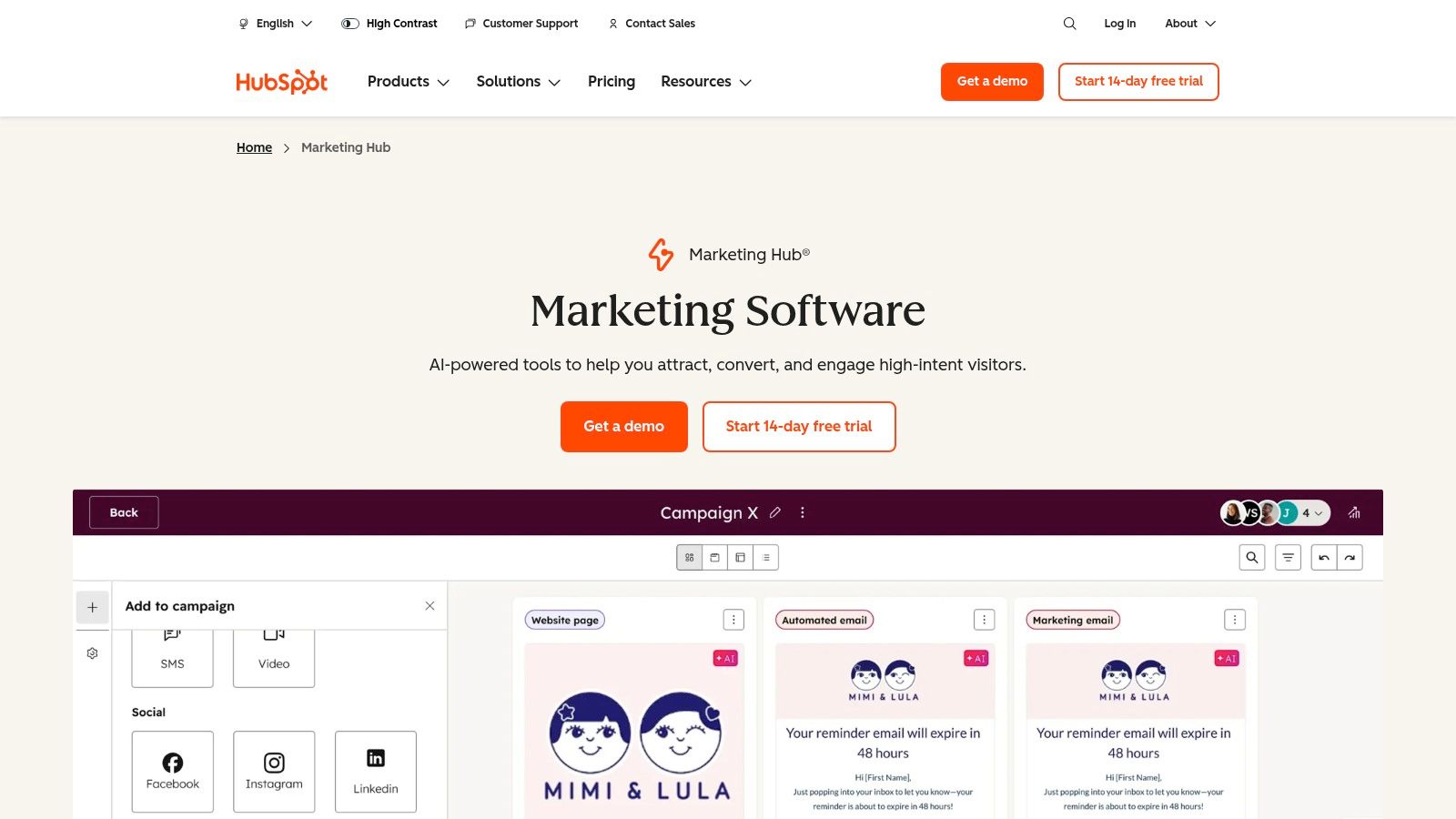
    HubSpot integrates powerful AI assistants directly into its all-in-one marketing platform, making it a go-to for teams that want to combine CRM data with intelligent automation. Instead of using separate ai powered marketing tools, HubSpot embeds AI capabilities for content creation, SEO guidance, social publishing, and workflow automation directly within its Marketing Hub.
    HubSpot — Marketing Hub + AI

    What makes it stand out is the seamless connection between its AI features and its robust CRM. The AI can generate blog posts, social media captions, or email subject lines based on your existing contact data and campaign goals. This unified approach improves campaign coordination and attribution, as every AI-assisted action is tied back to a central customer record, providing a holistic view of performance.

    Key Features & Use Case

    • Standout AI Features: AI content assistant and remixing tools, predictive lead scoring, AI-powered workflow triggers, and SEO topic suggestions.
    • Best For: Small to medium-sized businesses and marketing teams that need an integrated CRM and marketing automation platform with embedded AI functionality.
    • Pricing: Free tools are available. Paid Marketing Hub plans start at $18/month, with professional and enterprise tiers scaling significantly higher.
    Pros Cons
    Unified CRM and marketing data improves personalization Professional and Enterprise tiers introduce complexity
    Strong support, training, and a broad ecosystem Higher tiers can be costly for very small teams
    Multi-channel automation and reporting in one place Onboarding fees may apply for advanced plans

    Practical Example: You need to launch a new email campaign to re-engage dormant leads. Using HubSpot's AI, you can generate five different subject line variations to test. The platform can then analyze your CRM data to suggest the best send times for different segments. As responses come in, AI-powered workflows can automatically route engaged leads to a sales representative, creating a fully automated and intelligent re-engagement process.

    Website: https://www.hubspot.com/products/marketing

    8. Mailchimp — AI Features (Creative Assistant, Optimization)

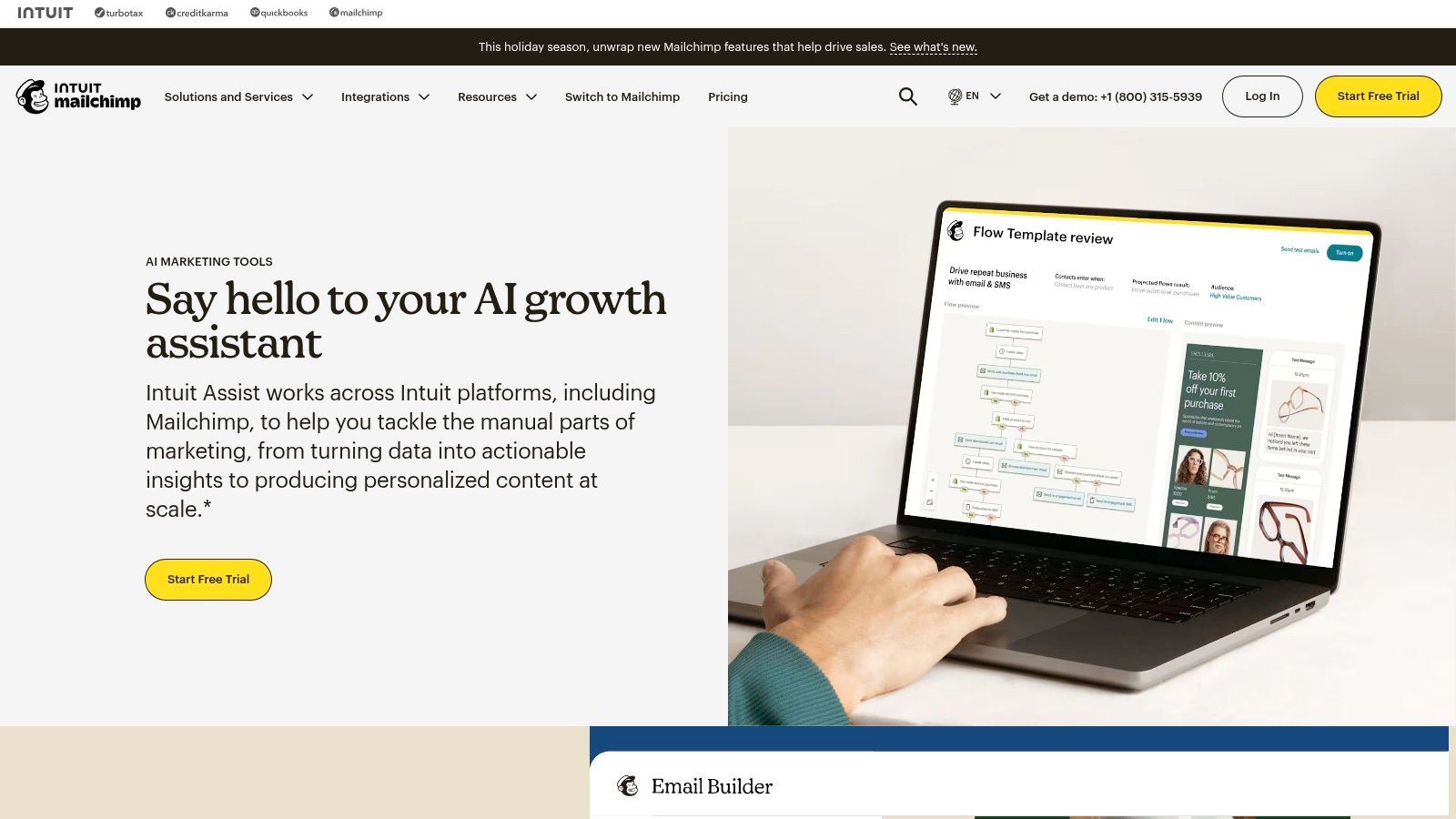
    Mailchimp is a well-known email and marketing automation platform that has integrated ai powered marketing tools to simplify campaign creation for small businesses and creators. Its AI features are designed to be accessible, helping users with everything from on-brand design generation to content optimization directly within its familiar interface.
    Mailchimp — AI Features (Creative Assistant, Optimization)

    What makes Mailchimp's approach valuable is its focus on creative assistance. The Creative Assistant can generate entire design concepts based on your brand assets, saving significant time for those without a dedicated designer. Higher tiers unlock a Content Optimizer that analyzes email copy against millions of campaigns, providing data-backed suggestions to improve engagement, tone, and readability before you hit send.

    Key Features & Use Case

    • Standout AI Features: Creative Assistant for automated on-brand designs, AI-driven content and subject line suggestions, and a Content Optimizer for copy analysis.
    • Best For: Small business owners, content creators, and solo marketers who need an all-in-one platform with built-in, easy-to-use AI for creating and improving email campaigns.
    • Pricing: A limited free plan is available. Paid plans with more advanced AI features start at $13/month.
    Pros Cons
    Familiar, all-in-one marketing experience Free plan limits have become more restrictive
    Robust templates and analytics for small teams Advanced AI features are on higher-priced tiers
    AI tools are well-integrated and easy to use Not as powerful as dedicated AI writing tools

    Practical Example: You're a small e-commerce store owner launching a new product. Using Mailchimp's Creative Assistant, you can input your brand colors, logo, and a product image. The AI will instantly generate several email design options that are already on-brand. You then use the AI subject line generator to create a few compelling options and check the Content Optimizer for suggestions to make your announcement more persuasive.

    Website: https://mailchimp.com/features/creative-assistant/

    9. Jasper

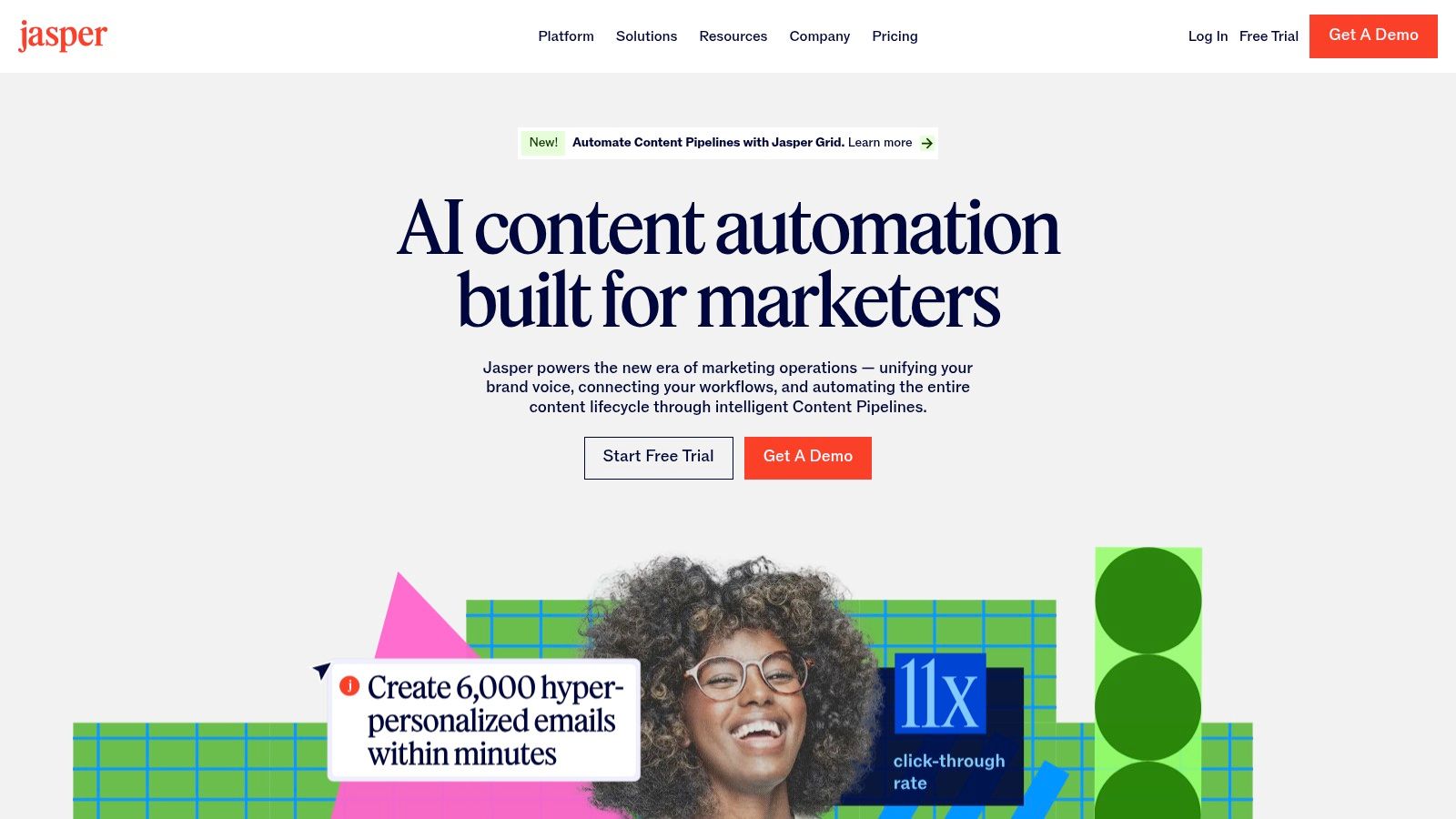
    Jasper is a sophisticated AI marketing platform built to create on-brand content at scale, moving beyond generic text generation. Its core strength lies in establishing and enforcing a consistent brand voice, making it a powerful ally for businesses that need all content, from social media posts to ad copy, to sound cohesive and authentic.

    Where many ai powered marketing tools focus solely on output, Jasper provides robust governance features. Its Brand Voice and IQ tools learn your style, terminology, and messaging from existing content, ensuring every new piece aligns with your identity. This makes it ideal for teams where multiple people are creating content and brand consistency is non-negotiable.
    Jasper

    Key Features & Use Case

    • Standout AI Features: Brand Voice & IQ for style enforcement, marketing-focused AI agents, Canvas for campaign planning, and Studio for building custom workflows.
    • Best For: Marketing teams, from startups to enterprises, that need to scale content creation without sacrificing brand consistency and voice.
    • Pricing: Starts at $39/month (Creator plan), with higher-tier Teams and Business plans offering advanced features and custom pricing.
    Pros Cons
    Strong controls for voice and style consistency Advanced features are gated in higher-tier plans
    Designed around marketer workflows Enterprise capabilities require custom pricing
    Excellent for producing a high volume of on-brand content Can have a steeper learning curve than simpler tools

    Practical Example: A B2B tech company needs to launch a multi-channel campaign for a new product. Using Jasper’s Canvas, the marketing manager can map out the entire content flow, from initial blog posts to follow-up email sequences and social media announcements. They can then assign agents to generate each piece of content, knowing that the Brand Voice feature will ensure every headline, tweet, and email body maintains the company's formal, expert tone.

    Website: https://www.jasper.ai

    10. Copy.ai

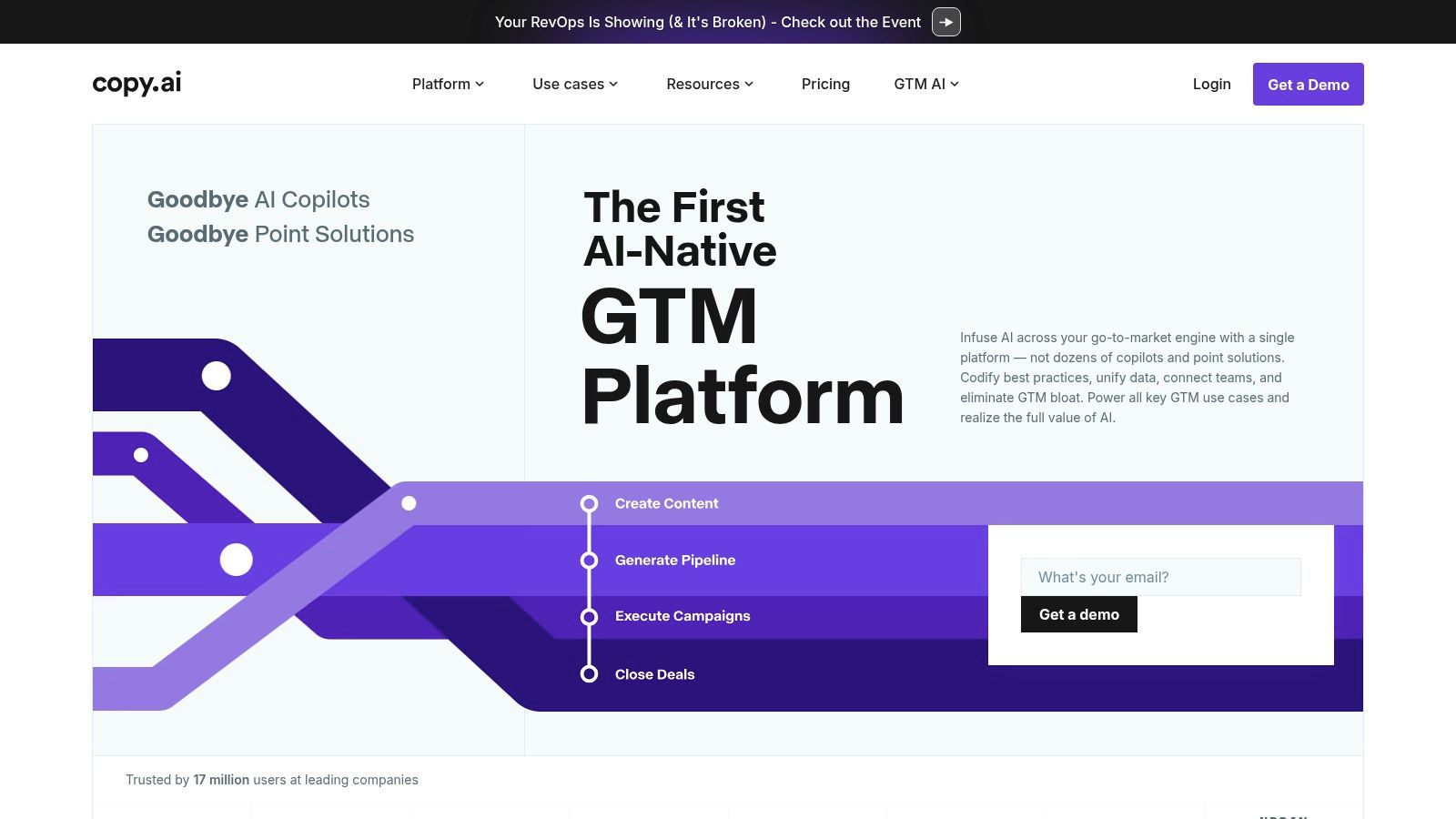
    Copy.ai goes beyond simple text generation by offering configurable workflow "Agents" that automate multi-step marketing and sales tasks. This makes it a powerful choice for teams looking to codify and scale repeatable processes, from initial research to final content distribution. It acts as a content creation hub that combines drafting with intelligent automation.

    What sets it apart is its multi-model access within the chat interface, allowing you to leverage the strengths of different LLMs like those from OpenAI, Anthropic, and Google. For teams that need to generate high volumes of diverse content, this flexibility is a significant advantage. The platform is designed to move users from one-off content requests to building a library of custom, automated workflows.
    Copy.ai

    Key Features & Use Case

    • Standout AI Features: Workflow Agents for automating processes, a chat workspace with access to multiple AI models, and guided team onboarding.
    • Best For: Small teams and marketers aiming to scale repeatable content tasks, like generating social media posts or sales outreach sequences, through automation.
    • Pricing: Starts with a free plan. Paid plans offer more credits and features, starting around $49/month.
    Pros Cons
    Unlimited words in Chat on the entry plan for heavy drafting Workflow credit usage introduces a second meter to track
    Practical for scaling repeatable content creation tasks Higher-tier agent functionality increases cost
    Access to multiple top-tier AI models Can have a steeper learning curve than simpler tools

    Practical Example: A marketing team needs to create a weekly newsletter summarizing five recent blog posts. Instead of manually drafting summaries, they can build a Copy.ai Workflow Agent. This agent is programmed to take five URLs as input, browse each page for key information, draft a concise summary for each, compile them into a newsletter format, and even generate a few social media captions to promote it. This turns a multi-hour task into a one-click process. Learning how to properly prompt these tools is key, you can find more tips on how to write social posts that win clients.

    Website: https://www.copy.ai

    11. Semrush

    Semrush is a heavyweight SEO and competitive intelligence suite that has integrated ai powered marketing tools to supercharge content strategy and traffic growth. While known for its legendary keyword research and backlink analysis, its newer AI features help connect data-driven insights directly to content creation and optimization, making it a comprehensive platform for improving search performance.

    The platform excels at turning complex search data into actionable content briefs and optimization suggestions. Its AI SEO Toolkit, for example, doesn't just find keywords; it helps you structure articles, suggests relevant topics to cover, and analyzes competitor content to find gaps you can exploit. This transforms Semrush from a pure analytics tool into an end-to-end content marketing powerhouse, ideal for businesses serious about improving their content ROI and dominating search results.

    Key Features & Use Case

    • Standout AI Features: AI Writing Assistant, ContentShake AI, topic research clusters, real-time content checking (SEO Writing Assistant), and AI-powered content briefs.
    • Best For: SEO specialists, content marketers, and digital agencies focused on driving organic traffic and using data to inform their content strategy.
    • Pricing: Plans start at $129.95/month, with costs increasing based on users, projects, and access to add-on toolkits.
    Pros Cons
    Trusted, extensive data for search and content strategy Pricing can become expensive with extra users or toolkits
    AI features are well-integrated into the SEO workflow Some advanced features are offered as paid add-ons
    Excellent for competitor analysis and market research The interface can have a steep learning curve for beginners

    Practical Example: You're tasked with writing a blog post about overcoming writer's block. Using Semrush's Topic Research tool, you can enter the main keyword and get AI-generated subtopics and related questions people are asking online. From there, the SEO Content Template analyzes top-ranking pages to give you a blueprint, suggesting a target word count, key semantic terms to include, and backlinks to aim for. This process, which can help you find strategies to beat writer's block, ensures your content is optimized for search before you even start writing.

    Website: https://www.semrush.com

    12. Hootsuite — OwlyWriter AI

    Hootsuite is a long-standing leader in social media management, and its OwlyWriter AI integrates content creation directly into its established scheduling and analytics platform. This makes it one of the most practical ai powered marketing tools for teams looking to streamline their entire social media workflow, from idea to publication, within a single dashboard.
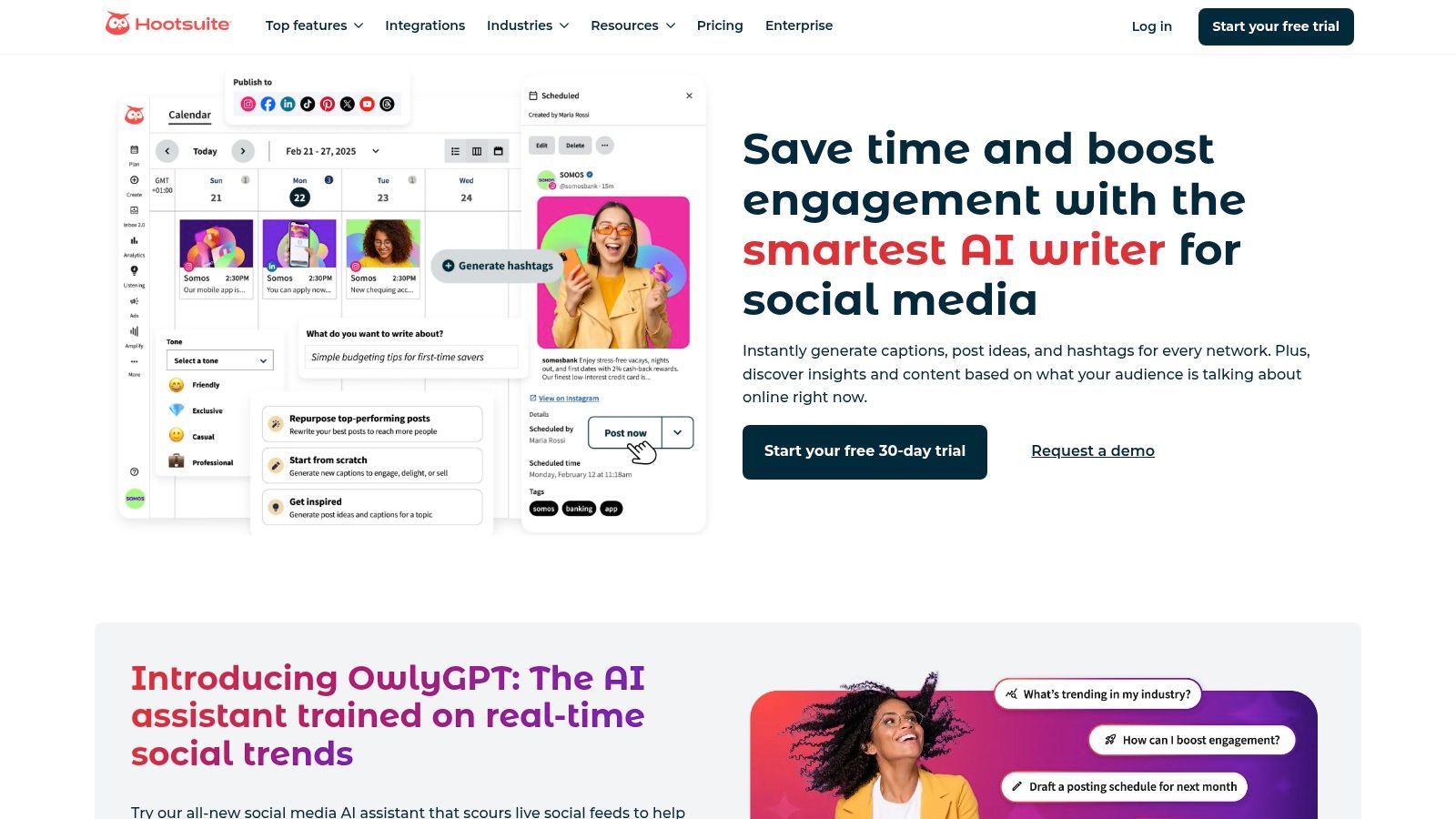
    Hootsuite — OwlyWriter AI

    What makes OwlyWriter AI particularly useful for small teams is its focus on efficiency. Instead of generating content in one tool and pasting it into another, you can create, refine, schedule, and analyze performance without leaving the Hootsuite ecosystem. It helps generate captions, provides post ideas based on a simple prompt, and can even repurpose your top-performing content to maintain momentum. While the AI features are included in Hootsuite plans, be aware that monthly token limits apply, which may require an upgrade for high-volume content creators.

    Key Features & Use Case

    • Standout AI Features: AI-generated caption and post ideas, content repurposing from top-performing posts, and holiday-specific content prompts.
    • Best For: Small business owners and social media managers who want an all-in-one solution for content creation, scheduling, and analytics.
    • Pricing: Included with all Hootsuite plans (starting at $99/month), with token limits that vary by tier.
    Pros Cons
    Pairs AI writing directly with scheduling & analytics Advanced features are locked behind higher-priced plans
    Simplifies maintaining a consistent social cadence Monthly token limits may constrain high-volume users
    Integrated approval workflows for team collaboration AI is more focused on social captions than long-form content

    Practical Example: You have a blog post that performed well and want to promote it again on LinkedIn and Twitter. Using OwlyWriter AI, you can paste the blog post URL and ask it to "create a LinkedIn post" and a "short, punchy Tweet." It will generate platform-specific captions that you can then schedule directly from the Hootsuite composer, turning a multi-step process into a few clicks and helping to improve your organic marketing on Hootsuite.

    Website: https://www.hootsuite.com/platform/owly-writer-ai

    Top 12 AI-Powered Marketing Tools Comparison

    Product Core features Quality ★ Value/Price 💰 Audience 👥 Unique ✨
    🏆 Postful Templates, curated post ideas, on-demand brainstorming, social automation ★★★★☆ 💰 Invite-only — pricing not public 👥 Founders, side-hustlers, solo teams ✨ Founder-focused templates + idea→refine flow, workflow automation
    G2 Review marketplace, category filters, side-by-side comparisons, market reports ★★★★☆ 💰 Free to use (sponsored listings) 👥 B2B buyers shortlisting tools ✨ Deep category pages + Market Movers research
    Capterra — AI Marketing Tools Directory AI-specific directory, buyer's guide, filterable listings, reviews ★★★★☆ 💰 Free directory (sponsored spots) 👥 Buyers researching AI marketing software ✨ AI-focused filters + buyer guidance
    Product Hunt — Marketing topic Launch posts, maker notes, community comments, trending picks ★★★★☆ 💰 Free discovery 👥 Early adopters, founders, makers ✨ Early-stage discoveries + real-world feedback
    AppSumo Rotating deals, LTDs, refund windows, editor roundups ★★★★☆ 💰 Low upfront (deals/LTDs) 👥 Founders, budget-conscious teams ✨ Lifetime/discount deals + refund protection
    Shopify App Store — AI Marketing Apps App listings with features, USD pricing, reviews, native installs ★★★★☆ 💰 Varies by app; native billing 👥 Ecommerce merchants ✨ One-click install + store-native integrations
    HubSpot — Marketing Hub + AI AI content assistant, workflows, CRM integration, reporting ★★★★★ 💰 Free→Pro→Enterprise (higher tiers costly) 👥 SMBs→enterprise marketing teams ✨ Unified CRM + AI + governance for scale
    Mailchimp — AI Features AI Creative Assistant, content optimizer, email automations, templates ★★★★☆ 💰 Low entry; advanced AI on paid tiers 👥 Small businesses, creators ✨ AI-driven design + email ecosystem
    Jasper Brand Voice, marketing agents, Canvas/Studio for custom flows ★★★★☆ 💰 Mid→Enterprise (higher tiers pricier) 👥 Marketers, agencies, brands ✨ Brand governance + marketing-focused agents
    Copy.ai Multi-model chat workspace, workflow/agent automation, team onboarding ★★★★☆ 💰 Mid-priced; entry plan generous (unlimited words) 👥 Small teams, content creators ✨ Multi-model access + workflow agents
    Semrush SEO, content & social analytics, AI SEO Toolkit, reporting ★★★★★ 💰 Subscription + paid add-ons 👥 SEO teams, agencies ✨ Data depth + AI toolkits for content strategy
    Hootsuite — OwlyWriter AI Integrated AI writer, caption rewriting, post repurposing, scheduling ★★★★☆ 💰 Included in plans; token limits may require upgrade 👥 Social managers, small teams ✨ AI writing embedded with scheduling & approvals

    Putting It All Together: Choosing and Integrating Your AI Marketing Stack

    We've explored a wide array of AI-powered marketing tools, from comprehensive platforms like HubSpot to specialized content creators like Jasper and social media managers like Postful. The sheer volume of options can feel overwhelming, but the goal isn't to adopt every tool on the list. The real power lies in strategically selecting and integrating a few key platforms to build a cohesive, intelligent marketing engine that works for you, not against you.

    The journey from a list of tools to a functional AI marketing stack begins with a simple, honest audit of your current workflow. Where are you spending the most time for the least return? What tasks consistently fall to the bottom of your to-do list? Identifying your biggest bottleneck is the crucial first step.

    Start with Your Biggest Pain Point

    For many startup founders and small business owners, the primary challenge is consistent, high-quality content creation, especially for social media. The "what do I post today?" dilemma is a significant drain on creative energy and time. In this scenario, your first move should be to adopt a 'hero' tool that directly solves this problem.

    A platform like Postful is an ideal starting point. It's designed to tackle the blank page problem head-on with AI-driven idea generation and template creation. By automating the foundational aspects of social media management, you immediately free up valuable hours that can be reinvested into other critical business areas. Once you've mastered this core tool and established a consistent content rhythm, you can begin to build outwards.

    Build Your AI Stack Incrementally

    The key to avoiding tool fatigue is to build your stack one piece at a time. Each new tool should complement your existing workflow and solve the next most pressing problem. Think of it as a logical progression:

    1. Solve for Content: You've implemented a tool like Postful or Jasper and are now producing consistent content.
    2. Solve for Distribution: Next, you might integrate an AI-powered email marketing tool like Mailchimp to nurture the audience you're building on social media. You can repurpose your successful social posts into newsletter content, creating a seamless cross-channel experience.
    3. Solve for Analysis: With content and distribution in place, how do you measure what's working? This is where analytics tools come in. You could leverage Semrush to understand the SEO impact of your blog content or explore more specialized solutions. For instance, when building a comprehensive AI marketing stack, don't overlook specialized solutions; exploring the Best AI Search Tracker Tools can significantly enhance your monitoring capabilities.
    4. Solve for Optimization: Finally, use AI-driven ad platforms or A/B testing features to refine your messaging and maximize your return on investment. This creates a virtuous cycle of creation, distribution, analysis, and optimization, all powered by AI.

    Final Considerations for Implementation

    As you integrate these powerful AI marketing tools, keep a few guiding principles in mind. Always prioritize tools with intuitive user interfaces that reduce your cognitive load. Look for platforms that offer robust integrations, allowing your 'stack' to communicate and share data effectively. Most importantly, remember that AI is a co-pilot, not an autopilot. Your unique brand voice, strategic oversight, and human creativity are the essential ingredients that make these tools truly effective. By starting small, focusing on your most significant challenges, and building your stack with intention, you can transform this technology from a novelty into the most productive member of your team.


    Ready to conquer your social media and reclaim your time? Postful is the AI-powered marketing tool designed specifically for busy founders and creators. Stop staring at a blank screen and start generating, scheduling, and publishing engaging content in minutes. Try Postful today and turn your content creation from a chore into a growth engine.
  • Social media tips for small business: 8 quick ideas to boost growth

    Social media tips for small business: 8 quick ideas to boost growth

    For small business owners, founders, and side-hustlers, social media often feels like a full-time job you didn't sign up for. The pressure to be everywhere, create constantly, and engage endlessly can lead to burnout and inconsistent results. It's a common cycle: you post sporadically, see minimal return, and wonder if the effort is even worthwhile. The problem isn't a lack of effort; it's the absence of an efficient, repeatable system.

    This guide is designed to break that cycle. We've compiled 10 powerful, productivity-focused social media tips for small business owners who need to achieve more with less. Forget generic advice like "be authentic" or "post more." Instead, we're diving deep into actionable workflows, strategic content pillars, and smart analytics that transform your social media from a time-consuming chore into a reliable growth engine. You'll learn how to master platform-specific content, leverage user-generated content for social proof, and build a community that actually cares about your brand.
    We'll cover everything from establishing a data-driven posting schedule to implementing time-saving content creation methods. To truly stop guessing and start growing, leveraging dedicated social media productivity tools can be a game-changer. For instance, using a platform like the Saucial productivity app can help you streamline content planning, scheduling, and analysis, putting these strategies into practice more effectively. This playbook is your blueprint for building a consistent, impactful presence without sacrificing focus on your core business operations. Let's get started.

    1. Establish a Consistent Posting Schedule

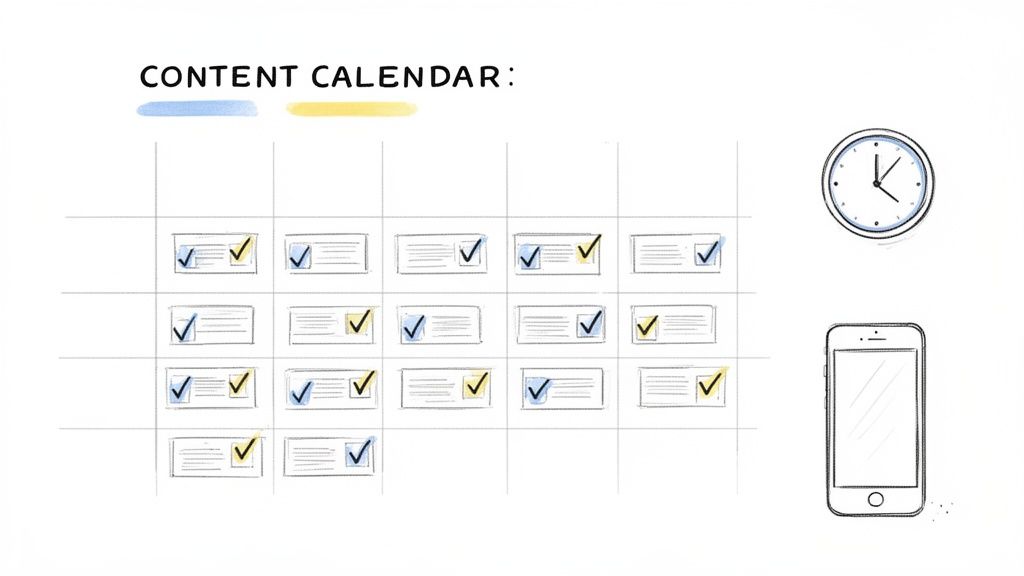
    One of the most impactful yet overlooked social media tips for small business owners is creating and sticking to a consistent posting schedule. This isn't just about posting frequently; it's about establishing a reliable rhythm that your audience can count on. When followers know when to expect new content, they are more likely to engage with it, boosting your visibility and building a loyal community around your brand.

    A whiteboard illustration shows a content calendar grid with tasks, a clock, and a smartphone.

    Consistency also signals to social media algorithms that you are an active and valuable contributor. Platforms like Instagram and LinkedIn prioritize content from active accounts, meaning a steady schedule can directly improve your organic reach. For example, a local bakery that posts its "Daily Special" every morning at 8 AM builds an expectation that drives morning traffic. A consultant who posts a "Tuesday Tip" video every week becomes a reliable resource in their industry.

    How to Implement a Consistent Schedule

    For a busy small business owner, consistency can feel daunting. The key is to work smarter, not harder. Instead of scrambling for content daily, dedicate a few hours each week or month to batch-create and schedule your posts in advance. This workflow frees up your mental energy for other critical business tasks. A simple productivity workflow could be dedicating every Monday morning to planning, creating, and scheduling all social media for the week.

    Here are actionable steps to get started:

    • Start Small: Aim for a manageable goal, like 3-4 posts per week on your primary platform. It's better to be consistent with three posts than sporadic with seven.
    • Time It Right: Use your platform's native analytics (like Instagram Insights or Facebook's Meta Business Suite) to identify when your audience is most active and schedule your posts for those peak times.
    • Batch Your Content: Use tools like Postful, Buffer, or Later to design, write, and schedule a week's worth of content in a single session. This is a game-changer for productivity. Find out more about how to effectively schedule social media posts and reclaim your time.
    • Create a Buffer: Work towards building a 2-4 week content buffer. This means having your posts ready and scheduled weeks in advance, which eliminates the daily pressure and protects your schedule from unexpected disruptions.

    2. Leverage User-Generated Content (UGC) and Social Proof

    One of the most powerful social media tips for small business owners is to harness the voice of your customers. User-Generated Content (UGC) refers to any content created by your audience, including photos, videos, reviews, or testimonials featuring your products or services. Leveraging UGC not only provides a steady stream of authentic content but also builds powerful social proof that influences potential buyers and fosters a loyal community.

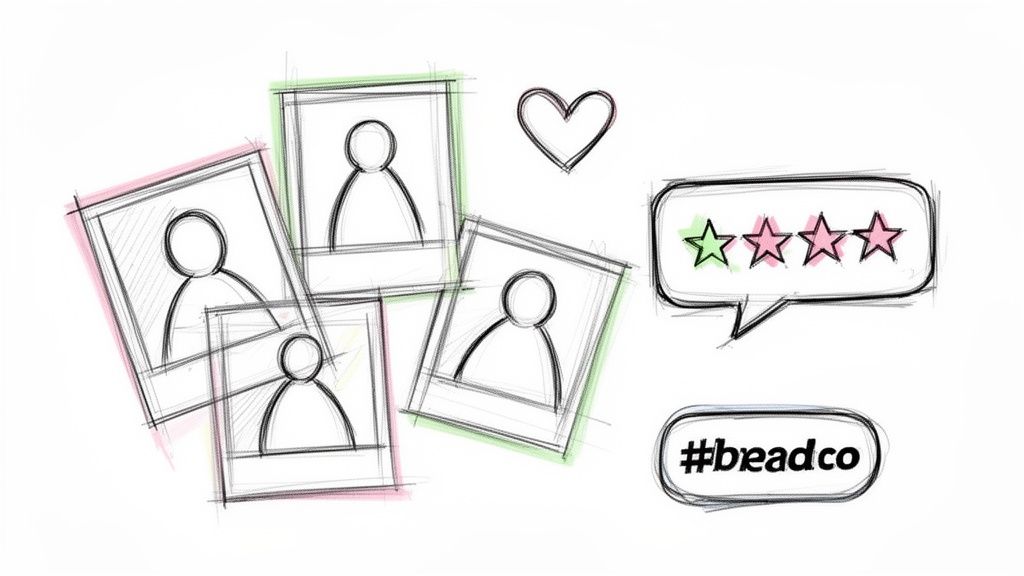
    Hand-drawn sketches illustrating social media engagement: user profiles, a like heart, customer ratings, and a branded hashtag.

    When prospective customers see real people enjoying your brand, it builds trust far more effectively than traditional advertising. Brands like GoPro have built their entire marketing strategy around thrilling customer videos, while Glossier’s #GlossierGirl campaign sources a majority of its content directly from its community. A practical example for a small business could be a local coffee shop reposting customers' latte art photos, tagging them, and adding it to a "Customer Creations" Instagram Story Highlight.

    How to Implement a UGC Strategy

    Encouraging customers to create content for you requires a proactive and organized approach. The goal is to make it easy and rewarding for them to share their experiences. To truly leverage the power of your audience, it's essential to understand what User-Generated Content (UGC) is and how it works as a powerful growth engine.
    Here are actionable steps to get started:

    • Create a Branded Hashtag: Develop a simple, memorable hashtag (e.g., #YourBrandInTheWild) and promote it across your bio, packaging, and posts. This organizes all UGC in one place.
    • Feature Customers Regularly: Dedicate a specific content slot, like "Fan Photo Friday" or a weekly testimonial Story, to showcase customer content. This recognition encourages more submissions.
    • Ask for Permission: Always ask for permission before reposting a customer's content. A simple direct message shows respect and appreciation for their contribution. A productive workflow is to create a template message you can copy and paste to save time.
    • Incentivize Participation: Offer a small incentive like a chance to be featured, a 10% discount on a future purchase, or entry into a giveaway for customers who use your hashtag. You can learn more about the benefits of UGC and how to incorporate it into your strategy.

    3. Master Platform-Specific Content Optimization

    A common mistake small businesses make is broadcasting the exact same message across every social media channel. This "one-size-fits-all" approach ignores the unique culture, algorithm, and user expectations of each platform. Mastering platform-specific content optimization is one of the most crucial social media tips for small business owners looking to maximize their ROI and connect authentically with different audience segments.

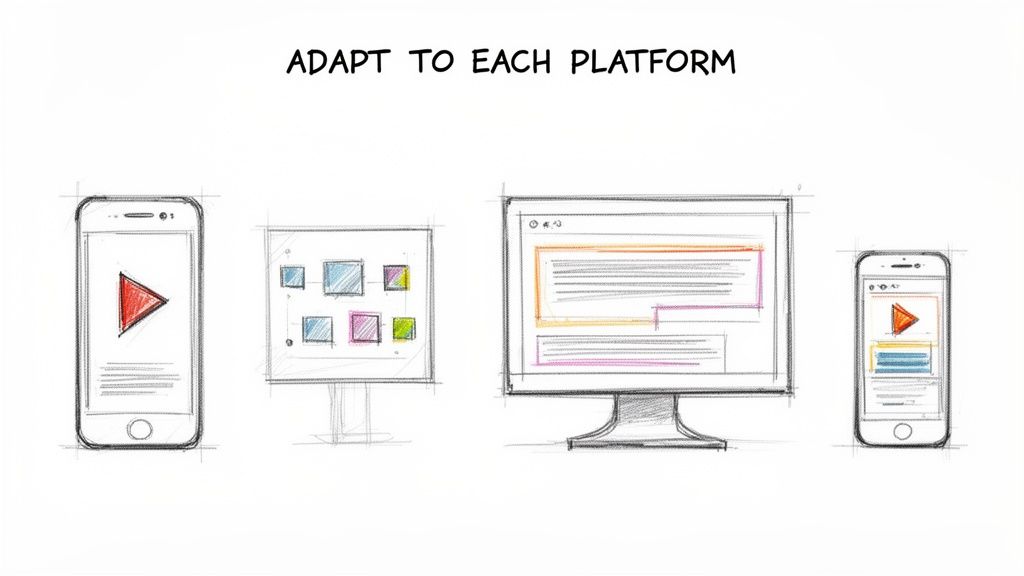
    Sketch drawing showing digital content adapting across various screens like smartphones, tablets, and desktops.

    Treating each platform as its own distinct marketing channel dramatically improves engagement. A professional case study that thrives on LinkedIn would likely fall flat on TikTok, where users expect quick, entertaining vertical videos. For example, a marketing agency could post a detailed client success story on LinkedIn, then turn the top 3 results into a quick, text-on-screen Instagram Reel set to trending music. Same core message, optimized for two different platforms.

    How to Implement Platform-Specific Optimization

    Optimizing for each platform doesn't mean creating entirely new campaigns from scratch every time. It's about strategically adapting a core message or piece of content to fit the native language of each channel. This workflow saves time while respecting platform nuances.

    Here are actionable steps to get started:

    • Adopt a "Create Once, Distribute Everywhere" Mindset: Start with a primary piece of content, like a vertical video. That video can be used on TikTok, Instagram Reels, and YouTube Shorts. Then, adapt its key points into a text post for LinkedIn, a carousel for Instagram, and a quick-fire thread for Twitter.
    • Tailor Your Captions: A long, detailed caption works wonders on LinkedIn for thought leadership. The same message should be condensed into a punchy, conversational tweet or an emoji-filled caption for Instagram. Use a tool like ChatGPT to quickly reformat a long caption for different platforms by providing a prompt like, "Rewrite this LinkedIn post as a short, engaging Tweet."
    • Research Native Trends: Dedicate 15 minutes weekly to explore what's trending on each platform. Use trending audio on TikTok and Reels, participate in relevant conversations on Twitter, and use industry-specific hashtags on LinkedIn.
    • Analyze Performance by Channel: Use each platform's native analytics to see what content types are performing best. If educational carousels drive the most saves on Instagram, double down on that format. If quick polls get high engagement on Twitter, make them a regular feature.

    4. Use Data-Driven Content Strategy and Analytics

    One of the most effective social media tips for small business owners is to shift from guessing to knowing what content works. A data-driven strategy means using analytics to understand your audience and performance, allowing you to create more of what resonates and less of what doesn't. This approach removes the guesswork, ensuring your limited time and resources are invested in activities that produce tangible results like engagement, clicks, and sales.

    Analytics reveal the story behind your posts. By tracking key metrics, you can identify patterns, optimize your content, and make informed decisions that directly contribute to business growth. For example, if you notice your behind-the-scenes videos get twice as many comments as product photos, your data is telling you to create more of that authentic, process-oriented content.

    How to Implement a Data-Driven Strategy

    Diving into analytics doesn't require a data science degree. Modern social media platforms have built-in dashboards that make it easy to start tracking what matters. The goal is to create a simple feedback loop: post, measure, learn, and repeat. A productive workflow is to schedule a 30-minute "analytics review" on the first of every month to identify the top 3 posts and bottom 3 posts from the previous month.

    Here are actionable steps to get started:

    • Identify Core Metrics: Start by tracking 3-5 key metrics for each platform. Focus on engagement rate (likes, comments, shares divided by followers), reach, and website clicks. These provide a clearer picture of performance than vanity metrics like follower count alone.
    • Review Regularly: Dedicate 30 minutes each week or month to review your analytics using your platform’s native tools (like Meta Business Suite or LinkedIn Analytics). Look for top-performing posts and identify common themes, formats, or topics.
    • A/B Test Systematically: Test one variable at a time to see what performs best. For example, post the same link with two different captions or use two different visuals for a similar message on different days to see which gets more engagement.
    • Document Your Findings: Create a simple spreadsheet or a document called a "Content Playbook" to note what works. A practical example would be a note like: "Reels with trending audio posted on Wednesdays at 11 AM get the highest reach. Carousels with 5+ slides get the most saves." Use these insights to guide future content creation.

    5. Create Valuable, Educational Content (The 80/20 Rule)

    A common mistake small businesses make on social media is treating their feed like a constant sales pitch. One of the most effective social media tips for small business owners is to adopt the 80/20 rule: dedicate 80% of your content to providing value and 20% to direct promotion. This strategy shifts your role from a seller to a trusted resource, building an engaged community that is more receptive when you do present an offer.

    When you consistently educate, entertain, or inspire your audience, you build authority and trust. For example, a financial advisor could post tips on budgeting (80% value) and only occasionally post about their consultation services (20% promotion). A graphic designer could share free font pairings or color palettes, building trust before promoting their design packages. This value-first approach turns your social media into a destination rather than just an advertisement.

    How to Implement the 80/20 Rule

    Implementing this rule requires a mindset shift from "What can I sell?" to "How can I help?". The goal is to become the go-to expert in your niche. By generously sharing your knowledge, you create an audience that is not only engaged but also pre-qualified and primed to buy from you when the time is right.

    Here are actionable steps to get started:

    • Identify Your Core Teaching Points: Brainstorm and list the top 10 most common questions your customers ask or problems they face. This list becomes the foundation of your educational content library. Use a simple tool like Google Keep or Trello to manage these ideas.
    • Ask Your Audience Directly: Create posts or Stories asking followers, "What's your biggest struggle with [your industry]?" Use their answers to create highly relevant and valuable content they are actively seeking.
    • Batch Your Educational Content: For every 10 posts you plan, ensure eight are purely value-driven. A productive workflow is to dedicate a weekly session to creating and scheduling these eight educational posts, making the two promotional posts easy to sprinkle in later.
    • Repurpose Smartly: Turn one core educational idea (like a blog post or a common question) into multiple social media formats: a carousel post, a short video tip, a text-based insight, and a Story poll. This maximizes your effort and reinforces your message.

    6. Build Authentic Community Through Engagement

    Social media is a two-way street, yet many small businesses use it as a one-way broadcast channel. One of the most powerful social media tips for small business owners is to shift your focus from simply posting content to actively building a community. This means dedicating as much time to engaging with others as you do to creating your own posts. Authentic engagement transforms passive followers into loyal advocates and customers.

    This community-centric approach is a significant competitive advantage. While large corporations often rely on automated, impersonal interactions, a small business can build genuine relationships through personal replies and meaningful conversations. For example, when a customer comments on your post, instead of just "liking" it, reply with a question to continue the conversation. This simple act can dramatically increase loyalty.

    How to Implement Authentic Engagement

    Building a community doesn’t require a massive budget, but it does require a consistent time investment. The goal is to make your audience feel seen and heard. By dedicating specific time slots to engagement, you can make this a manageable and highly rewarding part of your social media strategy.

    Here are actionable steps to get started:

    • Allocate Daily Time: Use a "time-blocking" productivity technique. Set aside just 15-20 minutes each day purely for engagement. For instance, 10 minutes in the morning and 10 in the evening to respond to comments and DMs.
    • Respond to Everyone: Make it a rule to respond to every genuine comment on your posts, ideally within 24 hours. A simple "thank you" or a thoughtful answer to a question shows you value your audience's input.
    • Engage Proactively: Don't just wait for people to come to you. Each day, visit 5-10 accounts of your followers, peers, or ideal customers. Leave thoughtful comments (more than 3 words) on their posts to build relationships and increase your brand’s visibility.
    • Spark Conversations: End your captions with open-ended questions to encourage comments. Practical examples include: "What's your biggest challenge with X?" or "Which of these tips will you try first?"
    • Feature Your Community: Share user-generated content (with permission) or give shout-outs to active community members. This makes your followers feel like valued contributors to your brand story.

    7. Optimize for Video-First Content Strategy

    In today's digital landscape, video content isn't just an option; it's the engine of social media engagement. Shifting to a video-first strategy is one of the most powerful social media tips for small business owners looking to capture attention and drive growth. Platforms like Instagram, TikTok, and YouTube algorithmically prioritize video, which generates significantly higher shares, saves, and conversions compared to static posts.

    A sketch of a smartphone displaying a play button, sound waves, and signal arcs, representing mobile content streaming.

    Short-form vertical video offers the highest return on investment for small businesses. You don't need a Hollywood budget; in fact, authentic, phone-shot videos often outperform polished productions. Practical examples include: a 30-second "how-to" tutorial for your product, a behind-the-scenes look at your workspace, or a quick "tip of the day" video. These are easy to produce and highly engaging.

    How to Implement a Video-First Strategy

    Adopting a video-first mindset is about planning content around motion from the start. Batch production is your best friend here: dedicate a few hours to film multiple short videos at once. A simple workflow is to set aside one afternoon per month to film 10-15 short video clips. You can then edit and post them over the next several weeks.

    Here are actionable steps to get started:

    • Hook Immediately: Capture attention within the first three seconds with a bold statement ("You're using this tool all wrong"), a question ("Ever wonder how to…?"), or compelling visuals.
    • Shoot Vertically: Always record in a vertical 9:16 format. This native format fills the entire screen on mobile devices and works seamlessly across Reels, TikTok, and Shorts.
    • Add Captions: A vast majority of users watch videos with the sound off. Use your platform's built-in text features or a free tool like CapCut to add captions, ensuring your message lands every time.
    • Leverage Trends: Incorporate trending audio and video formats relevant to your niche. This helps algorithms show your content to new, interested audiences.
    • Keep It Simple: A smartphone, a basic ring light ($30), and a tripod are all you need to create high-quality content. Good lighting and stable video are more important than an expensive camera.
    • Batch and Repurpose: Film 5-10 video clips in a single session. You can then edit and repurpose that core footage into multiple different videos, saving immense amounts of time.

    8. Develop a Clear Brand Voice and Storytelling Approach

    One of the most powerful social media tips for small business owners is to develop a distinctive brand voice and a compelling storytelling approach. In a crowded digital space, what you say is just as important as how you say it. A clear voice makes your brand memorable and relatable, building a genuine connection that turns followers into loyal customers. It’s the difference between being just another business and becoming a brand people care about.

    A consistent voice humanizes your business, making it more approachable and trustworthy. Brands like Wendy's have mastered this with their witty and humorous tone, while entrepreneurs like Brené Brown use a voice of vulnerable authenticity to build deep connections. For a small business, this could be a local bookstore with a cozy, intellectual voice or a fitness coach with an energetic, motivational voice.

    How to Implement a Clear Brand Voice

    Defining your voice doesn't have to be complicated. The goal is to create a personality that resonates with your target audience and accurately reflects your business values. This consistency builds brand recognition and fosters a stronger community.

    Here are actionable steps to get started:

    • Define Your Voice: Start by choosing 3-5 adjectives that describe your brand's personality. Are you witty, authoritative, and helpful? Or perhaps warm, encouraging, and inspirational? Write these down as your guide.
    • Document Everything: Create a simple one-page document in Google Docs that outlines your voice, tone, specific phrases to use (or avoid), and your overall storytelling mission. This ensures anyone creating content stays on-brand.
    • Share Your Story: Don't just sell products; share the journey. A practical example is to create a "Founder Story" carousel post explaining the "why" behind your business, including the early struggles and key milestones.
    • Inject Personality: Even educational content can have personality. Use your unique voice to make complex topics engaging. You can find out more about how to define and use your brand voice effectively to build a stronger presence.
    • Be Consistent, Not Identical: While your core voice should be consistent, adapt the tone for each platform. Your professional LinkedIn voice might be slightly different from your fun Instagram voice, but both should still feel like your brand.

    9. Implement a Strategic Hashtag and Keyword Strategy

    Hashtags are not just decorative additions to your posts; they are powerful tools for discoverability. A well-crafted hashtag strategy extends your content's reach far beyond your current followers, connecting you with users actively searching for your products, services, or industry topics. Combining this with keyword-optimized captions transforms your social media profiles into searchable assets.

    This tactic works by categorizing your content and making it visible in relevant discovery feeds and search results. For example, a real estate agent could use broad hashtags like #RealEstate, niche tags like #FirstTimeHomeBuyerTips, and location-specific tags like #ChicagoRealEstate to attract different segments of potential clients.

    How to Implement a Strategic Hashtag and Keyword Strategy

    A successful approach involves more than just tacking on the most popular tags. It requires a balanced mix of broad, niche, and branded hashtags to maximize visibility without getting lost in the noise. This is one of the most effective free social media tips to boost organic growth.

    Here are actionable steps to get started:

    • Create a Balanced Mix: Aim for a blend of broad (e.g., #SocialMediaMarketing), niche (e.g., #SmallBusinessTips), and branded (e.g., #YourBrandNameHere) hashtags. This mix ensures you reach both broad and highly targeted audiences.
    • Research and Save Sets: Use a free tool like Flick or even Instagram's search bar to find relevant hashtags. Create 3-4 distinct sets of 15-20 hashtags in a note-taking app on your phone. Rotate these sets between posts to avoid appearing spammy to the algorithm.
    • Optimize Your Captions: Treat your captions like mini blog posts. Weave in keywords your target audience would use to search for your offerings. For example, instead of "New product available," write "Our new eco-friendly coffee mug is perfect for your morning routine." The keywords "eco-friendly coffee mug" are now searchable.
    • Analyze Performance: Use your platform's built-in analytics to see which hashtags are driving the most impressions and engagement. If a post performed well, check its insights to see the reach from hashtags and reuse the successful ones.

    10. Collaborate and Cross-Promote With Other Creators/Brands

    Strategic partnerships are one of the most powerful social media tips for small business owners looking to grow their audience without a massive ad budget. By collaborating with complementary brands or creators, you can tap into a new, relevant audience that already trusts your partner. This introduces your business to potential customers in a warm, authentic way that paid ads often struggle to replicate.

    These collaborations create shared value and more engaging content. For example, a local coffee shop could partner with a nearby bakery for a co-branded "morning treat" special, cross-promoting it on both their Instagram accounts. A SaaS company that sells an email marketing tool could co-host a webinar with a company that sells a CRM tool.

    How to Implement a Collaboration Strategy

    The key to a successful partnership is finding the right fit and creating mutual value. It’s not about finding a competitor; it’s about finding a business whose audience would genuinely benefit from what you offer, and vice versa. This approach builds community and credibility.

    Here are actionable steps to get started with collaborations:

    • Identify Potential Partners: Create a spreadsheet to list 5-10 complementary, non-competing businesses or creators in your niche. Note their follower count and engagement rate to ensure a good fit.
    • Start Small: Propose a low-risk, high-value initial collaboration, like an Instagram "takeover" where you each post to the other's Stories for a day, or a joint Instagram Live session discussing a topic relevant to both audiences.
    • Ensure Audience Alignment: Before reaching out, verify that your partner's audience demographics and interests overlap with your target customer. Misaligned audiences will result in a poor return on effort.
    • Create Mutual Value: Frame your proposal around what your partner will gain. A one-sided request is unlikely to succeed. Create a simple outreach template that clearly outlines the shared benefits.
    • Plan and Schedule: Use a tool like Postful or a shared Google Calendar to schedule your cross-promotional content in advance. This ensures both partners post on time and maintain a coordinated promotional calendar, maximizing the collaboration's reach and impact.

    10 Social Media Tips Comparison for Small Businesses

    Strategy 🔄 Implementation Complexity ⚡ Resource Requirements 📊 Expected Outcomes 💡 Ideal Use Cases ⭐ Key Advantages
    Establish a Consistent Posting Schedule Low–Medium: set cadence, tooling, and batching process Low ongoing; higher upfront content creation time Steady engagement lift; improved algorithmic visibility Solo founders, busy operators, small businesses needing predictability Builds trust & loyalty; reduces daily pressure; predictable engagement
    Leverage User-Generated Content (UGC) and Social Proof Medium: solicit, curate, and obtain permissions Low cost but needs active customer base and curation time Higher trust and conversion; increased authentic content volume E‑commerce, consumer brands, SaaS, service providers Authentic credibility; reduces content workload; cost-effective
    Master Platform-Specific Content Optimization High: tailor formats, captions, and CTAs per platform Medium–High: time to create varied assets and track updates Significantly higher per-platform engagement and reach Businesses active on multiple platforms Maximizes algorithmic performance and relevance
    Use Data-Driven Content Strategy and Analytics Medium: set up tracking, learn dashboards, run tests Medium: analytics tools and time to collect baseline data Measurable ROI; identifies top-performing content to scale Any business seeking measurable social ROI Eliminates guesswork; enables data-backed decisions
    Create Valuable, Educational Content (80/20 Rule) Medium: requires expertise and thoughtful planning Medium: time for research and consistent production Increased authority, shares, and long-term audience value B2B, SaaS, coaches, consultants, knowledge businesses Builds authority; attracts ideal customers; high organic reach
    Build Authentic Community Through Engagement Medium–High: sustained, meaningful daily interaction High time commitment (daily replies, DMs, participation) Strong loyalty, advocacy, and improved organic reach Early-stage brands, community-driven models, founders Deep audience connection; feedback loop; brand advocates
    Optimize for Video-First Content Strategy Medium: learn video formats and hooks; batch production Medium: minimal equipment OK; time for filming/editing Much higher engagement, shares, and cross-platform repurposing Consumer brands, creators, coaches; all wanting high reach Highest ROI format; favored by platform algorithms
    Develop a Clear Brand Voice & Storytelling Approach Medium: define voice, document guidelines, and apply Low–Medium: time to craft and maintain consistency Strong differentiation, memorability, deeper emotional connection Personal brands, founders, SMBs aiming to stand out Distinct identity; faster content creation; builds trust
    Implement a Strategic Hashtag & Keyword Strategy Low–Medium: research, rotate sets, monitor trends Low: subscription tools optional; modest time investment Improved discoverability and incremental reach All small businesses seeking organic discovery Low-effort, high-ROI; reveals audience language
    Collaborate & Cross-Promote With Other Creators/Brands Medium: find partners, align goals, coordinate promotion Low–Medium: relationship time; minimal ad spend required Expanded reach, credibility via association, shared audiences B2B, SaaS, creators, coaches, brands seeking growth Amplifies reach cost-effectively; creates unique content

    Your Next Step: From Plan to Action

    We've explored a comprehensive blueprint of social media tips for small business owners, moving from foundational strategies like consistent scheduling and brand voice development to advanced tactics like video-first content and strategic collaborations. The sheer volume of advice can feel overwhelming, but the goal isn't to implement all ten tips overnight. True progress comes from strategic, incremental action.

    Think of these tips not as a rigid checklist, but as a flexible toolkit. Your mission now is to select the right tool for your most pressing challenge. Is your content calendar empty? Focus on Tip #1 and Tip #5, dedicating a few hours to batch-create a week's worth of valuable, educational posts using the 80/20 rule. Are your engagement numbers flat? Prioritize Tip #6 and spend 15 minutes each day actively responding to comments and engaging with your community.

    The common thread weaving through every successful strategy is consistency. A sporadic, all-out effort is far less effective than a steady, sustainable routine. Building a powerful social media presence is a marathon, not a sprint. The key is to transform these concepts from abstract knowledge into tangible business habits.

    Turning Insights into Actionable Workflows

    To avoid analysis paralysis, let's distill this guide into a simple, actionable plan. Your next step is to choose one primary focus area for the upcoming month.

    • If you need more content: Your focus is on Creation & Scheduling. Revisit Tip #1 (Consistent Posting Schedule) and Tip #7 (Video-First Content). Your goal for the next week is to create and schedule at least three short-form videos and two educational carousel posts. This builds a content buffer and frees you from the daily "what to post" panic.
    • If you need more engagement: Your focus is on Community & Connection. Review Tip #2 (Leverage UGC) and Tip #6 (Build Authentic Community). Your immediate goal is to launch a simple UGC campaign, like asking customers to share photos with your product using a specific hashtag. Simultaneously, dedicate time to personally thank every new follower and reply to all direct messages within 24 hours.
    • If you need more reach: Your focus is on Growth & Visibility. Dive back into Tip #9 (Strategic Hashtag Strategy) and Tip #10 (Collaborate and Cross-Promote). Your task is to research and create three niche-specific hashtag sets for your upcoming posts. Then, identify and reach out to three non-competing local businesses or creators for a potential collaboration, like a joint giveaway or an Instagram Live session.

    By isolating a single focus, you create momentum. Mastering one area builds the confidence and a solid foundation to tackle the next. Remember, the most effective social media tips for small business are the ones you actually implement.

    The Real Value: Building a Business Asset

    Ultimately, a strong social media presence is more than just a marketing channel; it’s a powerful business asset. It’s your direct line to customer feedback, a platform for authentic storytelling, and a hub for a loyal community that champions your brand. Each piece of content you create, every conversation you have, and every piece of data you analyze contributes to building this asset.

    The strategies outlined in this article are designed to help you build that asset efficiently. By combining smart planning, data-driven decisions, and authentic engagement, you transform social media from a time-consuming chore into a predictable engine for growth. Don't let the pursuit of perfection stop you from starting. Choose your first step, commit to it, and watch as small, consistent efforts compound into remarkable results.


    Ready to turn these social media tips for small business into an efficient, automated workflow? Postful is an AI-powered social media manager designed to help you create better content in less time, schedule posts effortlessly, and grow your brand without the burnout. Start streamlining your social media strategy today by visiting Postful and see how easy it can be.

  • 12 Best Free Social Media Management Tools for Founders in 2026

    12 Best Free Social Media Management Tools for Founders in 2026

    Juggling content creation, post scheduling, performance tracking, and community engagement across multiple social media platforms can quickly consume your most valuable resource: time. For startup founders, side-hustlers, and small business owners, this operational drain can pull focus from core business growth. The solution isn't necessarily a bigger budget, but smarter tools. This is where the best free social media management tools become essential, offering a way to automate, organize, and analyze your social presence without impacting your bottom line.

    This guide is designed to be your definitive resource for finding the right free platform for your specific needs. We’ve moved beyond generic feature lists to provide a practical, in-depth analysis of each tool. You won't find marketing fluff here. Instead, you'll get a clear breakdown of standout free-tier features, honest assessments of their limitations, and specific use-case scenarios to help you visualize how each tool fits into your workflow. We'll show you exactly what's possible, from scheduling a week's worth of Instagram posts with Planoly to creating a workflow that automatically shares your blog posts across channels with IFTTT.

    Each entry includes screenshots and direct links to get you started immediately. Our goal is to help you reclaim hours in your week by choosing a tool that streamlines your process, not complicates it. Beyond just social media, if you're looking to explore other ways to enhance your workflow without spending, discover more powerful free software alternatives to equip your entire business stack. Now, let's find the perfect free tool to level up your social media game.

    1. Buffer

    Buffer is a long-standing and respected name in social media management, renowned for its clean interface and dependable scheduling. It’s an ideal starting point for founders and small business owners who need a no-fuss tool to establish a consistent online presence without a steep learning curve. The platform excels at its core function: straightforward content planning and publishing.

    Its free plan is one of the most generous and user-friendly options available, making it a top contender among the best free social media management tools. While some platforms offer complex features that can be overwhelming, Buffer focuses on simplicity and efficiency.

    Standout Free Features

    The free tier provides genuine, long-term value for those with modest needs.

    • Platform Connections: Connect up to 3 social channels from a list including Instagram, Facebook, X (formerly Twitter), LinkedIn, and TikTok.
    • Scheduling Queue: Plan and schedule up to 10 posts per channel in advance. This is perfect for batching a week or two of content at a time. For example, you can sit down on Monday morning and schedule your key posts for X, Instagram, and LinkedIn for the entire week, freeing up your daily schedule.
    • Core Tools: Access to a basic landing page builder (Start Page) and an AI Assistant to help brainstorm ideas or rephrase copy.

    Limitations to Consider

    The primary limitation is scale. The 10-post queue per channel can feel restrictive for high-frequency posting strategies, and the free plan lacks an engagement inbox or advanced analytics. To monitor comments or track detailed performance metrics, you'll need a paid plan.

    Ideal User: The solo founder or side-hustler managing a handful of core social media accounts. It’s perfect if your main goal is to automate posting and maintain a consistent presence without getting bogged down in complex analytics.

    Productivity Workflow: Use Buffer’s browser extension to build a content curation habit. As you read articles related to your industry, click the extension to instantly add a link to your queue. For example, if you find a great industry report, you can add it to your LinkedIn and X queues in seconds, complete with a pre-written comment, without ever leaving the article page. Understanding the fundamentals of this process is key, and you can learn more about effective social media scheduling on the Postful blog.

    Website: buffer.com

    2. Zoho Social (Free Edition)

    Zoho Social is a powerful component of the broader Zoho business suite, but its free edition stands strong as a comprehensive tool for single-brand management. It’s an excellent choice for a small business owner who needs robust publishing capabilities without an immediate budget for software. The platform offers a surprisingly generous feature set, moving beyond simple scheduling.

    Its free plan is one of the most functional available, particularly for those who need to publish frequently without hitting a monthly cap, positioning it as a leading option among the best free social media management tools. While some tools lock essential features behind a paywall, Zoho Social provides a genuinely useful long-term solution.

    Zoho Social (Free Edition)

    Standout Free Features

    The free tier delivers significant value, especially with its unlimited publishing volume.

    • Platform Connections: Publish to 6 key channels including Facebook, Instagram, LinkedIn, X (formerly Twitter), and Google Business Profile.
    • Unlimited Publishing: There is no monthly post limit, a major advantage for active brands that want to post multiple times per day.
    • Core Tools: Includes a URL shortener, a browser extension (zShare) for easy content curation, and access to basic reports on recent post-performance.

    Limitations to Consider

    The free plan is strictly for one user and one brand, making it unsuitable for agencies or businesses with multiple social media profiles. More advanced features like a content calendar, bulk scheduler, and in-depth analytics are reserved for paid tiers. The interface, while powerful, can feel more complex than minimalist alternatives like Buffer.

    Ideal User: The sole operator or single-brand founder who needs to manage multiple channels with a high posting frequency. It's a perfect fit if you already use other Zoho products or plan to scale into a more integrated business ecosystem.

    Productivity Workflow: Leverage the zShare browser extension for efficient content curation. Create a workflow where you dedicate 20 minutes each morning to browsing industry news sites. When you find a share-worthy article, use zShare to open a composer window. From there, write a unique caption for Facebook, a shorter one for X, and a professional take for LinkedIn, then schedule them all at once without ever logging into the Zoho Social dashboard. This technique turns curation from a chore into a quick, productive daily habit.

    Website: zoho.com/social/free-edition.html

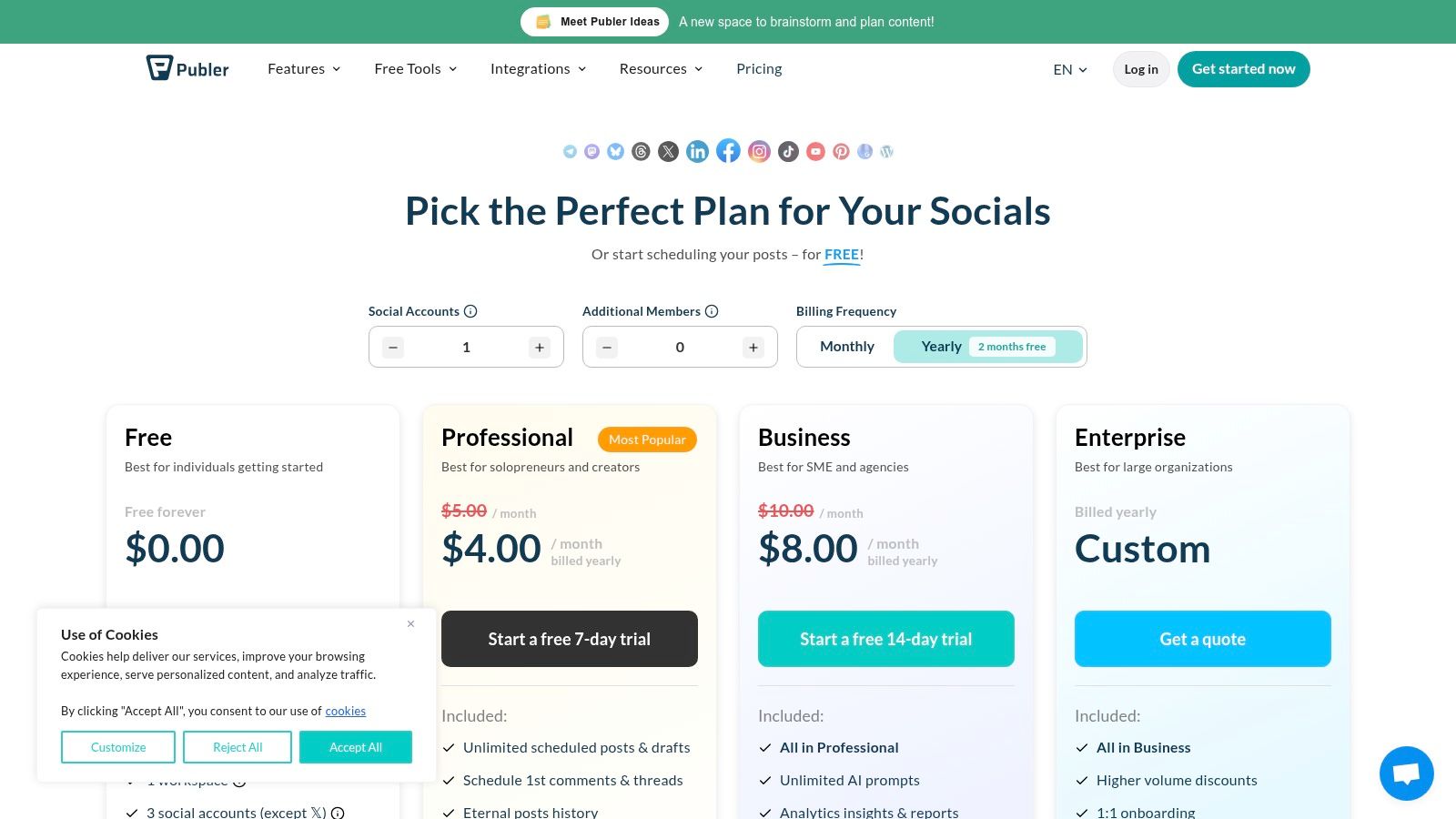
    3. Publer

    Publer is a powerful and modern social media scheduler that stands out for its extensive platform support, even on its free plan. It’s designed for creators and businesses who need to manage a diverse set of social channels beyond the usual suspects, including visual platforms like Pinterest and local-focused ones like Google Business Profile.

    Publer

    The platform offers a surprising amount of functionality without a subscription, making it one of the best free social media management tools for those managing a multi-platform strategy. Its interface is clean, and the ability to test-drive paid features without a credit card is a significant user-friendly perk.

    Standout Free Features

    Publer’s free offering is robust, focusing on broad platform compatibility and core scheduling tools.

    • Platform Connections: Link up to 3 social accounts. Supported platforms include Facebook, Instagram, TikTok, LinkedIn, Pinterest, YouTube, and Google Business Profile.
    • Scheduling & Drafts: Schedule up to 10 posts at a time and save up to 25 posts as drafts, which is great for planning future content ideas.
    • Extra Tools: Access to a link-in-bio page and a content calendar view helps organize your strategy visually.

    Limitations to Consider

    The free plan's main drawback is the exclusion of X (formerly Twitter). Additionally, advanced features like a media library, analytics, and bulk scheduling are reserved for paid tiers. The 10-post active queue can also be a bottleneck for users posting daily across multiple networks.

    Ideal User: The content creator or small business owner active on visual or niche platforms like Pinterest, YouTube, or Google Business Profile. It's a great fit if you need to manage more than just the "big four" social networks.

    Productivity Workflow: Use the drafts feature to create a content "idea bank." Whenever an idea for a post strikes, open Publer and create a draft with a quick note or a link—don't worry about perfecting it. For example, you might create drafts like "Share Q3 update on LinkedIn," "Post new product photo to Pinterest," or "Create a TikTok about [industry trend]." When it's time to schedule content, you'll have a ready-made list of 25 ideas to choose from, eliminating writer's block.

    Website: publer.io/plans

    4. Metricool

    Metricool is a versatile, all-in-one social media management tool that combines scheduling with robust analytics, even on its free plan. It’s designed for users who want to move beyond simple posting to understand performance and track competitors without an immediate financial commitment. The platform provides a comprehensive dashboard that consolidates key metrics in one place.

    As one of the best free social media management tools, Metricool stands out by offering a broader analytical lens than many competitors. It’s built for those who appreciate data and want to make informed decisions about their social media strategy from day one.

    Metricool

    Standout Free Features

    The free plan is surprisingly functional for managing a single brand’s core online presence.

    • Platform Connections: Manage 1 brand, which includes connecting to Facebook, Instagram, X (formerly Twitter), LinkedIn, Pinterest, TikTok, and more.
    • Scheduling & Analytics: Schedule up to 50 posts per month and access basic analytics with a 30-day data retention window.
    • Competitor Tracking: Add 1 competitor per social network to monitor their performance, a feature rarely found in free tools. You can also analyze up to 5 hashtags.

    Limitations to Consider

    The free plan's primary constraints are the 50-post monthly limit and the single-brand restriction. Advanced features like a unified inbox for messages, downloadable reports, and integrations with tools like Canva are reserved for paid tiers. The 30-day data lookback for analytics also limits long-term performance analysis.

    Ideal User: The data-curious small business owner or marketer managing a single brand. It’s perfect if you need not only to schedule content but also to get a basic understanding of your performance and a glimpse into your competition’s strategy.

    Productivity Workflow: Use the "Best Times to Post" feature to create a hyper-efficient scheduling workflow. At the start of each week, check the color-coded heatmaps for Instagram and Facebook. Identify your top 3-5 engagement slots for the week. Then, focus your content creation efforts on filling only those high-impact slots. This data-driven approach ensures your limited posts get maximum visibility and prevents you from wasting time posting during low-traffic periods.

    Website: metricool.com/pricing

    5. Planoly

    Planoly is a visual-first social media planner, making it a go-to tool for creators, e-commerce shops, and brands where aesthetics are paramount. Its design is centered around perfecting the Instagram grid, allowing users to drag and drop images to see exactly how their profile will look before posting. This visual-centric approach is its key differentiator.

    The platform has maintained a “Personal” free plan that serves as an excellent entry point for those dipping their toes into visual content strategy. While other tools focus broadly on scheduling, Planoly excels at the specific task of crafting a cohesive and visually appealing feed, making it one of the best free social media management tools for Instagram-focused users.

    Standout Free Features

    The free tier is built to help you master your visual branding without a financial commitment.

    • Platform Connections: Connect 1 social profile, including Instagram, Pinterest, Facebook, X (formerly Twitter), or TikTok.
    • Visual Grid Planning: See your Instagram grid layout in advance and rearrange scheduled posts with an intuitive drag-and-drop interface.
    • Upload Limits: You get 30 uploads per month, which reset on the first of each month. This is sufficient for a daily posting strategy on one channel.
    • Basic Engagement: Access basic analytics for your connected profile and manage comments on your most recent 5 posts.

    Limitations to Consider

    The free plan is quite restrictive, especially on upload limits. The 30-upload cap applies to all media types (images, videos, carousels), and exceeding it requires a paid upgrade. Advanced features like First Comment scheduling, the Best Time to Post feature, and multi-user collaboration are also locked behind a paywall.

    Ideal User: The Instagram-centric content creator, boutique owner, or brand manager who prioritizes a visually curated grid above all else. It's perfect if your primary goal is to plan and perfect your feed's aesthetic.

    Productivity Workflow: Use Planoly as a visual sandbox before committing to a post. Upload 10-15 potential photos for the upcoming month. Use the drag-and-drop grid planner to experiment with different layouts and color flows. For instance, you could try alternating between product shots and lifestyle images to see how it looks. This workflow allows you to perfect your brand's visual story without the pressure of writing captions or scheduling, separating the creative planning phase from the execution phase.

    Website: planoly.com

    6. Plann

    Plann is a visually-focused social media scheduler designed for creators and brands who prioritize aesthetics, especially on platforms like Instagram and TikTok. Its strength lies in its intuitive drag-and-drop grid planner and media organization tools, making it one of the best free social media management tools for anyone whose strategy is built on strong visual storytelling. The seamless integration with Canva allows for a streamlined creative workflow, from design to scheduling.

    Plann

    Its "Free Forever" plan offers a great entry point into this visual-first approach, allowing users to experience the core planning environment before committing to a paid tier that unlocks more channels and advanced AI features.

    Standout Free Features

    The free plan is built to give you a genuine feel for Plann’s visual-first workflow.

    • Platform Connections: Manage 1 social account, with a clear focus on Instagram, but options for TikTok, Facebook, or LinkedIn.
    • Media & Posting: Get 30 media uploads per month and schedule up to 10 posts or 5 videos monthly.
    • Core Tools: Access to the visual grid planner, media collections for organizing assets, and the direct Canva integration.

    Limitations to Consider

    The free plan is quite constrained, primarily serving as a trial for its Instagram-centric features. The limits on media uploads and posts per month are low, and essential features like auto-posting for Stories, Reels, or Carousels, as well as AI captions and team collaboration, are reserved for paid plans.

    Ideal User: The Instagram-focused content creator, solopreneur, or small business owner who needs to meticulously plan their visual feed. It’s perfect if your primary goal is to design a beautiful, cohesive grid and organize your creative assets efficiently.

    Productivity Workflow: Streamline your content creation using the Canva integration. Instead of designing in Canva, downloading, and then uploading to your scheduler, do it all in one place. From within Plann, click to create a new design in Canva. Once finished, the design is automatically imported back into your Plann media library. You can then drag it onto your grid and add a caption. This workflow eliminates several steps and keeps all your visual assets organized within Plann's media collections.

    Website: plannthat.com/pricing/

    7. Social Champ

    Social Champ is a robust scheduler that offers a legitimate free plan, standing out with its transparent per-profile pricing model for paid tiers. This makes it an excellent choice for lean teams and agencies who need a clear, predictable way to scale their social media management as they grow, without hitting ambiguous "unlimited" usage walls.

    Its free offering is a solid entry point into more structured social media planning, making it a worthy contender among the best free social media management tools for those who anticipate needing to add more profiles affordably in the future.

    Social Champ

    Standout Free Features

    The free plan provides a practical foundation for scheduling and organization.

    • Platform Connections: Manage up to 3 social profiles from a selection that includes Facebook, Instagram, X, LinkedIn, Pinterest, and Google Business Profile.
    • Scheduling Queue: Plan and schedule up to 15 posts per profile in advance. This slightly larger queue allows for more content batching compared to some competitors.
    • Core Tools: Access to a publishing calendar and bulk scheduling via CSV upload, a feature often reserved for paid plans.

    Limitations to Consider

    The free plan is strictly for publishing. Key features like a unified social inbox for engagement and any form of analytics are gated behind paid tiers. The 15-post queue, while decent, can still be a bottleneck for brands with an aggressive content strategy.

    Ideal User: The small business owner or marketer who manages a few core accounts and wants to test out more advanced scheduling features like bulk uploads without a financial commitment. It’s also great for those planning to scale, as the pricing is very clear.

    Productivity Workflow: Dedicate one hour at the start of each month to use the bulk scheduling feature. Create a simple CSV file with three columns: "Content," "Date," and "Time." Plan out all your recurring posts, like weekly tips or monthly announcements. For example, you can schedule a "#TipTuesday" post for every Tuesday of the month in just a few minutes. Uploading this single file populates your calendar instantly, saving you from manually creating each post.

    Website: https://www.socialchamp.io/pricing/

    8. RecurPost

    RecurPost specializes in a unique and powerful niche: evergreen content recycling. It’s built for businesses and creators whose content library has a long shelf life, allowing them to create recurring post schedules that automatically pull from content libraries. This "set-it-and-forget-it" approach ensures social channels remain active with valuable content without constant manual effort.

    While RecurPost does not offer a permanent free plan, its 14-day free trial provides a solid window to test its core functionality, earning it a spot for those evaluating different workflows. It excels at turning a finite amount of content into a continuous stream of posts, a strategy particularly useful for promoting blog posts, timeless tips, or foundational brand messaging.

    RecurPost pricing plans

    Standout Free Features

    The value of RecurPost is best assessed during its 14-day free trial of a paid plan, which gives you access to its signature features.

    • Content Libraries: Organize your evergreen posts into distinct libraries (e.g., "Blog Posts," "Motivational Quotes," "Product Features").
    • Recurring Schedules: Set a schedule to automatically publish a post from a specific library at a set time and frequency. The platform will cycle through the content for you.
    • Smart Scheduler: The tool can analyze your audience's engagement patterns to suggest the best times to post for maximum visibility.

    Limitations to Consider

    The most significant limitation is the absence of a permanent free plan. After the 14-day trial, you must upgrade to a paid subscription to continue using the service. The entry-level paid plan is also limited to just two social accounts, which may be insufficient for some users.

    Ideal User: The content creator or niche blogger with a substantial archive of evergreen articles and resources. If your goal is to continuously resurface your best work to new audiences with minimal daily management, RecurPost's automation is a perfect fit.

    Productivity Workflow: Create a "Content Pillar" workflow. For each major blog post or guide you've written, create a dedicated content library in RecurPost. Populate it with 5-10 different social media posts that link to that article, each with a unique caption, question, or quote. Then, set a recurring schedule to post from that library once every two weeks. This automated system ensures your most valuable content gets continuous promotion without you ever having to manually schedule it again.

    Website: recurpost.com/plans-and-pricing/

    9. IFTTT

    IFTTT (If This, Then That) isn't a traditional social media management tool but rather a powerful automation engine that connects different apps and services. It excels at creating simple, automated workflows that can handle specific, repetitive social media tasks without manual intervention, acting as the "glue" in a lean marketing stack.

    For those looking to streamline content distribution across platforms, IFTTT is one of the most flexible free social media management tools available. It operates on a simple principle: if a trigger event happens in one service, it automatically causes an action in another.

    IFTTT pricing plans showing the Free, Pro, and Pro+ tiers

    Standout Free Features

    The free plan empowers users to build simple yet effective automations.

    • Applets: Create up to 2 Applets (automations) to connect your social accounts with hundreds of other services.
    • Cross-Posting: Automatically share new Instagram posts to an X (formerly Twitter) feed or a Facebook Page.
    • Content Curation: Set up an Applet to automatically post articles from an RSS feed of your favorite blog directly to a LinkedIn page.
    • Mobile App: Access and manage your Applets on the go with the free mobile app for iOS and Android.

    Limitations to Consider

    The free plan is quite restrictive, allowing only two active Applets. More complex, multi-step automations with conditional logic and faster execution speeds require a paid subscription. It's an automation tool, not a management suite, so it lacks a content calendar, analytics, or an engagement inbox.

    Ideal User: The tech-savvy solopreneur or content creator who wants to automate very specific, high-frequency tasks, like cross-posting from one primary platform to others or syncing content from sources like RSS feeds or Pocket.

    Productivity Workflow: Build a content distribution engine with one Applet. Set up a workflow: "If new item in [Your Blog's] RSS feed, then create a post on [Your Facebook Page]." This single automation ensures that every time you publish a new article on your website, it's immediately shared with your Facebook audience, driving traffic back to your site with zero manual effort. To dive deeper into this type of workflow, you can explore the fundamentals of effective social media automation on the Postful blog.

    Website: ifttt.com/plans

    10. Meta Business Suite (Facebook + Instagram)

    For businesses heavily focused on Facebook and Instagram, Meta Business Suite is the official, native solution. As the platform’s own tool, it offers the most direct and integrated way to manage your presence across these two networks. It consolidates content planning, messaging, and basic analytics into a single, completely free dashboard.

    While third-party tools offer broader network support, Meta Business Suite provides unparalleled integration for its own ecosystem. It's an essential, no-cost starting point for any business whose primary audience resides on Facebook or Instagram, making it a powerful contender among the best free social media management tools for this specific use case.

    Standout Free Features

    Because it's a native tool, there are no artificial limits on core functions, providing significant value.

    • Unlimited Scheduling: Plan and schedule an unlimited number of posts, Stories, and Reels for your Facebook Pages and Instagram accounts using the visual Planner calendar.
    • Unified Inbox: Manage all your comments and direct messages from both Facebook Messenger and Instagram Direct in one consolidated inbox, streamlining community management.
    • Basic Native Insights: Access fundamental analytics on reach, engagement, and audience demographics, including data on when your followers are most active online.

    Limitations to Consider

    The primary drawback is its exclusivity to Meta's platforms. If your strategy includes X, LinkedIn, or Pinterest, you will need another tool. Users also frequently report reliability issues, such as scheduling bugs or a confusing user interface on desktop, which can disrupt workflows.

    Ideal User: The small business owner or content creator whose marketing efforts are almost entirely concentrated on Facebook and Instagram. It's perfect for managing a high volume of content on these platforms without any cost.

    Productivity Workflow: Implement a "comment-to-DM" auto-reply for specific posts to streamline lead generation. For example, create a Facebook post promoting a free guide and instruct users to comment "Guide" to receive it. In Business Suite's "Automations" tab, set up a rule that automatically sends a direct message with the download link to anyone who comments with that specific keyword. This workflow captures leads instantly and saves you from manually messaging every person.

    Website: business.facebook.com

    11. Planable

    Planable is a collaboration-first social media management tool designed for teams and agencies that need seamless approval workflows. Its interface mimics the look and feel of actual social media feeds, allowing stakeholders and clients to visualize exactly how a post will appear before it goes live. This focus on visual planning and feedback makes it stand out among other free social media management tools.

    The platform excels at creating a frictionless review process, eliminating the need for confusing spreadsheets or lengthy email chains for content sign-off. Its free plan provides a generous taste of this core functionality, making it ideal for those who manage content for others.

    Planable pricing plans

    Standout Free Features

    The free tier is built to let you experience the platform's unique workflow with a small project or client.

    • Total Posts: Create and schedule up to 50 total posts. This is a one-time allowance, not a monthly refresh, so it's best suited for testing or a single campaign.
    • Collaboration Tools: Access core features like internal comments, feedback requests, and multi-level approval workflows.
    • Visual Planning: Use the calendar, grid, and feed mockups to plan content visually across platforms like Instagram, Facebook, and LinkedIn.

    Limitations to Consider

    The primary limitation is the 50-post cap on the free plan, which makes it unsustainable for long-term management. The free tier also excludes publishing to X (formerly Twitter) and lacks any analytics features, which are reserved for paid plans.

    Ideal User: The freelance social media manager or a small agency that needs a professional way to get client feedback and approvals. It’s perfect for demonstrating your workflow and managing a single, short-term project before committing to a paid plan.

    Productivity Workflow: Use Planable to streamline client feedback and eliminate endless email threads. Create a workspace for a client and schedule a week of content. Instead of emailing screenshots, send them a single shareable link to the workspace. They can view the posts exactly as they'll appear live and leave comments directly on each post for revisions. For example, a client could comment "Can we change this image?" on a specific Instagram post, keeping all feedback contextual and organized in one place. You can get inspiration by checking out these social media post ideas for businesses on the Postful blog.

    Website: planable.io

    12. G2 (Free Social Media Management Tools directory)

    G2 is not a management tool itself but a crucial discovery platform for finding them. It’s an expansive software marketplace where you can find curated directories, read verified user reviews, and compare tools side-by-side. For anyone overwhelmed by options, G2 provides the data needed to create a shortlist of potential platforms.

    Its value lies in aggregating real-world feedback, helping you look beyond marketing claims. Instead of signing up for a dozen trials, you can use G2’s filters and comparison features to identify the two or three best free social media management tools that genuinely match your specific business needs and workflow.

    Standout Free Features

    G2 is a free resource for research and discovery, not a SaaS tool with a feature tier.

    • Dedicated "Free" Filter: Quickly isolate social media management suites that offer a legitimate free-forever plan, not just a free trial.
    • Verified User Reviews: Access thousands of in-depth reviews from real users, detailing pros, cons, and specific use cases.
    • Side-by-Side Comparisons: Select multiple tools and compare their features, pricing, and user satisfaction ratings in an easy-to-read grid format.

    Limitations to Consider

    The main caveat is that the "Free" filter can sometimes include tools that only offer a free trial, so you must verify pricing on the vendor’s website. Additionally, be aware that sponsored placements may appear alongside organic search results, so it's wise to cross-reference your findings.

    Ideal User: The meticulous planner or small business owner who wants to conduct thorough research before committing to a tool. It's perfect for anyone looking to validate a platform's reputation and confirm its free plan is still available.

    Productivity Workflow: Create a "feature-first" shortlist to save hours of research. Before browsing, list the three "must-have" features you absolutely need (e.g., "Free Instagram scheduling," "Bulk upload," "Competitor tracking"). Use G2's detailed feature comparison grids to instantly disqualify any tools that don't meet your core requirements on their free plan. This focused approach prevents you from wasting time signing up for trials of tools that will never fit your workflow.

    Website: g2.com/categories/social-media-mgmt/free

    Top 12 Free Social Media Tools: Feature Comparison

    Tool Core features ✨ UX / Quality ★ Value & Pricing 💰 Target Audience 👥 Unique Selling Point 🏆
    Buffer ✨ Schedule across platforms, queues, basic analytics, browser & mobile ★★★★ minimal, dependable 💰 Free (3 ch, 10 posts/ch); paid upgrades 👥 Early founders, side-hustlers 🏆 Reliable, simple scheduler
    Zoho Social (Free) ✨ Publish to 6 major channels, no monthly cap on Free, basic metrics ★★★★ generous free offering 💰 Free for 1 brand; upgrades for multi-brand 👥 Single-brand founders/sole operators 🏆 Unusually generous free volume
    Publer ✨ Wide network support, calendar, drafts, bulk, link-in-bio ★★★ modern UI, broad coverage 💰 Free tier; paid features & trials w/o card 👥 Solo creators scaling to teams 🏆 Broad channel coverage for price
    Metricool ✨ Scheduling, competitor tracking, basic analytics, link-in-bio ★★★★ practical free plan, clear upgrades 💰 Free (20 posts/mo, 30d analytics); paid for deeper reports 👥 One-brand users wanting analytics 🏆 Clear analytics upgrade path
    Planoly ✨ Visual grid planning (IG), multi-channel workspace, comment mgmt ★★★ visual-first, creator-friendly 💰 Free personal plan (tight limits) 👥 IG-centric creators & small shops 🏆 Visual Instagram workflow
    Plann ✨ Visual calendar, media collections, Canva integration, AI (paid) ★★★ simple visual workflow 💰 Free forever (limited); paid tiers add AI & cross-post 👥 IG/TikTok-focused founders 🏆 Canva + media organization
    Social Champ ✨ Publishing calendar, bulk scheduling, social inbox (paid) ★★★ practical, profile-based scaling 💰 Free (3 profiles, 15 queued); per-profile paid plans 👥 Lean teams scaling by profile 🏆 Transparent fair-use & per-profile pricing
    RecurPost ✨ Evergreen recycling libraries, best-time scheduler, multi-image ★★★ volume/evergreen optimized 💰 No permanent free (trial only); low-cost paid tiers 👥 Brands with evergreen content strategies 🏆 Evergreen recycling & high posting ceilings
    IFTTT ✨ No-code automations, hundreds of connectors, RSS/cross-posting ★★★ flexible but limited free applets 💰 Free limited applets; paid for advanced logic & faster runs 👥 Solopreneurs automating workflows 🏆 Flexible glue across tools
    Meta Business Suite ✨ Native FB/IG planner, unified inbox, basic insights, apps ★★★ native but occasional reliability/UI issues 💰 100% free for Facebook & Instagram 👥 Pages focused on FB/IG only 🏆 Native, no-subscription FB/IG solution
    Planable ✨ Feed & calendar views, post mockups, multi-level approvals ★★★★ collaboration-first, review-friendly 💰 Free (50 posts total); paid workspaces & analytics add-on 👥 Small teams, agencies, clients 🏆 Best for approvals & feedback loops
    G2 (Directory) ✨ “Free” filter, user ratings, side-by-side comparisons, editorial roundups ★★★ research utility; verify free vs trial 💰 Free to browse; links to vendor pricing 👥 Researchers shortlisting tools 🏆 Curated reviews & free-tier discovery

    Choosing Your Free Tool and Building a Productive Workflow

    Navigating the landscape of the best free social media management tools can feel overwhelming, but the journey to finding your perfect fit is about clarity, not complexity. As we've explored, the ideal tool isn't necessarily the one with the most features; it's the one that solves your most significant operational bottleneck and integrates smoothly into your daily routine.

    The key takeaway is to diagnose your primary challenge before you select your solution. Are you a solo creator struggling with consistent posting? A tool like Buffer or Publer might be your best starting point. Do you run a visually driven business, like an e-commerce store or a design portfolio? Planoly or Plann’s grid-planning capabilities will be invaluable.

    Ultimately, the goal is to build a system that saves you time and mental energy, allowing you to focus on creating great content and engaging with your audience.

    A Practical Framework for Making Your Choice

    Making a decision can be the hardest part. Instead of getting stuck in "analysis paralysis," use this simple, action-oriented framework to select and implement your new tool today.

    1. Identify Your #1 Bottleneck: Be honest about your biggest time-sink. Is it scheduling posts across platforms, analyzing performance, or planning your content calendar? Write it down. This is your primary problem to solve. For example, if your bottleneck is simply remembering to post daily on three different platforms, your priority is a reliable scheduler.

    2. Select Your Top Two Contenders: Based on our deep dive, pick two tools that directly address your bottleneck. If visual planning is key, your contenders might be Planoly and Plann. If you need a solid, all-around scheduler with some analytics, you might compare Zoho Social and Metricool.

    3. Run a One-Week Test: Don't commit long-term. Dedicate one week to using your chosen tool. Schedule your posts, check the analytics, and see how it feels. Does it simplify your workflow or add unnecessary steps? This short trial period provides real-world data on how the tool works for you.

    Building a Lean, Effective Social Media Stack

    Remember, you don't have to rely on a single platform. One of the most productive strategies for founders and side-hustlers is to create a "tool stack" where different free tools handle specific jobs. This modular approach keeps you agile and prevents you from paying for features you don't need.

    Here are a few examples of simple, powerful stacks you can build using the tools from this list:

    • The Content Automator Stack: Combine RecurPost for evergreen content libraries with IFTTT to automatically share your new blog posts to Twitter. This setup puts your core content distribution on autopilot.
    • The Visual Planner Stack: Use Planoly to design and schedule your Instagram grid and Reels, and pair it with Meta Business Suite to handle Facebook scheduling and community management in one place.
    • The All-In-One Starter Stack: Start with Zoho Social or Metricool for a robust, all-in-one platform that covers scheduling, basic analytics, and a social inbox to manage conversations.

    Making an informed choice requires a clear understanding of the broader market and user experiences. To further inform your decision-making and stay updated on the broader landscape of social media management, you might want to consult resources that explore general ratings for social media management.

    The most important step is to simply begin. By choosing one of the best free social media management tools discussed here, you are building a foundation for sustainable growth. Start small, master the basics, and build a workflow that empowers you to connect with your audience authentically and consistently.


    Ready to move beyond manual scheduling and unlock AI-powered content creation? While the tools on this list are fantastic for management, Postful is designed for founders and creators who need high-quality content ideas and drafts in seconds. Try Postful to see how our AI templates can revolutionize your content strategy and save you hours every week.

  • A Founder’s Guide to Social Media Automation

    A Founder’s Guide to Social Media Automation

    Let's be honest, "social media automation" sounds a bit robotic, doesn't it? It conjures up images of soulless bots spamming comments sections. But that’s not what we’re talking about here.

    What Is Social Media Automation, Really?

    Think of social media automation as a highly-efficient digital assistant. It’s a way to use smart software to handle the repetitive, time-sucking parts of social media—like scheduling posts, gathering content, and pulling performance reports. This frees you up to focus on what actually matters: strategy and real conversations with your audience.

    Sketch comparing manual coffee preparation with an automated espresso machine and social media icons.

    For a founder or a small business owner who’s already wearing a dozen hats, it’s the secret to keeping your brand active and consistent online without completely burning out. The whole point is to automate the mechanics of social media so you have more time for the human side of it.

    The Coffee Shop Analogy

    Imagine you own a popular little coffee shop. On day one, you're behind the counter, grinding beans, pulling shots, and frothing milk for every single customer, one by one. It's personal, but it’s painfully slow. You're so busy making coffee that you have zero time to chat with regulars, think up new menu items, or even plan your next location.

    Now, fast forward a bit. You’ve invested in a high-end espresso machine. You program it to pull the perfect shot every time. The machine handles the repetitive "brewing," freeing you up to greet customers by name, get their feedback, and work on growing the business.

    Social media automation is that espresso machine. It takes care of the scheduling and publishing grind so you can focus on the activities that build real relationships and drive growth. It’s a productivity multiplier, not an authenticity killer.

    Getting this mindset right is key. You're not trying to remove yourself from the conversation; you're just removing the friction that stops you from showing up in the first place.

    To see the difference in action, here’s a quick breakdown of the daily grind versus a smarter, automated approach.

    Manual vs. Automated Social Media Management

    Aspect Manual Approach (The Daily Grind) Automated Approach (The Smart Strategy)
    Time Investment Hours per week logging in, posting, and monitoring across platforms. Minutes to schedule a week's worth of content in one go.
    Consistency Inconsistent posting, often leading to "feast or famine" activity. Consistent, reliable presence that builds audience trust and engagement.
    Strategic Focus Reactive and task-oriented, focused on just "getting a post out." Proactive and strategic, with time freed up for planning and analysis.
    Scalability Difficult to manage more than one or two platforms effectively. Easily manage multiple platforms and campaigns without adding headcount.

    This table really highlights the shift. It's not about doing less; it's about making the time you do spend count for more.

    Why Automation Is No Longer Optional

    This isn't just a nice-to-have anymore. The market for social media automation tools hit USD 4.5 billion in 2024 and is on track to reach an incredible USD 12.8 billion by 2033. This massive growth isn't just hype; it’s a clear sign that smart founders and marketers are moving away from manual drudgery and embracing more efficient systems. You can dig deeper into these social media marketing automation trends at Templated.io.

    At the end of the day, automation turns social media from a daily chore into a powerful, manageable asset. It gives you the power to:

    • Get Your Time Back: No more logging in and out of five different apps just to post the same update.
    • Stay Consistent: Keep your brand visible and top-of-mind, even when you're swamped with other work.
    • Scale Your Efforts: Grow your presence across multiple channels without needing to hire a huge team right away.

    By leaning into automation, you transform a potential time-sink into a well-oiled machine for building your brand and connecting with your audience.

    The Real Benefits of Automation for Founders

    For founders, the most valuable thing you have isn't money—it's time. This is where social media automation really pays off. It changes your whole approach, turning social media from a daily grind into a strategic advantage that actually grows your business.

    We're talking about more than just scheduling posts. It’s about creating a powerful cycle of productivity, consistency, and smart growth.

    Imagine a founder spending over an hour every single day manually posting updates, digging for content to share, and checking stats. That's easily 5-10 hours a week gone, just on repetitive tasks. Automating the grunt work gives you those hours back. You can spend them talking to customers, improving your product, or building partnerships—the things that actually move the needle.

    This isn't about setting your social media on autopilot and walking away. It’s about being smarter with where you put your energy.

    Reclaim Your Most Valuable Asset: Your Time

    The biggest and most immediate win from automation is getting your time back. Instead of the daily scramble to log in, think of something to say, and post it everywhere, you can block out a single chunk of time to plan and schedule content for the whole week. Batching your work like this is just a massively more efficient way to operate.

    Think of it like this:

    • Before Automation: You’re constantly switching gears. You stop working on your product to post on LinkedIn, then a customer email gets interrupted because you need to share something on X (formerly Twitter).
    • After Automation: You set aside an hour on Monday morning to load up your content queue. For the rest of the week, your digital assistant handles the publishing while you stay focused on building your company.

    Productivity Suggestion: Use a "content batching" workflow. Dedicate a 90-minute block in your calendar every Monday to all social media tasks for the week—idea generation, writing, and scheduling. This avoids daily context switching and preserves your deep work time.

    Build Unwavering Brand Consistency

    In the digital world, consistency is what builds trust. When your audience sees you showing up regularly with useful content, they start to see your brand as reliable and professional. But for a busy founder, keeping that rhythm going by hand is almost impossible. One urgent project or a couple of long meetings, and your posting schedule gets thrown off for days.

    Automation solves this. It makes sure your brand stays active and visible, even when you're completely underwater with other work. It’s like having a marketing team that never sleeps, building brand recognition and keeping you top-of-mind.

    Practical Example: A SaaS founder schedules a series of posts to go live during a major industry conference they're too busy to attend. While they're networking, their automated posts keep their brand in the online conversation, sharing insights and engaging with the conference hashtag. Their presence is felt, even when they're not manually posting.

    Get Audience Insights You Can Actually Use

    Great marketing isn't about guessing what your audience wants—it's about knowing. Most social media automation tools come with analytics dashboards that turn a flood of data into clear, simple insights. Instead of drowning in spreadsheets, you get a quick, clean look at what’s happening.

    These tools help you answer critical questions without all the manual work:

    • What content is actually landing? See instantly which posts are getting the most likes, comments, and shares.
    • When is your audience online? Find the best times to post so your content gets seen by the most people.
    • Which platforms are driving results? Figure out where to focus your energy for the biggest return.

    Productivity Suggestion: Set a recurring calendar reminder for the first day of each month to spend 30 minutes reviewing your social media analytics. Look for the top-performing post and the worst-performing post. Ask yourself why one worked and the other didn't. This simple habit creates a powerful feedback loop for continuous improvement.

    Building Your First Automation Workflow

    Let’s be honest, turning the idea of social media automation into a real, working system can feel a bit daunting. But it's simpler than you think. This is all about creating a repeatable process that gives you back your time and delivers consistent results. Think of a good workflow as your blueprint for turning social media chaos into calm control.

    As you build your first workflow, it helps to sketch it out. For more complex setups, you can get some great ideas from these essential examples of workflow diagrams to map out your own system.

    For founders, a solid workflow boils down to a simple, powerful loop: save time, stay consistent, and get insights you can actually use.

    A diagram outlining the Founder Benefits Process Flow, featuring steps for Time, Consistency, and Insights.

    This flow is pretty straightforward. Automation frees up your hours, which lets you post consistently. Consistent posting gives you the data you need to make smarter decisions about what works.

    We can break down the practical steps into three core stages: Curation, Creation, and Scheduling.

    Stage 1: Content Curation

    Your audience wants more than just posts about your product. They're looking for value—insights, interesting articles, and news from across your industry. Content curation is just the art of finding and sharing these gems.

    Instead of doom-scrolling for articles every morning, you can automate the discovery process. This keeps a steady stream of high-quality, relevant content flowing to your audience, positioning you as a trusted source.

    Here are a few smart ways to automate curation:

    • RSS Feeds: Use a tool like Feedly or the RSS feature in platforms like Hootsuite to pull the latest articles from your favorite industry blogs and news sites right into a dashboard.
    • Keyword Alerts: Set up Google Alerts for topics your audience cares about. You'll get an email digest of new articles, which you can quickly scan and schedule.
    • User-Generated Content (UGC): Use your scheduling tool to monitor brand mentions or key hashtags. When a customer posts a positive review, you can easily reshare it to build social proof.

    Stage 2: Content Creation

    This is where your brand’s voice shines through. It's all about producing your original content—the posts that show off your expertise and what makes you unique. The key here isn't being a creative genius on demand; it's being efficient by batching your work and using the right tools.

    Instead of staring at a blank screen every day, you can block off one chunk of time each week to create all your content at once. Modern tools, especially those with a little AI help, make this surprisingly fast.

    The secret to fast content creation isn't being a creative genius every single day. It's about having a system—templates, prompts, and a batching process—that removes friction and lets your ideas flow.

    Practical Workflow: Use an AI tool to brainstorm a week's worth of post ideas based on a single long-form blog post you've already written. Ask the AI to "create 5 social media posts from this article." Then, use a tool like Canva to quickly create simple graphics from pre-made templates for each post. This "content repurposing" workflow turns one piece of content into a week's worth of social media updates.

    Stage 3: Automated Scheduling

    Once you have your curated and created content ready to go, the final step is scheduling it. This is the "set it and let it run" part of the process, and it’s a game-changer.

    Your content calendar is your command center. You’ll load up all your posts, assign them dates and times, and let the tool do the work. The best platforms will even suggest the optimal times to post based on when your audience is most active. For a deeper look at this, our guide on how to automate social media posts offers a step-by-step walkthrough.

    Here’s what a simple weekly scheduling workflow could look like:

    1. Monday Morning (60 mins): Log into your automation tool.
    2. Review Curated Content: Scan the articles from your RSS feeds. Pick three to share throughout the week, adding your own commentary to each.
    3. Batch-Create Original Posts: Repurpose your latest blog post into four original social media updates (e.g., a key stat, a quote, a question, and a behind-the-scenes look).
    4. Load the Calendar: Schedule all seven posts across your platforms, using the tool's "optimal timing" feature.
    5. Review and Confirm: Give your weekly schedule one last look. That's it—you're set for the entire week.

    This simple, three-stage workflow takes social media from a relentless daily chore to a manageable, strategic system that practically runs on its own.

    Choosing the Right Automation Tools

    Diving into social media automation can feel like walking into a massive electronics store—the options are overwhelming, and everything claims to be the next big thing. The trick is to tune out the noise and figure out what your business actually needs. Not all tools are built the same, and the best one for you comes down to your goals, your team (even if it's just you), and your budget.

    Think of it like this: a professional chef, a home cook, and a college student all need to eat, but they use completely different kitchen gear. A solo founder doesn't need the same beast of a platform as a Fortune 500 company. Your job is to find the tool that fits your kitchen, not the one with the most bells and whistles.

    To keep it simple, let's break down the tools by what they actually do. This will help you zero in on the problem you're trying to solve.

    All-in-One Management Platforms

    These are the Swiss Army knives of social media. They try to pull your entire workflow—scheduling, publishing, analytics, and team collaboration—into a single dashboard. For founders who want one place to see everything, an all-in-one is usually the perfect starting point.

    They usually come packed with features like:

    • A unified content calendar: Plan and see all your posts across every platform in one spot.
    • A social inbox: Juggle comments and DMs from multiple accounts without constantly switching tabs.
    • Performance analytics: Track what's working and what's not, so you can stop guessing.

    Here’s how it works in practice: A small e-commerce owner uses a tool like Buffer or Hootsuite to schedule a week's worth of product posts for Instagram, Facebook, and Pinterest in one 45-minute session. They use the social inbox to quickly respond to customer questions about shipping, and the analytics show that their Pinterest posts are driving the most traffic to their store. For a full rundown, our guide on the best social media scheduling tools compares the top contenders.

    Content Curation and Discovery Tools

    Making original content is king, but it’s also a huge time-suck. Curation tools automate the hunt for relevant, high-quality articles, videos, and news to share with your audience. This helps position you as a go-to resource in your field without having to write every single word yourself.

    These platforms do the digging for you, monitoring sources based on keywords you set and pulling fresh content right to your dashboard.

    The best social media feeds are a mix of original content and curated value. Curation tools act as your personal research assistant, constantly finding interesting things to share so you don't have to.

    Here’s how it works in practice: A marketing consultant sets up alerts in a tool like BuzzSumo for "B2B marketing trends." The platform surfaces the most-shared articles on that topic. The consultant then uses their scheduling tool's browser extension to instantly add the best articles to their content queue while adding their own expert commentary. This saves hours of manual searching.

    AI Writing and Idea Generation Assistants

    One of the biggest hurdles in social media is staring at a blank page. AI writing assistants are built to smash through writer's block by helping you brainstorm ideas, draft posts, and polish your messaging. These tools use AI to spin content from simple prompts, turning one idea into a dozen different posts.

    They're perfect for batch-creating content without losing your mind. When building your toolkit, you'll want to check out the top AI tools for social media marketing to see which ones fit your workflow best.

    Here’s how it works in practice: A startup founder can use Postful's AI to take a core idea, like "our new feature saves users 5 hours a week," and instantly get back multiple post variations. The AI might generate a question-based post for X ("What would you do with 5 extra hours a week?"), a short case study for LinkedIn, and a benefit-focused caption for Instagram—all from one simple prompt.

    Common Automation Mistakes to Avoid

    Social media automation is an incredible asset, but it’s not a magic button. Used carelessly, it can turn your brand’s voice from authentic to artificial overnight. The goal is always to automate the mechanics, not the meaning.

    Steering clear of a few common pitfalls is the key to making sure your strategy stays human-centric and actually works.

    An illustration highlighting social media automation pitfalls like robotic content, generic speech, and complex data.

    Real success with automation means striking a balance between efficiency and genuine connection. It requires a thoughtful approach, not a hands-off one. By sidestepping these three critical mistakes, you can make sure your tools work for you, not against you.

    Mistake 1: The Set It and Forget It Mindset

    The most tempting mistake is to load up a week's worth of content, hit "schedule," and then walk away. This approach treats social media like a broadcast channel, totally missing the "social" part of the equation. When you fail to engage, you miss out on real conversations and end up alienating your audience.

    • What Not To Do: You schedule posts for the next seven days and don’t check your accounts. In the meantime, a customer asks an urgent question in the comments, and it just sits there. Your brand looks unresponsive and, frankly, like you don't care.

    • What To Do Instead: Block out 15-20 minutes twice a day—once in the morning and once in the afternoon—just for manual engagement. Use this time to reply to comments, answer DMs, and thank people for sharing your stuff. It’s a small habit that keeps the human connection strong.

    Mistake 2: Sounding Like a Robot

    Relying too heavily on generic templates or recycling the exact same posts without any variation is a fast track to sounding robotic. Your audience is smart; they can spot a canned response from a mile away. Real connection comes from personality and having a point of view.

    The whole point of automation is to save time on logistical tasks so you can spend more time crafting authentic, high-value content. It should free up your creativity, not replace it.

    When every post follows the same formula, engagement tanks. People follow brands for their unique voice, not for predictable, cookie-cutter updates.

    • What Not To Do: You find a trending article and schedule it with a generic caption like, "Great read on industry trends!" across all your platforms, without adding any of your own thoughts.

    • What To Do Instead: When you share curated content, always add your own two cents. Start with a question like, "What's your take on this?" or pull out a key takeaway: "The section on customer retention is spot on—especially for startups." This tiny addition turns a generic share into a conversation starter.

    Mistake 3: Ignoring Your Analytics

    Publishing content without ever checking its performance is like driving with your eyes closed. You might be moving, but you have no idea if you're headed in the right direction. Your automation tools are sitting on a treasure trove of data that tells you what's working and what's falling flat. Ignoring it is a huge mistake.

    Consistently posting content that gets zero engagement isn't just ineffective; it can actually hurt your reach. Most algorithms penalize accounts with low-performing content.

    • What Not To Do: You keep posting daily video tips, even though your analytics clearly show that text-based posts with a strong image get 3x more shares and clicks. You're working hard, but not smart.

    • What To Do Instead: Schedule a monthly "Analytics Check-In." Spend one hour reviewing key metrics like engagement rate, click-throughs, and top-performing posts. Find one or two key insights and use them to tweak your content strategy for the next month. If you notice your audience loves "behind-the-scenes" content, plan more of it. Simple as that.

    How to Measure Your Automation Success

    Putting social media automation to work without tracking its impact is like flying a plane without any instruments. Sure, you’re moving, but you have no idea if you’re gaining altitude or heading for a nosedive. To really know if your efforts are paying off, you have to measure what matters.

    Forget obsessing over vanity metrics like follower count. It’s nice to see that number go up, but it doesn't tell you if your content is actually connecting with people or, more importantly, driving business. Instead, let's focus on actionable metrics that paint a clear picture of success.

    Key Performance Metrics to Track

    The best automation tools come with built-in analytics, so tracking these numbers is usually straightforward. You just need to know what to look for. These are the metrics that show you how your audience is responding and whether your automation is actually helping your bottom line.

    Here are the core numbers every founder should have on their radar:

    • Engagement Rate: This is the big one. It's a measure of how much your audience interacts with your content—think likes, comments, shares, and saves. A high engagement rate is a strong signal that your posts are resonating and building a real community.
    • Click-Through Rate (CTR): This metric tells you how many people actually clicked a link in your post. A solid CTR shows that your content is compelling enough to pull people off the social platform and onto your website, blog, or landing page.
    • Conversion Rate: This is the ultimate measure of success. It tracks how many of those clicks turned into a desired action, like a newsletter signup, a download, or a purchase. This is where you directly tie your social media activity to real business goals.

    For a deeper dive into this, it's worth exploring how to measure social media ROI to connect your efforts directly to revenue.

    The Most Important Productivity Metric

    Beyond audience metrics, the whole point of automation is to make you more efficient. That’s why you absolutely have to track the one metric that shows the direct productivity payoff for you as a founder.

    Time Saved Per Week: This is the simplest yet most powerful metric for any busy entrepreneur. It quantifies the hours you've reclaimed by automating your social media, time that can now be spent on product development, talking to customers, or strategic planning.

    Calculating this is simple. Just estimate the hours you used to spend on manual social media tasks (like daily posting and content hunting) and subtract the time you spend now with your streamlined workflow (like a single weekly batching session).

    For example:
    Before Automation: 1 hour/day for 7 days = 7 hours/week
    After Automation: One 2-hour session/week = 2 hours/week
    Total Time Saved: 5 hours per week

    Simple Formulas for Quick Calculation

    You don't need a degree in data science to figure this out. Most platforms will do the math for you, but knowing the basic formulas helps you understand what the numbers actually mean.

    Metric Simple Formula What It Tells You
    Engagement Rate (Total Engagements ÷ Total Impressions) x 100 The percentage of people who saw your post and decided to interact with it.
    Click-Through Rate (Total Clicks ÷ Total Impressions) x 100 The percentage of viewers who were motivated enough to click your link and learn more.
    Conversion Rate (Total Conversions ÷ Total Clicks) x 100 The percentage of people who clicked your link and then completed a valuable action on your site.

    By keeping an eye on these key metrics, you shift from guessing to knowing. You get the power to see what’s working, prove the value of your efforts, and make smart, data-driven decisions to keep improving your social media strategy.

    Your Questions, Answered

    Jumping into social media automation brings up some valid questions. It's smart to wonder how this all works, especially when you're trying to grow your brand without losing that human touch. Let's clear up a few of the most common concerns.

    Will This Make My Brand Sound Like a Robot?

    This is the biggest fear, and for good reason. But the answer is a firm no—as long as you do it right. The trick is to automate the task, not the relationship. You use automation to handle the scheduling and publishing, which frees you up to personally reply to comments, answer DMs, and actually talk to your audience.

    Smart automation is about taking repetitive work off your plate. It gives you more time for genuine, human connection, not less. The voice behind the content is still yours.

    Seriously, How Much Time Will I Save?

    Most founders and small business owners find they get back between 6 to 10 hours every week. That time comes from batching your content creation, letting a tool handle the posting schedule across different platforms, and quickly curating great articles to share.

    This isn't just about saving a few minutes here and there. It's about reclaiming a huge chunk of your workweek to pour back into the parts of your business that actually move the needle.

    Isn't "Automation" Just a Fancy Word for Scheduling?

    Not quite. Scheduling is a part of it, but it’s just one piece of a much bigger puzzle.

    True social media automation is the whole system. It helps you brainstorm ideas with AI, pull in interesting content from other sources, and even analyze what's working so your next posts are even better.

    Here’s a simple way to think about it:

    • Scheduling is just telling a post when to go live.
    • Automation is the entire engine that helps you create, publish, and analyze everything more efficiently.

    Scheduling is the last step. A real automation strategy supports everything that comes before it.


    Ready to stop the social media grind and start building a consistent, impactful presence? Postful uses AI to help you create better content, faster. Join our waitlist today to reclaim your time and grow your reach with confidence. Secure your spot on the Postful waitlist.

  • Top social media content creation tools for productivity

    Top social media content creation tools for productivity

    The constant demand for fresh social media content can feel overwhelming, especially for founders, side-hustlers, and small business marketers. Juggling content creation with core business operations often leads to burnout and inconsistent posting. The right social media content creation tools don't just add features; they remove friction, automate tedious tasks, and give you back valuable time to focus on your strategy and growth.

    This guide moves beyond generic lists to provide a practical, in-depth analysis of the 12 best platforms designed to boost your productivity and elevate your brand's presence. We cut through the marketing fluff to deliver what you actually need: an honest assessment of key features, ideal use cases, pricing considerations, and notable limitations for each tool.

    Whether you're looking for an AI-powered video editor to create Reels in minutes, a design suite to produce stunning graphics without a designer, or a massive library of creative assets, this resource will help you identify the perfect fit for your specific workflow. Each entry includes direct links and screenshots to simplify your evaluation process. Let’s find the right tools to streamline your process, stop the scroll, and help you create engaging content consistently.

    1. Postful

    Postful positions itself as a premier AI-powered social media assistant, engineered specifically for founders, side-hustlers, and small business operators. It stands out among other social media content creation tools by directly addressing the primary pain point for this audience: the lack of time and consistent inspiration. Instead of presenting a blank canvas, Postful provides a structured workflow that starts with curated post ideas and ready-to-use templates, effectively eliminating the dreaded "what to post" dilemma.

    Postful

    Key Features & Use Cases

    Postful’s strength lies in its blend of idea generation and workflow automation. Its on-demand brainstorming tools are a significant productivity booster, allowing you to take a raw concept and instantly expand it into a polished, relevant post. For a practical workflow, a founder could input a simple idea like "new feature launch" and receive multiple angles, hooks, and calls-to-action. They can then select the best one, refine the AI-generated text in seconds, and schedule it for publication, turning a 30-minute task into a 5-minute one.

    The platform also automates repetitive tasks like scheduling and recurring content series, which is a game-changer for maintaining a consistent online presence. You can learn more about how a dedicated social media scheduler can boost small business productivity on their blog. This focus on low-friction workflows makes it an exceptionally strong choice for non-marketers who need to achieve professional results without a steep learning curve.

    Pros and Cons

    Pros Cons
    Saves Significant Time: Ready-made templates and automation reduce content creation overhead. Invite-Only Access: Currently not open to the public, requiring users to join a waitlist.
    Idea Generation: Turns rough concepts into polished posts with AI brainstorming. Unclear Pricing: No publicly listed pricing or feature tiers makes it hard to evaluate cost.
    Fosters Consistency: Built to help solo operators maintain a steady, engaging presence. Limited Social Proof: No visible customer testimonials or case studies on the public site yet.

    Website: https://postful.ai

    2. Canva

    Canva is an indispensable all-in-one design platform that has become a go-to for marketers and creators needing to produce high-quality visuals quickly. It excels at empowering non-designers to create professional-looking social media assets, from Instagram Stories to LinkedIn carousels, without a steep learning curve. Its core strength lies in its massive, well-organized library of templates sized perfectly for every major social network.

    Canva

    The platform’s drag-and-drop interface makes it one of the most user-friendly social media content creation tools available. For a productivity boost, a small business can use the Brand Kit feature to store logos, brand colors, and fonts. A practical workflow would be to create a set of branded templates for different post types (e.g., testimonials, promotions, tips). Each week, a team member can simply duplicate these templates, update the text and images, and generate a week's worth of consistent content in under an hour. With recent additions like the AI-powered Magic Studio, users can perform tasks like background removal or text-to-image generation directly within their workflow. Beyond static images, you can even create stunning mockups directly in Canva to showcase products professionally.

    Key Features & Pricing

    Feature Best For Pricing
    Template Library Rapidly creating on-brand posts, stories, and carousels. Free plan available.
    Brand Kits Maintaining brand consistency across all social media content. Included in Canva Pro.
    Magic Studio (AI) Removing backgrounds, generating AI images, and resizing designs. Included in Canva Pro.
    Team Collaboration Agency workflows and getting stakeholder approvals. Canva for Teams plan.

    Pricing: Canva offers a robust free plan. Canva Pro starts at $14.99/month for one person, with Canva for Teams pricing based on the number of users.

    Pros:

    • Extremely intuitive and easy for beginners to master.
    • Massive template library accelerates the content creation process.
    • Brand Kits make it simple to maintain a consistent visual identity.

    Cons:

    • Video editing capabilities are basic compared to dedicated software.
    • The popularity of its templates means designs can sometimes look generic.
    • Recent pricing changes for team seats have increased costs for some users.

    Learn more about using Canva in your content strategy.

    3. Adobe Express

    Adobe Express is the creative giant’s answer to quick and accessible content creation, positioning itself as a powerful alternative for social media managers and creators. It combines a user-friendly drag-and-drop editor with the professional polish of the Adobe ecosystem, granting access to millions of premium Adobe Stock photos, videos, and music tracks. Its key differentiator is the seamless integration with Creative Cloud, making it an ideal choice for teams already invested in apps like Photoshop or Illustrator.

    Adobe Express

    As a social media content creation tool, Adobe Express shines in its ability to handle both graphics and short-form video within one interface. For a productive workflow, a marketing team could have a designer create a branded template in Photoshop and save it as a "Linked Asset." The social media manager can then open this template in Adobe Express, easily update the text and images for a new campaign, and use the built-in content scheduler to plan and publish posts directly to Instagram and TikTok. This ensures brand consistency while empowering the marketing team to work quickly without needing design expertise for every post.

    Key Features & Pricing

    Feature Best For Pricing
    Adobe Stock Integration Accessing high-quality, professional assets without leaving the app. Included in Premium plan.
    Generative AI (Firefly) Creating unique, commercially safe images and text effects. Free plan has limited credits.
    Content Scheduler Planning, previewing, and publishing content to multiple platforms. Included in Premium plan.
    Linked Assets Teams using Photoshop/Illustrator to maintain brand consistency. Included in Premium plan.

    Pricing: Adobe Express offers a free plan with core features. The Premium plan starts at $9.99/month and unlocks all premium content and features.

    Pros:

    • Unrivaled access to premium Adobe Stock assets and fonts.
    • Seamless integration with the professional Adobe Creative Cloud suite.
    • Generative AI features are designed to be commercially safe.

    Cons:

    • The interface can feel slightly less intuitive than some direct competitors.
    • Frequent updates to plan names and features can be confusing for new users.
    • Mobile app functionality can sometimes lag behind the web version.

    Learn more about Adobe Express and its features.

    4. CapCut (Pippit)

    CapCut has emerged as a powerhouse video editor, especially for creators focused on short-form vertical content like TikToks, Reels, and YouTube Shorts. Its mobile-first design makes it incredibly fast for on-the-go editing, but its web and desktop versions provide robust functionality for more polished projects. The platform’s key advantage is its deep integration with social media trends, offering a vast library of viral templates, audio clips, and effects that help creators stay relevant with minimal effort.

    CapCut (Pippit)

    The interface is intuitive, making complex features accessible to beginners. For a practical productivity example, a creator can see a trending video format on TikTok, find the corresponding template within CapCut, and simply drop in their own clips. The app automatically syncs the footage to the beat of the trending audio. Then, they can use the Auto-captions feature to add subtitles with one click, making a relevant, high-engagement video in under 10 minutes. For small businesses, the Pippit product's script-to-video tools offer another workflow: paste a product description, and the AI generates a shareable video ad concept.

    Key Features & Pricing

    Feature Best For Pricing
    Trending Templates Quickly capitalizing on viral video formats and sounds. Mostly free.
    Auto-Captions Making videos more accessible and engaging for silent viewers. Generous free tier.
    Pippit AI Suite Generating scripts, AI avatars, and entire videos from text prompts. Uses a credit-based system.
    Cross-Device Editing Starting a project on mobile and finishing it on a desktop. Free feature.

    Pricing: CapCut offers a powerful free version. Paid plans, like those for Pippit's AI features, are often based on credit bundles or subscription tiers that unlock more advanced capabilities and cloud storage.

    Pros:

    • Extremely fast and intuitive for creating vertical social videos.
    • Excellent library of trending templates, effects, and audio.
    • The free version is incredibly generous and powerful enough for most users.

    Cons:

    • Pricing and credit bundles for advanced AI features can be confusing.
    • Its availability in certain regions' app stores has been inconsistent.
    • Primarily focused on short-form video, less ideal for long-form content.

    Learn more about CapCut (Pippit).

    5. Descript

    Descript revolutionizes video and audio editing by making it as simple as editing a text document. Its core innovation is transcript-based editing, allowing creators to edit recordings by simply deleting words or sentences from the auto-generated transcript. This workflow is a massive time-saver for anyone repurposing long-form content like podcasts or webinars into short, engaging social media clips. It stands out as one of the most intuitive social media content creation tools for video.

    Descript

    Here's a practical workflow for maximum productivity: a creator uploads a one-hour webinar recording to Descript. The AI transcribes it in minutes. The creator then uses the transcript to find five key "highlight" moments. They copy and paste these text snippets into a new composition, and Descript automatically creates five short video clips. With a single click, the tool removes all filler words ("um," "uh") and applies Studio Sound to improve audio quality. Finally, they add animated captions and export five ready-to-post Reels, turning one long video into a week's worth of content in under an hour. This makes it an essential tool for effective content repurposing strategies.

    Key Features & Pricing

    Feature Best For Pricing
    Transcript-Based Editing Quickly editing long videos and podcasts into social clips. Free plan available.
    Studio Sound Enhancing audio quality for professional-sounding voiceovers. Included in Creator & Pro.
    Filler Word Removal Instantly cleaning up interviews, vlogs, and podcasts. Included in paid plans.
    Overdub (AI Voice) Correcting audio mistakes without re-recording. Included in Pro plan.

    Pricing: Descript offers a free plan with limited features. The Creator plan is $15/month per user, and the Pro plan is $30/month per user.

    Pros:

    • Huge time saver for producing social clips from long recordings.
    • Best-in-class transcript-based editing workflow.
    • Simple learning curve for users unfamiliar with complex video editors.

    Cons:

    • Many of the best AI-driven features require paid tiers.
    • Not a full professional NLE for complex timeline edits or visual effects.
    • Video export processing can be slow for longer projects.

    Learn more about Descript's pricing.

    6. VEED

    VEED is a powerful, browser-based video editing platform designed to simplify and accelerate social media video creation. It stands out by packing professional-grade features, like automatic subtitling and AI-driven tools, into an accessible, install-free workflow. This makes it an ideal choice for creators and marketers who need to produce high-quality, engaging video content for platforms like TikTok, Instagram Reels, and YouTube Shorts without getting bogged down in complex software.

    VEED

    For a practical productivity workflow, a social media manager can upload a raw video testimonial from a client. In VEED, they can use the one-click subtitle generation to add captions, apply a branded template with the company logo, and use the background noise remover to clean up the audio. If the client wasn't looking directly at the camera, the manager can apply the eye-contact correction tool to improve engagement. The entire process, from raw footage to a polished, ready-to-publish social asset, can be completed in minutes directly in a web browser.

    Key Features & Pricing

    Feature Best For Pricing
    Auto-Subtitles & Translation Maximizing accessibility and global reach for video content. Included in all plans.
    AI Toolkit Generating short-form video clips and AI avatars from text prompts. Credits included in paid plans.
    Eye-Contact Correction Improving audience connection in talking-head or tutorial videos. Included in paid plans.
    Team Collaboration Sharing projects and getting feedback from team members easily. Pro & Business plans.

    Pricing: VEED offers a free plan with watermarked exports. Paid plans start with the Basic plan at $25/month per user, with Pro and Business tiers offering more features and AI credits.

    Pros:

    • Excellent automatic captioning and translation tools are a huge time-saver.
    • Fully browser-based, requiring no software installation.
    • Strong team collaboration features with shared links and workspaces.

    Cons:

    • The AI credit system and pricing tiers can be confusing for new users.
    • Some users have reported occasional billing and credit allocation issues.
    • Performance can sometimes be slow with very large or complex video projects.

    Learn more at the official VEED website.

    7. InVideo

    InVideo is an AI-assisted video creation platform designed for users who need to produce social media videos quickly, without extensive editing experience. It excels at turning ideas into shareable content through its template-driven workflow and powerful AI features. For businesses needing to create social ads, explainer videos, or short-form content for Reels and Shorts, InVideo provides a streamlined path from script to final video, complete with AI-generated voiceovers and avatars.

    InVideo

    The platform’s standout feature is its AI script-to-video generator. Here's a practical example of its workflow: a marketer needs to create a short video ad for a new product. They simply type a prompt like, "Create a 30-second video for our new eco-friendly water bottle, highlighting its temperature retention and sleek design." The AI generates a script, selects relevant stock footage of people enjoying drinks, adds text overlays with key features, and syncs a professional AI voiceover. The marketer can then make minor tweaks in the timeline editor, dramatically reducing production time from hours to just a few minutes.

    Key Features & Pricing

    Feature Best For Pricing
    AI Script-to-Video Rapidly generating video ads and explainers from text prompts. Included in paid plans (credit-based).
    Video Templates Creating consistent, professionally designed social media videos. Free and paid plans.
    Stock Media Library Finding high-quality B-roll and music without leaving the app. Included in all plans.
    AI Avatars & Voiceovers Producing talking-head videos without filming or recording audio. Included in paid plans (credit-based).

    Pricing: InVideo offers a free plan with watermarks and export limits. Paid plans start at $25/month, which removes watermarks and provides AI credits.

    Pros:

    • Extremely fast ideation-to-video workflow, ideal for non-editors.
    • Straightforward templates and a user-friendly editor simplify customization.
    • Active user community and reliable 24/7 customer support.

    Cons:

    • The free plan is very restrictive with watermarks and output limits.
    • Advanced AI features like avatars and generation are limited by a credit system.
    • Lacks the granular control of traditional video editing software.

    Learn more at the official InVideo website.

    8. Placeit by Envato

    Placeit by Envato is a powerful asset creation engine, best known for its extensive library of high-quality mockups and templates. It shines for creators and small businesses needing to showcase products, apps, or brand designs in realistic settings without complex software like Photoshop. Its core value is speed and simplicity, turning the often-tedious process of creating professional promotional images into a task that takes just a few clicks.

    Placeit by Envato

    The platform is one of the most efficient social media content creation tools for generating promotional assets. For a practical example, an e-commerce store owner selling custom t-shirts can upload one design file to Placeit. In minutes, they can generate dozens of professional photos showing different models wearing their shirt in various settings—a coffee shop, a park, a studio. This allows them to create a diverse and realistic-looking product catalog for their Instagram feed without the cost and time of a photoshoot.

    Key Features & Pricing

    Feature Best For Pricing
    One-Click Mockups Product shots, app promos, and branded merchandise visuals. Included in subscription.
    Social & Video Templates Creating quick, templatized video intros or social media posts. Included in subscription.
    Browser-Based Editor Users without design software or technical skills. Included in subscription.
    Unlimited Downloads High-volume creators and agencies needing constant assets. Available with subscription.

    Pricing: Placeit offers an unlimited subscription for $7.47/month (billed annually) which includes access to all mockups, designs, and video templates.

    Pros:

    • Extremely fast and easy for non-designers to create realistic mockups.
    • Massive library of templates for apparel, devices, and branding.
    • Unlimited subscription offers incredible value for prolific content creators.

    Cons:

    • The video editor is very basic and not suitable for complex projects.
    • Customization options are limited compared to professional design tools.
    • Best for promotional assets rather than everyday social media content.

    Learn more about Placeit's features and pricing.

    9. Envato Elements

    Envato Elements is a powerhouse subscription service for creators who need a constant stream of diverse assets. Instead of purchasing items individually, a single subscription grants unlimited downloads from a massive library of stock video, music, sound effects, graphic templates, fonts, and photos. This makes it one of the most cost-effective social media content creation tools for agencies and high-volume creators who need a wide variety of assets to produce dynamic content.

    Envato Elements

    The platform’s simple commercial license covers most social media uses, removing legal complexities. For a productive workflow, a content creator can batch-download a collection of video templates for Instagram Stories, a pack of sound effects for transitions, and a new font for a campaign. Once they have these assets, learning how to effectively use templates in their video editor allows them to create a month's worth of cohesive, professional-looking video content in a single production session, saving significant time compared to sourcing assets for each video individually.

    Key Features & Pricing

    Feature Best For Pricing
    Unlimited Downloads High-volume content creators and agencies needing diverse assets. Included in all plans.
    Simple Commercial License Worry-free use of assets in commercial social media projects. Included in all plans.
    Vast Asset Library Finding everything from video templates to SFX in one place. Included in all plans.
    Team Plans Agencies and businesses needing centralized billing and user management. Team plans available.

    Pricing: Individual plans start at $16.50/month (billed annually). Team plans are priced per member, starting at $29.00/month for a team of two.

    Pros:

    • Incredible value for money with its unlimited download model.
    • Straightforward commercial license simplifies legal considerations.
    • Massive variety of asset types supports diverse content needs.

    Cons:

    • Requires an active subscription to license assets for new projects.
    • Asset quality can vary since it's a marketplace with many contributors.
    • Can feel overwhelming to navigate without a clear idea of what you need.

    Learn more about plans at Envato Elements.

    10. Creative Market

    Creative Market is a vibrant marketplace for unique, handcrafted design assets from independent creators worldwide. While not an all-in-one platform, it serves as an essential resource for social media managers looking to purchase high-quality, niche templates, custom fonts, graphics, and mockups that stand out from the crowd. Its strength lies in providing curated, stylish assets that help brands avoid the generic look of overused templates found on other platforms.

    ![Creative Market](https://cdn.outrank.so/9264b938-087e-416d-bc19-bcd6e2fffb22/screenshots/523f21df-2369-46c6-bcd1-2a42d506c18d.jpg

    Unlike subscription services with unlimited downloads, Creative Market operates on an à la carte model. For a practical example, a boutique brand manager could purchase a specific, artist-designed Canva template pack for Instagram that perfectly matches their aesthetic. They can then use these unique templates as the foundation for all their posts, ensuring a distinctive brand presence that doesn't look like everyone else's. The optional membership is a great value for frequent buyers, offering discounts that make this high-quality approach more affordable over time.

    Key Features & Pricing

    Feature Best For Pricing
    Asset Marketplace Finding unique templates (Canva, PSD), fonts, and graphics. Pay-per-asset.
    Membership Plans Saving money on frequent purchases with discounts and credits. Starts at $19.95/month.
    Independent Creators Sourcing authentic and specialized design assets. Varies by creator.
    Monthly 'Drops' Accessing curated bundles of premium, fresh assets. Included with membership.

    Pricing: Assets are priced individually. Membership plans start at $19.95/month, providing credits and discounts.

    Pros:

    • Incredible diversity of high-quality, niche templates from independent designers.
    • Membership credits offer flexibility and can be applied across the entire site.
    • Directly supports a global community of independent creators.

    Cons:

    • Assets are purchased individually, there is no unlimited download option.
    • Users must track individual license terms for each asset they purchase.
    • The cost can add up quickly if you need many different assets.

    Learn more about Creative Market's membership.

    11. Storyblocks

    Storyblocks is an essential resource for creators who need a constant supply of high-quality, royalty-free assets. It provides a massive subscription-based library of stock video, After Effects templates, motion backgrounds, music, and sound effects, making it one of the most cost-effective social media content creation tools for video-heavy strategies. Its simple, predictable licensing eliminates the legal headaches often associated with using stock media for commercial social channels.

    Storyblocks

    For a highly productive workflow, a video editor can use the Adobe Creative Cloud plugin to browse the entire Storyblocks library without ever leaving Premiere Pro. For example, when editing a YouTube video, they can search for "city aerial drone shot," drag a 4K clip directly into their timeline, search for "upbeat corporate music," and add a track to the audio layer. This seamless integration saves immense time by eliminating the need to download, import, and organize files separately, streamlining the process of adding professional b-roll and audio.

    Key Features & Pricing

    Feature Best For Pricing
    Unlimited Downloads High-volume content creators, agencies, and YouTubers. Included in All Access plans.
    Adobe Creative Cloud Plugin Streamlining video editing workflows in Premiere Pro. Included with subscription.
    Simple Licensing Commercial social media use without complex legal worries. All plans.
    Maker for Business Quickly creating simple videos with an in-browser editor. Included in higher-tier plans.

    Pricing: Plans start at $15/month for limited downloads. The Unlimited All Access plan offers the best value, especially with an annual commitment.

    Pros:

    • Cost-effective for creators who need a large volume of assets.
    • Predictable, straightforward licensing is ideal for social media publishing.
    • Adobe plugin significantly improves the video editing workflow.

    Cons:

    • No option to purchase single assets; a subscription is required.
    • The best pricing value is typically tied to an annual subscription.
    • The library may not have the niche, highly-specific clips found on premium per-asset sites.

    Learn more at Storyblocks.

    12. Motion Array

    Motion Array is a creative asset marketplace built for video creators, making it an essential resource for producing high-impact social media video content. It moves beyond static templates, offering a vast library of motion graphics, video templates for software like Premiere Pro and After Effects, royalty-free music, and sound effects. For creators focused on YouTube, TikTok, or Instagram Reels, it provides the building blocks for professional intros, transitions, and dynamic text overlays.

    Motion Array

    Its core value lies in its all-in-one subscription model, granting unlimited downloads of millions of assets. Here's a practical workflow for a freelance video editor: they can download a Premiere Pro template for a "Top 5" list video. They simply replace the placeholder text and video clips with their client's content. Next, they browse the royalty-free music library to find a fitting track. Finally, they export the video and upload it to Motion Array's Review tool to get time-stamped feedback from the client, keeping the entire revision process organized and efficient.

    Key Features & Pricing

    Feature Best For Pricing
    Unlimited Asset Downloads Video editors needing a constant supply of templates and SFX. Included in all paid plans.
    Video Templates Creating polished YouTube intros, Instagram Reels, and TikToks. Included in all paid plans.
    Royalty-Free Music/SFX Adding professional audio to social video content. Included in all paid plans.
    Review & Collaboration Tools Agencies and freelancers managing client feedback on video projects. Included in paid plans.

    Pricing: Motion Array offers a free plan with limited assets. Paid plans with unlimited downloads start at $19.99/month when billed annually.

    Pros:

    • Incredible value with one subscription covering millions of video assets.
    • Deep library of templates specifically for social video formats.
    • Team licensing and collaboration features simplify agency workflows.

    Cons:

    • Assets are only available via subscription; no single-item purchases.
    • Users must carefully review licensing terms for commercial or client work.
    • Less suited for creators who primarily need static image assets.

    Learn more about Motion Array's pricing and plans.

    Top 12 Social Media Content Creation Tools Comparison

    Product Core features Quality (★) Price/Value (💰) Target (👥) Unique selling point (✨)
    Postful 🏆 AI templates, on-demand brainstorming, automation & scheduling ★★★★☆ 💰 Invite-only — pricing TBA 👥 Founders, side-hustlers, small teams ✨ Ready-to-use templates + idea refinement to remove blank-page friction
    Canva Templates, Brand Kits, Magic Studio AI, team collaboration ★★★★★ 💰 Free + Pro/Teams plans 👥 Non-designers, marketers, teams ✨ Massive template library + one-click resize
    Adobe Express Drag‑drop editor, Adobe Stock, brand kits, social scheduler ★★★★☆ 💰 Standalone or Adobe-bundled plans 👥 Teams already in Adobe ecosystem ✨ Commercial-safe AI + deep stock integration
    CapCut (Pippit) Vertical video editor, templates, auto-captions, AI avatars ★★★★☆ 💰 Generous free tier; AI credits for advanced features 👥 Short-form video creators & influencers ✨ Fast trend-driven templates + Pippit AI avatars
    Descript Transcript-based video editing, Studio Sound, Overdub voice ★★★★☆ 💰 Free limited; paid tiers for advanced AI 👥 Podcasters, educators, repurposers ✨ Edit video by editing text — fastest repurposing workflow
    VEED Browser video editor, auto-subtitles, translation, hosting ★★★★☆ 💰 Free/paid plans with AI credit allocations 👥 Teams needing install-free collaboration ✨ Best-in-class captions & translation in-browser
    InVideo AI script-to-video, avatars & voiceovers, social templates ★★★★☆ 💰 Free w/ watermarks; paid credits/subscriptions 👥 Marketers creating ads & explainers ✨ Rapid ideation-to-video pipeline for non-editors
    Placeit by Envato Mockups, social/video templates, simple editor, intros ★★★★☆ 💰 Pay-per-item or unlimited subscription 👥 Marketers needing mockups & promos ✨ One-click realistic mockups + unlimited plan option
    Envato Elements Unlimited downloads: video, music, templates, fonts ★★★★☆ 💰 Unlimited subscription — strong asset value 👥 Frequent asset users, agencies, teams ✨ Massive asset catalog with simple commercial license
    Creative Market Marketplace of templates, fonts, graphics, curated drops ★★★★☆ 💰 Per-item purchases; membership discounts 👥 Designers seeking niche/indie assets ✨ Curated indie creator marketplace and unique assets
    Storyblocks Stock video (HD/4K), music/SFX, templates, Adobe plugin ★★★★☆ 💰 Subscription (limited → unlimited tiers) 👥 Editors needing licensed b-roll & audio ✨ Predictable licensing + Adobe workflow integration
    Motion Array Video templates, motion graphics, plugins, unlimited plans ★★★★☆ 💰 Subscription — unlimited downloads on paid plans 👥 Video editors & motion designers ✨ Deep template library + review/team collaboration tools

    Choosing the Right Tool to Build Your Content Engine

    Navigating the vast landscape of social media content creation tools can feel overwhelming, but the journey to finding the perfect fit for your brand is a strategic one. As we've explored, the ideal solution isn't about having the most features; it's about identifying the tool that solves your most significant bottleneck and integrates seamlessly into your workflow. The key is to move from sporadic posting to building a sustainable content engine that fuels consistent growth.

    Your final decision hinges on an honest assessment of your team's skills, your primary content format, and your budget. There is no single "best" tool for everyone. A founder focused on building a personal brand with video podcasts will find Descript’s text-based editing revolutionary, while a small e-commerce business will get immense value from Placeit’s quick and professional mockups. The goal is to choose a platform that empowers you to execute your strategy efficiently, not one that adds another layer of complexity to your already busy schedule.

    From Selection to Systemization

    Selecting a tool is just the first step. The real magic happens when you integrate it into a repeatable system. Don't fall into the trap of using a powerful tool reactively. Instead, build a process around it.

    • For the Solo Creator: If you're a one-person marketing team, your primary challenge is time. A tool like Postful is designed to tackle the "blank page" problem by generating ideas and drafts, turning a multi-hour task into a few minutes of refinement. Combine this with Canva for quick, on-brand graphics, and you have a powerful, time-saving stack.
    • For the Visually-Driven Brand: If your strategy revolves around stunning visuals, focus your resources on a robust design platform and a high-quality asset library. A subscription to Envato Elements paired with Adobe Express gives you unlimited creative assets and a powerful editor to bring them to life, ensuring your feed always looks polished and professional.
    • For the Video-First Strategist: Video content demands the most resources, but tools like CapCut and VEED have dramatically lowered the barrier to entry. They make sophisticated edits, like adding animated captions and transitions, accessible to non-editors. Your system should focus on batch-producing raw footage and then using these tools to efficiently edit and repurpose it for multiple platforms.

    Making Your Final Choice

    Before committing to a paid plan, leverage free trials to test your top two or three contenders with a real-world project. Can you create a week's worth of content faster? Does the interface feel intuitive or frustrating? The right tool should feel like an extension of your creativity, amplifying your efforts, not hindering them.

    Ultimately, the best social media content creation tools are the ones you consistently use. They reduce friction, save precious time, and empower you to show up for your audience day after day. Choose wisely, build a system, and watch your content engine drive meaningful results for your business.


    Ready to conquer the blank page and build a consistent content workflow? Postful is an all-in-one AI-powered tool designed for busy founders and marketers. Go from idea to a week's worth of polished social media posts in minutes, not hours, with Postful.