
The marketing landscape for founders and small teams is a constant battle for time and resources. You're expected to be a content creator, a social media manager, an email marketer, and a data analyst, often all in the same day. This relentless demand is precisely where AI marketing tools transition from a nice-to-have novelty to an essential part of your operational toolkit. They automate repetitive tasks, generate creative ideas on demand, and provide data-driven insights that were once only accessible to large corporations with dedicated teams.
This guide cuts through the noise. We're not just listing tools; we're providing a curated roadmap to help you select the right AI-powered solutions for your specific business needs. Whether you're a side-hustler trying to build a brand on social media or a small business owner aiming to optimize your ad spend, the right tool can fundamentally change your productivity and results. We've categorized the best AI marketing tools by their core function, from content generation and social media management to automation and analytics. To truly supercharge your workflow with AI, consider mastering specific strategies to rank your content effectively in ChatGPT, an essential area for B2B marketers.
In this comprehensive listicle, you will find:
- Detailed breakdowns of each tool, including core features and ideal use cases.
- Practical implementation tips tailored for solo founders and small teams.
- Honest assessments of each platform's strengths and limitations.
- Clear screenshots and direct links to explore each option for yourself.
Our goal is simple: to equip you with the information needed to make a confident decision, integrate the right tools into your workflow, and reclaim your most valuable asset-your time.
1. Postful
Best For: Social-First Content Creation for Founders and Small Teams
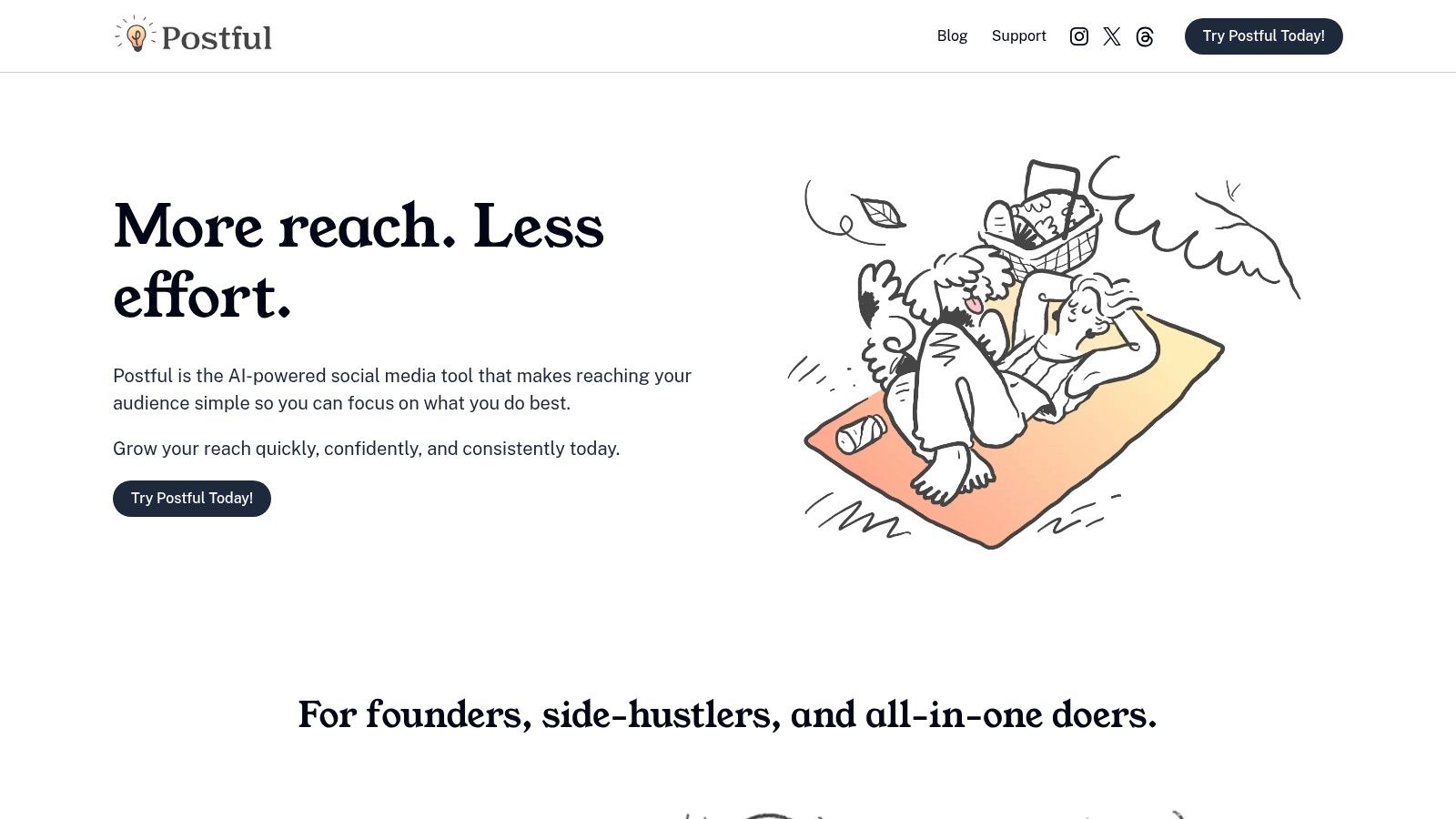
Postful positions itself as the essential AI-powered social media assistant for time-strapped founders, side-hustlers, and small business operators. Its core strength lies in eliminating the dreaded "blank page" problem that often derails social media consistency. Instead of a complex, feature-heavy dashboard, Postful offers a streamlined workflow built around high-impact, ready-to-use content templates and curated post ideas. This approach makes it one of the best AI marketing tools for users who need to generate quality content quickly without a dedicated social media manager.
Core Features and Workflow
Postful’s standout feature is its on-demand AI brainstorming and refinement capability. A founder can start with a simple idea, like "new product feature launch," and the AI tools will expand it into multiple engaging post formats, refine the messaging for clarity, and ensure the tone is relevant to their target audience. This transforms a rough concept into a polished post in minutes, not hours.
- AI-Powered Brainstorming: Expands a single idea into diverse post concepts, angles, and hooks.
- Content Refinement: Tightens messaging, improves clarity, and adjusts tone to match your brand voice.
- Template-Driven Creation: Provides ready-made templates to jumpstart content for announcements, insights, or questions.
- Task Automation: Automates repetitive social media tasks to accelerate publishing and maintain a consistent schedule.
Productivity Workflow Example
For a solo founder launching a new service, Postful streamlines the entire announcement campaign.
- Select Template: Use the "New Launch" template to generate a high-impact initial post.
- Brainstorm Follow-ups: Use the brainstorming tool with the prompt "create 5 follow-up posts for a new service launch." This generates a week's worth of content, such as a behind-the-scenes look, a customer benefit highlight, and an FAQ post.
- Schedule: In one session, schedule the entire campaign. This structured, AI-assisted workflow ensures a steady, high-impact presence while freeing up critical time for other business priorities.
Access & Availability: Postful is currently invite-only, requiring prospective users to join a waitlist. The platform does not publicly display pricing or customer testimonials, reflecting its early-stage development. This means early adopters gain access to an evolving product but should expect limited public social proof and feature transparency.
- Pros:
- Specifically designed for the focused needs of solo founders and small teams.
- Template-based approach dramatically reduces content creation time.
- AI brainstorming tools are excellent for overcoming writer's block.
- Cons:
- Not immediately accessible due to the waitlist model.
- Lack of public pricing and user reviews limits pre-signup evaluation.
Website: https://postful.ai
2. G2
While not an AI tool itself, G2 is an indispensable resource for discovering and vetting the best AI marketing tools on the market. Think of it as your strategic starting point. It’s a massive software marketplace built on verified user reviews, allowing you to move beyond vendor marketing claims and understand how tools actually perform in the real world. Its key value lies in its structured comparison features and deep well of user-generated feedback.
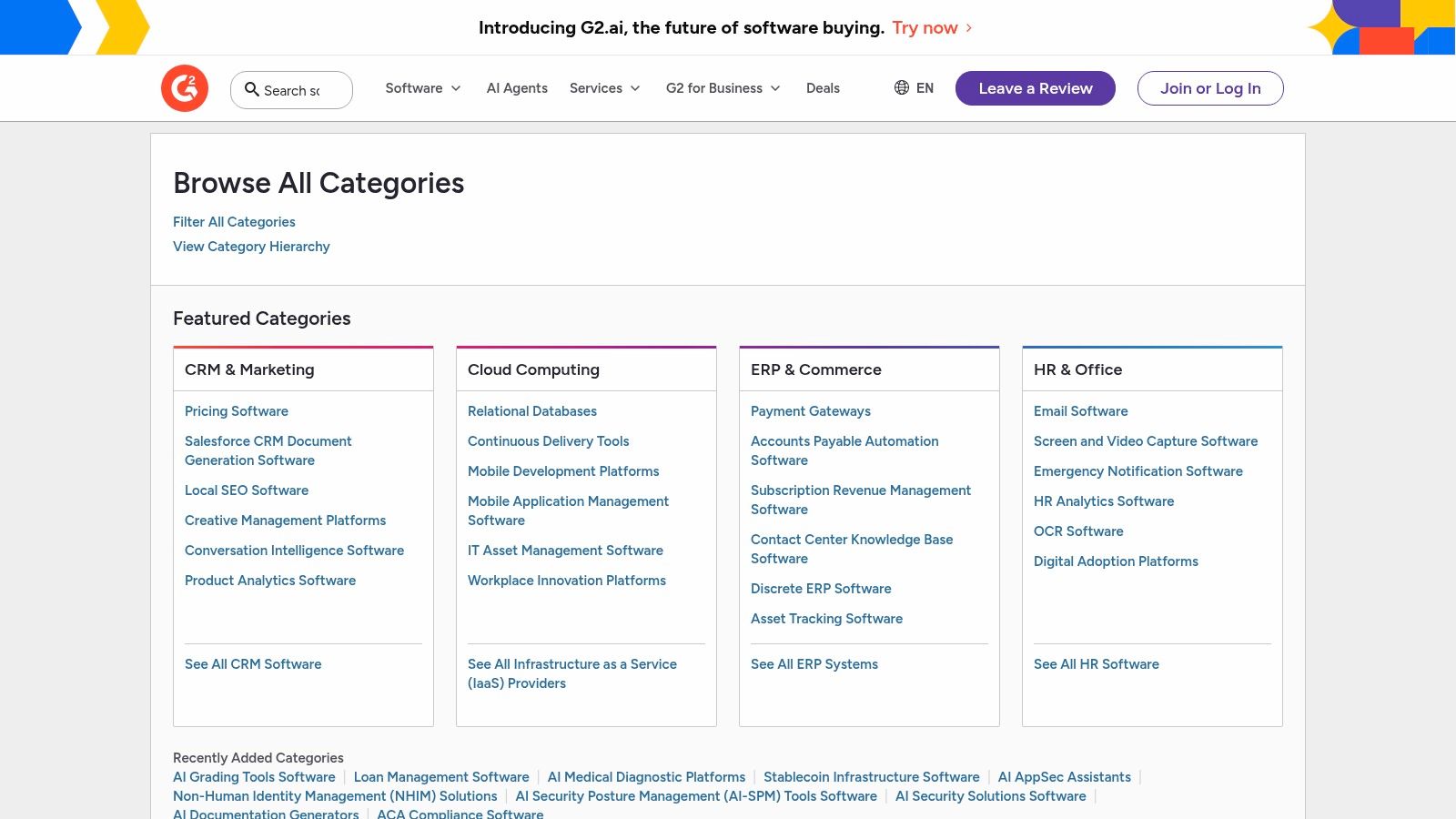
For a startup founder or small business owner, G2 helps de-risk the investment in new software. Instead of relying on a free trial alone, you can filter reviews by company size to see what peers in a similar situation are saying. This is crucial for understanding if a tool is too complex or enterprise-focused for your small team's needs.
How to Use G2 for Maximum Productivity
- Create a Quick Shortlist: Don't browse endlessly. Go to a category like "AI Writing Assistants," look at the G2 Grid® to identify 3-4 "High Performers" or "Leaders," and use the side-by-side comparison feature. This 15-minute process helps you create a focused list to research further.
- Filter for Your Reality: Always use the filters on the left-hand side. Filter reviews by "Small Business" to see feedback from users with similar resource constraints. This helps you identify tools that are not only powerful but also practical for your operation.
- Validate Feature Claims: Scrutinize the user reviews for mentions of specific features you need. If a vendor claims their AI offers "advanced personalization," search the reviews for that term (Ctrl+F or Cmd+F) to see if actual users found it effective and easy to implement.
Website: https://www.g2.com/categories
3. Capterra
Similar to G2, Capterra is a leading software discovery platform, but it distinguishes itself with a strong focus on the needs of small and medium-sized businesses (SMBs). It acts as a comprehensive directory where you can find and compare some of the best AI marketing tools, with a user interface designed for quick, at-a-glance comparisons. Its primary value is in its powerful filtering system and clear presentation of pricing and key features upfront, saving you from clicking through to dozens of vendor websites.
For a side-hustler or founder watching their budget, Capterra is invaluable. It often provides pricing information directly in its listings, including free tiers or trial options. This transparency allows you to quickly shortlist tools that align with your financial constraints before you even start evaluating their specific AI capabilities, streamlining your research process significantly.
How to Use Capterra for Maximum Productivity
- Filter by Price First: Before diving into reviews, use the filters on the left-hand menu to select for pricing models (e.g., "Free," "Subscription") and deployment (e.g., "Cloud, SaaS, Web-Based"). This immediately narrows the field to tools that are practical for your startup's operational and financial reality.
- Build a Comparison Matrix: Once you have a few options, use Capterra’s built-in comparison feature. It creates a side-by-side table that clearly lays out features, pricing, and user ratings. Screenshot this or export the data to quickly spot the key differences between, for example, two competing AI-powered social media schedulers.
- Discover "Hidden Gems": On any given product page, Capterra provides a list of recommended alternatives. This is a great way to discover lesser-known or niche AI tools that might be a better fit for your specific use case than the most popular market leaders.
Website: https://www.capterra.com
4. Product Hunt
Product Hunt is the daily pulse of what’s new and innovative in tech, making it an essential discovery platform for finding the best AI marketing tools before they hit the mainstream. Unlike static review sites, it’s a dynamic community where new products launch every day. This is where you go to find the bleeding-edge tools, often from indie makers and agile startups, that are pushing the boundaries of what AI can do for marketing.
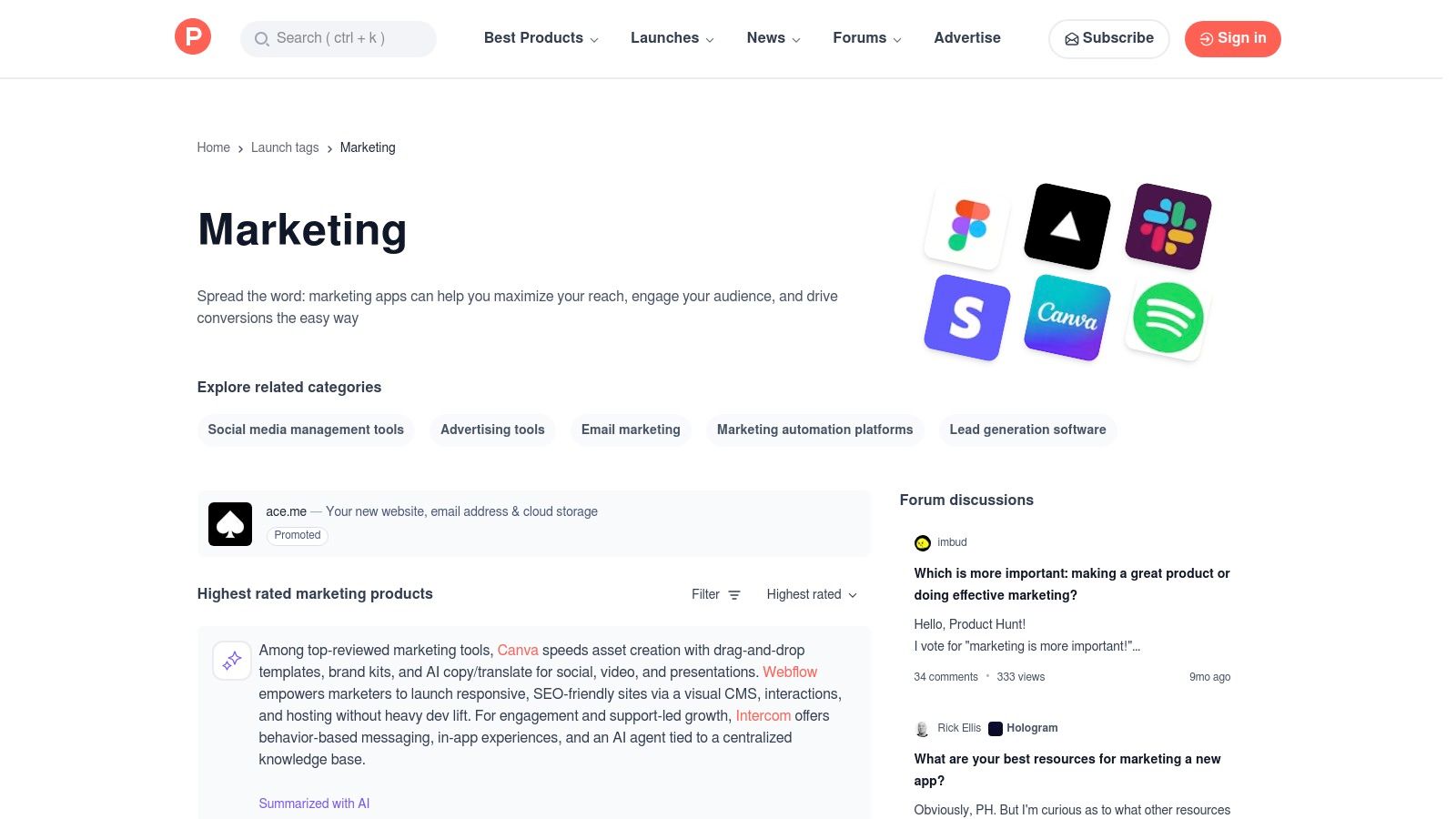
For a founder or side-hustler, Product Hunt offers a direct line to the creators of new tools. You can engage with them in the comments, ask questions, and often snag exclusive launch-day discounts. It's a goldmine for finding niche solutions that solve very specific marketing problems, from an AI-powered headline generator to a tool that automates video testimonials.
How to Use Product Hunt for Maximum Productivity
- Follow Relevant Topics: Don't just browse the homepage. Follow specific topics like "Marketing" and "Artificial Intelligence." This customizes your feed to surface the most relevant AI-powered marketing solutions as they launch, saving you from sorting through irrelevant products.
- Subscribe to the Digest: Let the insights come to you. Subscribe to the Product Hunt newsletter. The daily and weekly digests are curated summaries of the top-trending products, saving you the effort of checking the site every day while ensuring you don't miss a breakthrough tool.
- Scan Comments for Use Cases: The comment section is often more valuable than the product description. Look for feedback from early adopters sharing how they're actually using the tool. This is where you can find honest first impressions and practical workflow ideas.
Website: https://www.producthunt.com/topics/marketing
5. Semrush
While Semrush is a powerhouse for SEO and competitive research, its recent AI integrations, particularly ContentShake AI, have transformed it into one of the best AI marketing tools for businesses where search is a primary growth channel. It excels by combining its market-leading search data with AI-powered content creation, allowing you to not just write content, but write content engineered to rank. This fusion of data and AI bridges the gap between content strategy and execution.
For a small business owner, Semrush eliminates the guesswork in content marketing. Instead of just using an AI writer to create a blog post, you can use Semrush to identify a high-value keyword, analyze top-ranking competitors, and then use ContentShake AI to generate an article optimized with the right keywords, structure, and readability to compete for that top spot.
Productivity Workflow Example
- Data-Driven Content Creation: Start your workflow in the "Keyword Magic Tool" to find a low-competition, high-intent keyword like "best AI marketing tools for small business."
- AI-Powered Drafting: Send that keyword directly to ContentShake AI. It will analyze top-ranking pages and generate a draft that is already foundationally optimized for that specific search query, including headers and related terms.
- Quick SEO Wins: Use the AI to quickly generate compelling meta descriptions and SEO-friendly titles for your existing pages, giving them an immediate optimization boost without a full rewrite.
Website: https://www.semrush.com
6. Jasper
Jasper is an AI content platform built specifically for marketing teams, moving beyond generic AI chat to offer a suite of tools for creating on-brand, multi-channel campaigns. Its core strength lies in its ability to learn and maintain a consistent brand voice across all generated content, from ad copy and blog posts to social media updates. This makes it one of the best AI marketing tools for businesses looking to scale content production without sacrificing brand identity.
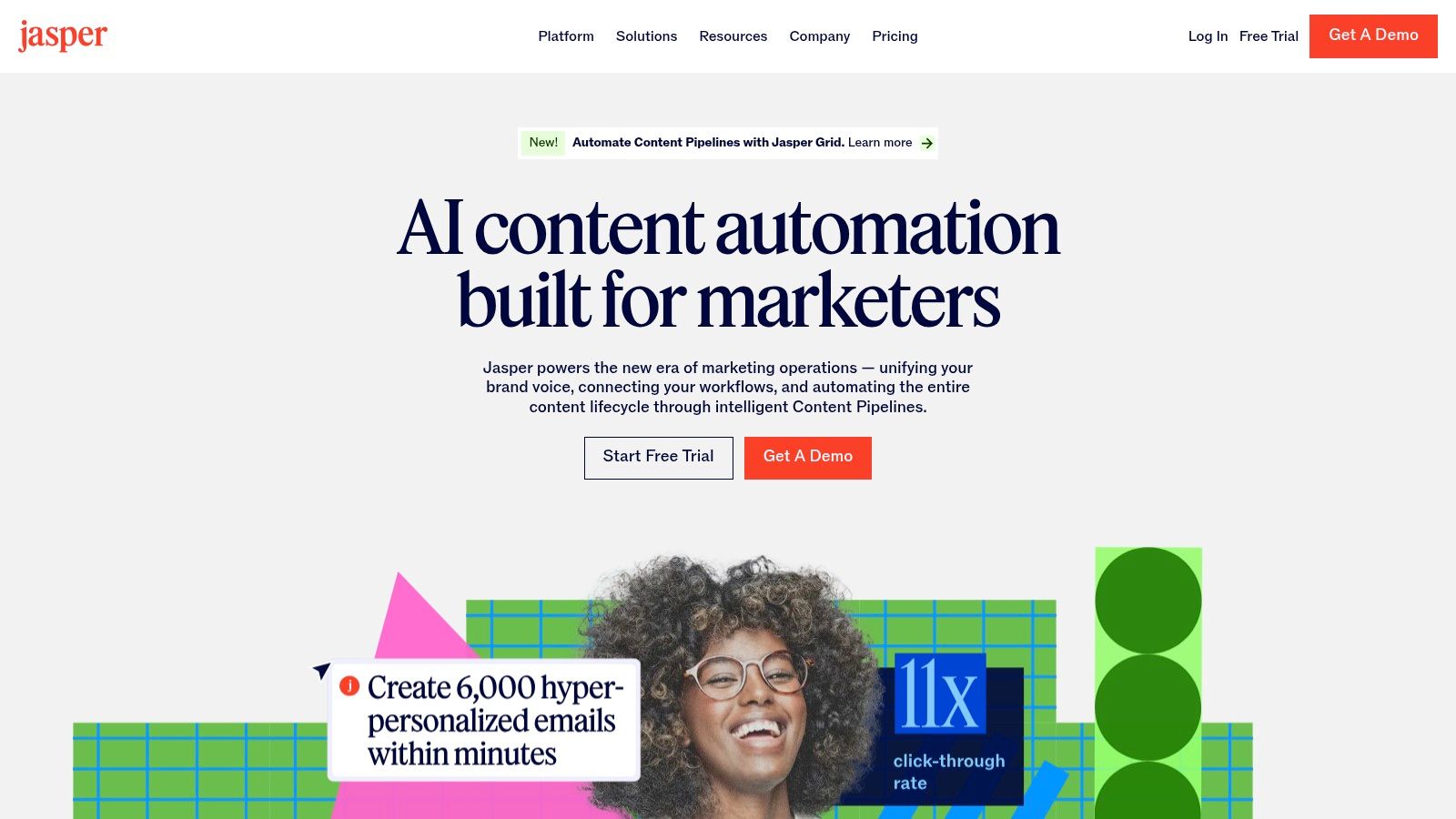
For a small business owner, Jasper acts as a centralized content hub. Instead of juggling different tools for copy, images, and strategy, you can create cohesive campaigns from a single dashboard. The platform's emphasis on team collaboration, with seat-based pricing and shared knowledge assets, is designed to keep your entire marketing effort aligned, even with a small team.
Productivity Workflow Example
- Set Up Your Brand Voice: Dedicate 30 minutes upfront to populate the Brand Voice and Knowledge Base features. Upload style guides, product descriptions, and target audience personas. This initial investment pays dividends by ensuring every piece of AI-generated content sounds authentically like your brand, drastically reducing editing time.
- One-Brief, Many Assets: Use the campaign feature to create a brief for a new product launch. Jasper can then generate a complete set of assets based on that brief, including email sequences, social media announcements, and landing page copy, all interconnected and consistent.
- Install the Browser Extension: Install the Jasper browser extension to bring its AI capabilities into your other tools. Use it to quickly rewrite a LinkedIn post, draft a response to a customer email in Gmail, or brainstorm ideas directly within your project management software, streamlining your workflow significantly.
Website: https://www.jasper.ai
7. Copy.ai
Copy.ai stands out as a versatile AI writing platform that has evolved from a simple copy generator into a more robust automation tool. It combines an accessible chat interface, a vast library of templates for specific marketing tasks, and emerging workflow features. For a founder needing to quickly draft ad copy, a blog post outline, or a series of social media updates, Copy.ai provides an excellent and immediate starting point, making it one of the best AI marketing tools for rapid content creation.
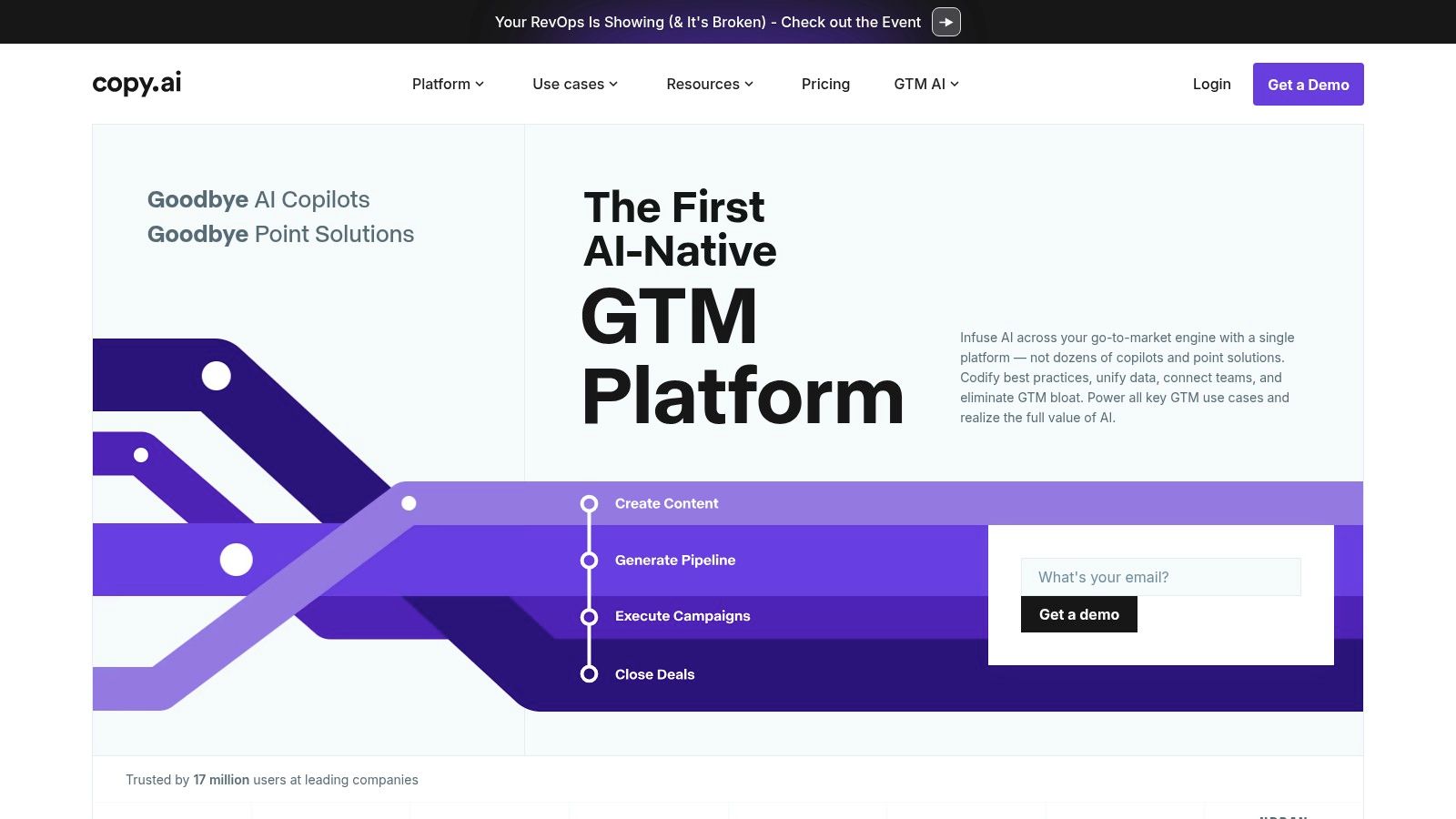
What makes it particularly valuable for small teams is its generous free plan and the unlimited word count in the chat on its entry-level paid plan. This allows for extensive experimentation without worrying about hitting a usage cap. The platform also offers access to multiple large language models (LLMs), giving you the flexibility to choose the best engine for your specific task, whether it's creative brainstorming or factual content generation.
Productivity Workflow Example
- Iterate in Chat: Instead of using a one-off template, start a conversation in the Chat. Ask it to "generate five email subject lines for a flash sale." Then, follow up with "make the best one funnier and add an emoji." This iterative process often yields much better results than a single command.
- Automate Repurposing: For tasks you do regularly, like turning a blog post into a LinkedIn post, explore the "Workflows" feature. For example, set up a workflow that takes a URL, extracts the key points, and drafts a 3-part LinkedIn carousel. Setting this up once can save hours in the long run.
- Onboard Your Brand: Before generating any copy, use the Brand Voice feature. Simply provide a link to your website, and Copy.ai will analyze it to match your tone. This ensures the AI's output aligns more closely with your established style, reducing editing time. You can learn more about effective AI social media content creation to refine your prompts.
Website: https://www.copy.ai
8. HubSpot
HubSpot evolves from a powerful CRM into a comprehensive AI-driven platform, making it one of the best AI marketing tools for businesses seeking a single source of truth. Its strength lies in embedding AI capabilities, known as Breeze, directly into its Marketing Hub. This allows you to generate social media posts, draft blog content, and build landing pages using AI that is natively connected to your customer data, ensuring your marketing is context-aware and personalized.
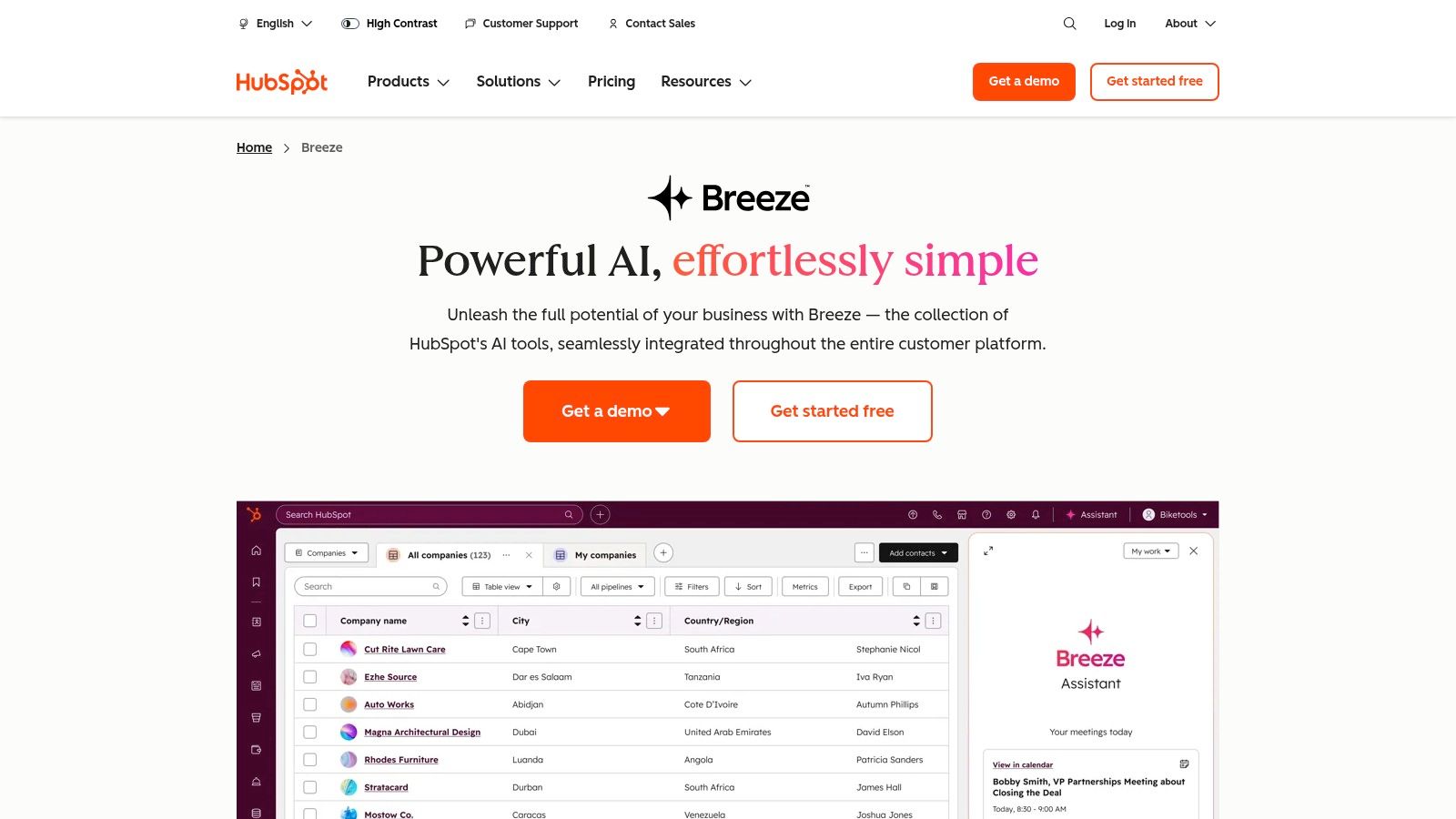
For a small business owner, this integration is a game-changer. Instead of juggling a separate AI writer, a social scheduler, and a CRM, HubSpot combines them. This means your AI-generated email campaigns can be automatically triggered by customer actions recorded in the CRM, creating a seamless and intelligent workflow. The platform can be overkill if you only need a single tool, but for those scaling their operations, it provides an unparalleled, unified system.
Productivity Workflow Example
- Use CRM Data for AI Prompts: When using Breeze to draft a promotional email, reference a specific customer list from your CRM in your prompt. For example, prompt it: "Write a 3-sentence email for my contact list 'Abandoned Carts – Last 7 Days' offering a 10% discount to complete their purchase." This generates highly relevant, conversion-focused copy.
- Automate Content Repurposing: After publishing a new blog post, use the AI assistant to instantly "generate 3 social media posts for LinkedIn about this article." This ensures you get maximum mileage from every piece of content without manual effort. For a deeper dive, explore this guide on HubSpot Marketing Hub for B2B Teams.
- Build Smart Workflows: Combine AI with automation. Create a workflow where if a contact visits your pricing page more than three times, the AI automatically drafts a personalized follow-up email from a sales rep and creates a task for the rep to review and send it.
Website: https://www.hubspot.com/products/artificial-intelligence
9. Mailchimp
Mailchimp is a household name in email marketing, but its evolution into one of the best AI marketing tools for small businesses makes it a powerful contender. It integrates AI to optimize core email marketing tasks, moving beyond simple newsletters to intelligent, data-driven communication. The platform’s strength lies in making sophisticated features like predictive analytics and content optimization accessible to founders without a dedicated marketing team.
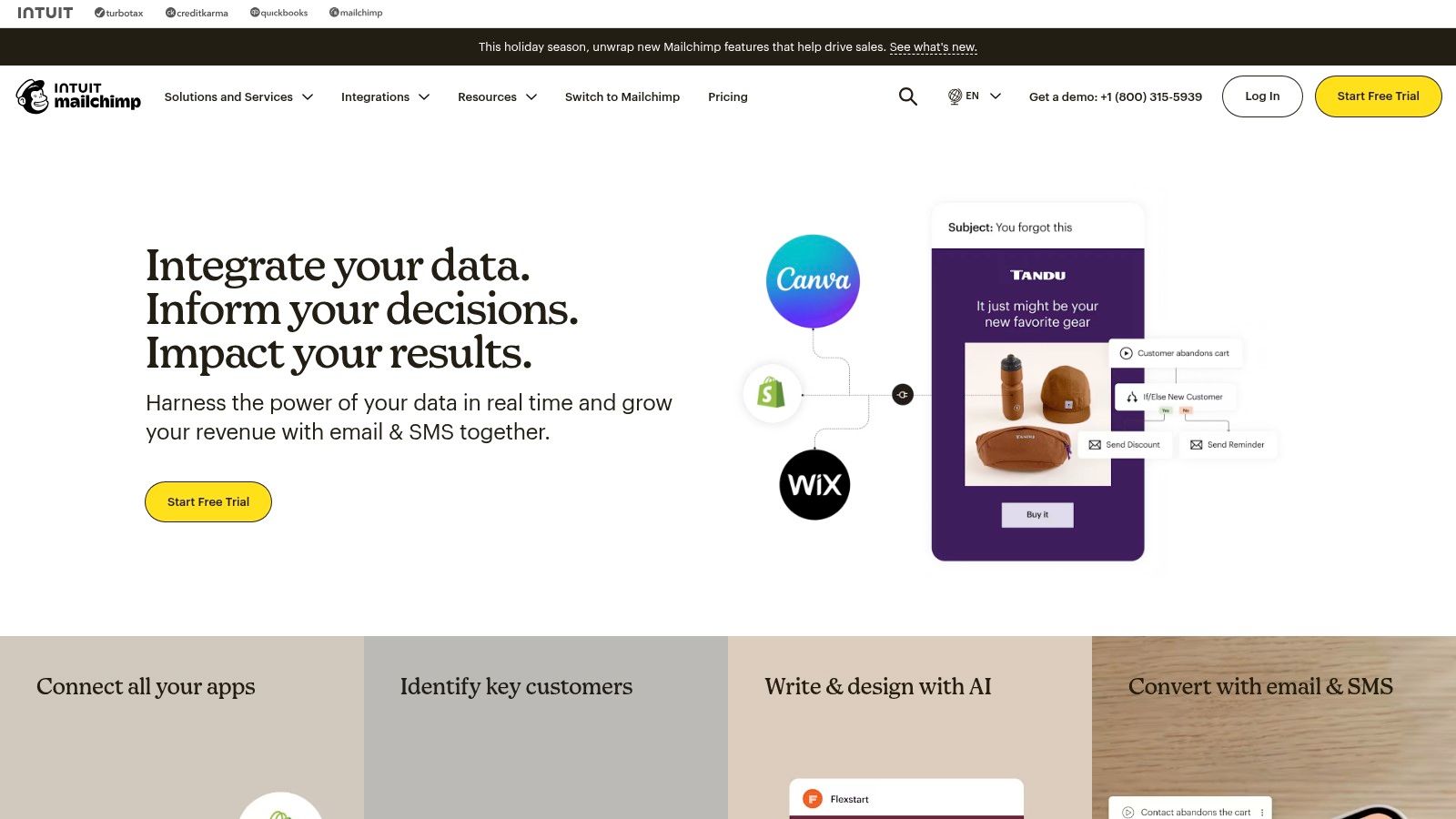
For a small business owner, Mailchimp’s AI isn’t about complex algorithms; it’s about practical results. It helps answer critical questions like "When is the best time to send this email?" and "Which customers are most likely to buy again?". Its familiar interface and extensive template library mean you can get started quickly, while its AI features (available in paid tiers) provide a clear path to scale your efforts as your audience grows.
Productivity Workflow Example
- Create Predictive Segments: Instead of manually creating audience segments, use the AI-powered "Customer Lifetime Value" and "Likelihood to Purchase" features. Create a specific campaign targeting your high-value, likely-to-buy segment with an exclusive offer to maximize ROI. This is a 5-minute task that can significantly boost sales.
- Draft and Optimize in One Go: When drafting an email, pay close attention to the Content Optimizer’s real-time suggestions. It analyzes your text against millions of campaigns to suggest improvements for scannability and tone. Accept the changes you like to improve engagement rates before you even send a test.
- Let AI Write Your Subject Lines: Use the AI subject line generator to create five options. Pick your favorite and then ask it to "make it more urgent." This small step can significantly improve your open rates by providing data-backed suggestions.
Website: https://mailchimp.com
10. Hootsuite
Hootsuite is an established, end-to-end social media management platform that has integrated AI to streamline its core functions. While known for its robust scheduling and analytics, its AI Assistant, OwlyWriter, makes it one of the best AI marketing tools for teams needing a single dashboard to manage their entire social presence. It combines content ideation, creation, publishing, and reporting, consolidating the workflow for busy marketers.
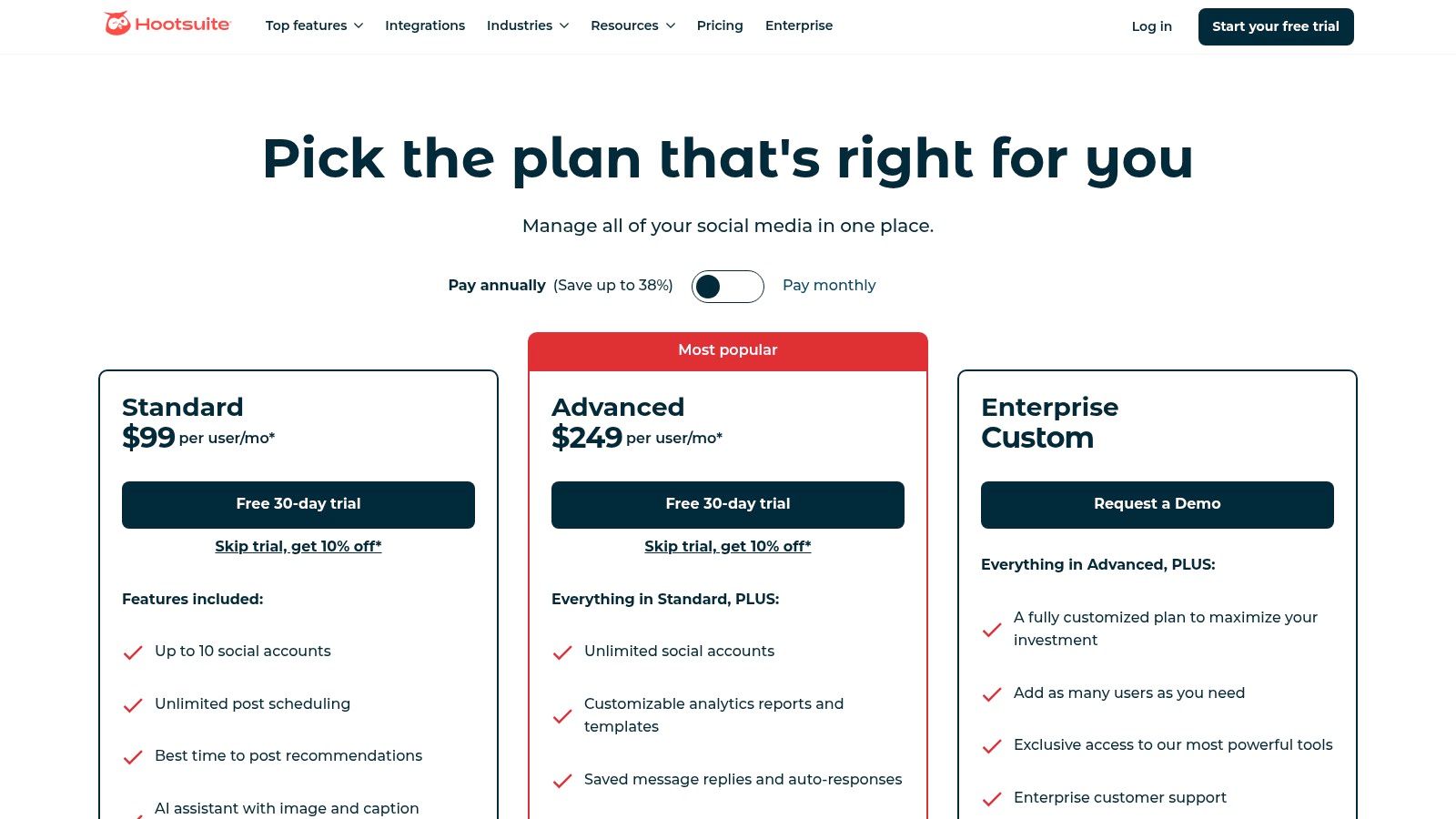
For a small business owner, Hootsuite’s value lies in its consolidation. Instead of jumping between a writing tool, a scheduler, and an analytics app, you can do it all in one place. Its AI can generate captions, suggest content ideas based on trending topics, and even create posts from a simple URL, saving significant time. While you can use social media to learn how to build an email list, Hootsuite helps you manage that social presence more efficiently.
Productivity Workflow Example
- Fill Your Content Calendar: Use OwlyWriter's "content ideas" feature by plugging in keywords relevant to your industry, like "productivity tips for startups." It can generate a list of post concepts. Choose the best ones and schedule them directly, filling your content calendar in minutes.
- Trust the AI Scheduler: After writing your posts, don't just guess when to publish. Use the "Best Time to Post" feature. Hootsuite analyzes your audience's activity and recommends optimal posting times for each network. Always follow these AI-driven suggestions to maximize reach.
- Automate Reporting: Set up an automated weekly "Performance" report to be sent directly to your inbox. This helps you track key metrics like follower growth and engagement rates without having to log in and manually pull data, keeping your strategy data-informed with zero effort.
Website: https://www.hootsuite.com/plans
11. Buffer
Buffer is a well-known social media scheduling platform that has seamlessly integrated a lightweight AI Assistant, making it one of the best AI marketing tools for founders and small teams seeking efficiency. Instead of offering a complex, standalone AI product, Buffer embeds AI directly into the content creation workflow. This makes it a fantastic on-ramp for those who want AI-powered assistance for brainstorming, repurposing, and tailoring social posts without a steep learning curve or heavy investment.
For a solo founder managing multiple channels, Buffer's AI excels at quick-turnaround tasks. You can paste a blog post link and ask the AI Assistant to generate several unique posts for X, LinkedIn, and Instagram, each adapted to the platform's specific tone and format. This significantly reduces the time spent on content repurposing while maintaining a consistent publishing schedule.
Productivity Workflow Example
- One Idea, Many Posts: Feeling stuck? Use the "Start with AI" feature to generate a list of post ideas based on a simple prompt. For example, ask for "5 engaging questions for a small business owner audience on LinkedIn." Then, for each idea you like, click "Create more posts" to get variations.
- Repurpose with a Single Click: Drop a link to your latest case study or blog post into the composer. The AI Assistant will automatically pull key points and draft multiple social media updates, saving you from manually summarizing your own content.
- Optimize for Each Channel: After generating a base post, use the AI to "Make it shorter" for X or "Change the tone to professional" for LinkedIn. These channel-aware adjustments happen right inside the composer, ensuring your message is optimized for each audience. This entire workflow helps maintain a structured social media content calendar.
Website: https://buffer.com/ai-assistant
12. Shopify App Store
For e-commerce founders and marketers, the Shopify App Store is less of a single tool and more of a specialized ecosystem for discovering the best AI marketing tools tailored specifically for online stores. It’s an essential marketplace where you can find, vet, and integrate AI-powered solutions directly into your Shopify dashboard. This direct integration is its key advantage, as it allows apps to leverage your store’s data-like sales history and customer behavior-to deliver highly relevant results.
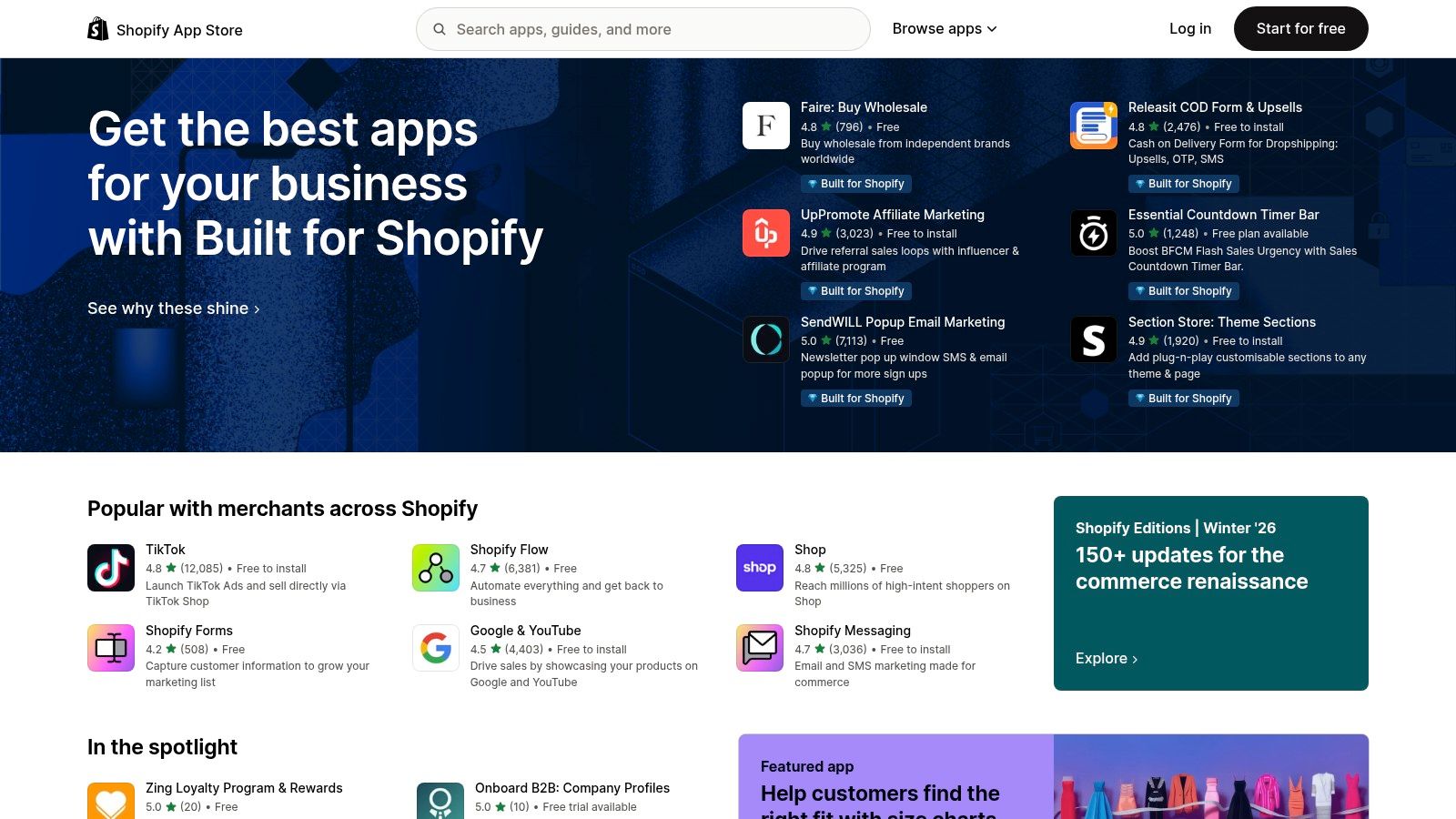
For a small business owner running an e-commerce site, this centralized hub simplifies everything from installation to billing. Instead of managing dozens of separate subscriptions, you can handle it all within Shopify. The ability to quickly test an AI product description writer or an AI-driven personalization app with a free trial and then uninstall it with one click if it doesn't work out drastically lowers the barrier to experimentation.
How to Use the Shopify App Store for Maximum Productivity
- Search by Problem, Not Tool: Don't just browse for "AI." Instead, search for your desired outcome, such as "AI product recommendations" or "write product descriptions." This will yield more relevant apps that solve a specific problem.
- Check Reviews and Integrations: Pay close attention to recent reviews from merchants with similar-sized stores. Also, check that the app integrates with your other key tools (like your email provider) to avoid creating data silos.
- Run a Quick A/B Test: Install two competing AI apps on free trials to solve the same problem. For instance, try two different AI-powered SEO apps. Use one to write meta descriptions for 10 products and the other for 10 similar products. Compare the results after a few weeks to see which performs better.
Website: https://apps.shopify.com
Top 12 AI Marketing Tools Comparison
| Product | Core features ✨ | Quality ★ | Price/value 💰 | Target 👥 | Standout / Notes 🏆 |
|---|---|---|---|---|---|
| Postful | Templates, curated post ideas, on‑demand brainstorming, automation | ★★★★ — early access / invite‑only | 💰 Invite‑only; pricing not public | 👥 Founders, side‑hustlers, solo operators | 🏆 Postful — ready templates + AI brainstorming; automates social workflow |
| G2 | Category taxonomy, verified reviews, side‑by‑side comparisons | ★★★★ — broad review depth | 💰 Free to browse; vendor‑sponsored placements | 👥 Buyers researching software, enterprises | ✨ Fast shortlist + Grid rankings for vendor selection |
| Capterra | Directory filters, pricing tiers, vendor‑neutral overviews | ★★★★ — SMB focus | 💰 Free to browse; highlights pricing tiers | 👥 SMBs, budget‑conscious buyers | ✨ Easy pricing visibility & alternative suggestions |
| Product Hunt | Daily launches, community comments, curated collections | ★★★ — discovery / variable signal | 💰 Free discovery; launch promos common | 👥 Early adopters, founders, product scouts | ✨ Great for spotting emerging/early‑stage tools |
| Semrush | SEO, keyword & competitor data, ContentShake AI, add‑ons | ★★★★★ — market‑leading datasets | 💰 Paid; add‑ons and seats increase cost | 👥 SEO/growth teams, agencies | ✨ Best for search‑driven acquisition and SEO insights |
| Jasper | AI copy, brand voice controls, collaboration workflows | ★★★★ — team‑focused | 💰 Seat‑based pricing (can add up) | 👥 Marketing teams, agencies | ✨ Brand voice + workflow tools for consistent multi‑channel copy |
| Copy.ai | Chat, templates, Agents/workflows, multi‑LLM access | ★★★★ — fast setup | 💰 Generous entry plan; workflow credits on higher tiers | 👥 Solo marketers, small teams | ✨ Multi‑LLM support and rapid chat‑based writing |
| HubSpot | CRM‑integrated AI, Breeze Assistants, Marketing Hub | ★★★★★ — enterprise grade | 💰 Expensive; seat/contact and onboarding fees | 👥 Mid‑market to enterprise teams | ✨ CRM‑tied automation and deep reporting |
| Mailchimp | Email campaigns, automation journeys, AI suggestions | ★★★★ — email‑centric | 💰 Tiered; contact‑based billing | 👥 SMBs, newsletter/list managers | ✨ Strong templates and lifecycle automation |
| Hootsuite | Multi‑network scheduling, analytics, AI caption ideas | ★★★★ — broad feature set | 💰 Tiered; advanced features require higher plans | 👥 Growing social teams | ✨ Consolidates scheduling, listening and reporting |
| Buffer | Scheduling, AI Assistant for ideation & repurposing | ★★★★ — easy to use | 💰 Affordable; AI on free & paid plans | 👥 Solo founders, small teams | ✨ Lightweight, quick on‑ramp to AI‑assisted posting |
| Shopify App Store | Marketplace of marketing AI apps; install/billing inside Shopify | ★★★★ — varies by app | 💰 App‑based pricing; trials common | 👥 E‑commerce merchants | ✨ Direct store integration and easy app testing |
Putting It All Together: Your AI-Powered Productivity Stack
Navigating the landscape of the best AI marketing tools can feel like exploring a new, rapidly expanding universe. We've journeyed through platforms designed for every facet of modern marketing, from crafting compelling social media narratives with Postful to decoding complex analytics with Semrush and automating customer journeys with HubSpot. The key takeaway is clear: AI is no longer a futuristic concept but a practical, accessible co-pilot for founders, side-hustlers, and small marketing teams.
The true power of these tools isn't just in their individual capabilities, but in how you strategically combine them. Your goal isn't to adopt every shiny new object. Instead, it's to build a lean, efficient, and interconnected "stack" that automates weaknesses and amplifies strengths, freeing up your most valuable resource: your time.
From Information to Implementation: Your Next Steps
Reading a listicle is one thing; driving real results is another. The bridge between the two is intentional action. Here’s a simple framework to help you move from evaluation to execution and start building your personalized AI marketing stack.
- Start with Your Biggest Bottleneck: What single marketing task consumes the most time for the least return? Is it staring at a blank page trying to write social media updates? Is it manually pulling and trying to interpret website data? Identify your primary pain point and choose one tool from this list that directly addresses it.
- Define Your "Minimum Viable" Goal: Don't try to master an entire platform overnight. If you choose a content generator like Jasper, set a goal to write three blog post outlines this week. If you select Postful, aim to schedule a full week of social media content using its templates. Small, achievable wins build momentum.
- Run a 14-Day Sprint: Almost every tool offers a free trial or a freemium plan. Commit to using your chosen tool consistently for two weeks. This is long enough to overcome the initial learning curve and see if it genuinely integrates into your workflow and improves your productivity. At the end of the sprint, make a clear "go" or "no-go" decision.
Key Considerations for Your AI Toolkit
As you select and implement these tools, keep these practical considerations at the forefront of your decision-making process. These factors will determine whether a tool becomes an indispensable asset or another forgotten subscription.
- Integration is King: A powerful tool that doesn't connect with your existing systems (like your CRM, e-commerce platform, or other marketing tools) will create more manual work, not less. Before committing, always check the platform's native integrations or its compatibility with services like Zapier.
- Scalability for the Future: Your needs today as a solo founder might be very different from your needs in a year with a small team. Consider the pricing tiers. Does the tool offer a clear upgrade path that supports your growth without an astronomical price jump?
- The Human-in-the-Loop Principle: Remember, these are AI assistants, not replacements for strategic thinking. The most successful marketers use AI to generate a first draft, analyze raw data, or automate repetitive tasks. You still need to provide the final review, inject your unique brand voice, and make the ultimate strategic decisions.
Ultimately, the goal is to create a seamless workflow where technology handles the tedious and tactical, allowing you to focus on the high-level strategy, creativity, and human connection that truly grows a business. By thoughtfully selecting and integrating the best AI marketing tools for your specific situation, you’re not just buying software; you’re buying back time and creating a powerful engine for sustainable growth.
Ready to conquer your social media marketing without the content creation headache? Postful is the AI-powered social media tool built specifically for founders and creators who need high-quality content, fast. Start your free trial with Postful and go from idea to a fully scheduled week of posts in minutes.