
As a founder or small operator, your most limited resource isn't capital; it's time. Every minute spent on manual, repetitive work is a minute you're not spending on growth, strategy, or customer relationships. The constant context-switching between updating spreadsheets, sending follow-up emails, and managing social media posts creates a productivity drain that small teams can't afford.
Workflow automation is the essential lever for reclaiming that time. It allows you to build systems that operate reliably in the background, freeing you to focus on high-impact activities. For instance, managing a successful advertising account often involves relentless optimization and A/B testing, highlighting the critical need for effective Facebook Ads automation tools to handle the repetitive adjustments. A practical workflow could be automatically pausing low-performing ads when their click-through rate drops below a set threshold, saving you both time and money.
This guide cuts through the noise to help you find the best workflow automation tools for your specific needs. We've compiled a comprehensive list of 12 top-tier platforms, moving beyond generic feature lists to provide a detailed, practical analysis. For each tool, you'll find:
- Real-world use cases for founders and small business operators.
- An honest assessment of pros and cons based on hands-on experience.
- Actionable implementation tips to get you started quickly.
- Clear pricing breakdowns and direct links.
Our goal is to equip you with the insights needed to choose the right solution, whether you need to connect your entire app ecosystem or automate a single, time-consuming task. Let's dive in and find the perfect tool to put your business on autopilot.
1. Postful
Postful earns the top spot in our list of the best workflow automation tools by delivering a targeted solution for one of the most time-consuming challenges for founders: social media management. It is an AI-powered social media assistant designed specifically for busy entrepreneurs, side-hustlers, and small business operators. Instead of offering a broad, generic automation platform, Postful focuses on streamlining the entire content creation and publishing workflow, from initial idea to scheduled post, freeing up critical hours that can be reinvested into core business operations.

Its core strength lies in combining AI-driven ideation with practical automation. Users can overcome the dreaded "blank page" problem using ready-to-use templates and curated post ideas. The platform’s on-demand brainstorming tools then help refine these initial concepts into sharp, relevant messages tailored to a specific audience. This unique blend transforms content creation from a chore into an efficient, strategic process.
Standout Features & Use Cases
Postful’s feature set is built for practical application and productivity gains. It automates repetitive tasks like scheduling, minor copy adjustments for different platforms, and other routine social media chores.
- AI-Powered Ideation & Refinement: Instead of just scheduling, Postful helps generate the content itself. For example, a founder can input a basic product update, and the AI will suggest multiple post formats, tones, and angles to make the announcement more engaging. You could take a single blog post and have Postful generate a 10-post series to promote it over two weeks.
- Targeted Workflow Automation: The platform automates the tedious parts of maintaining a consistent presence. You can set up workflows to repurpose a single core message into variations for LinkedIn, X (formerly Twitter), and Instagram, saving significant time. A practical workflow is uploading a long-form article and having the tool automatically extract key quotes and data points, format them for different social platforms, and add them to your content queue.
- Founder-Focused Design: The entire experience is tailored for users who are not full-time marketers. The interface is intuitive, avoiding the enterprise-level complexity found in many other tools. This makes it a practical choice for resource-constrained operators.
Implementation and Considerations
Postful is currently an invite-only platform, so immediate access is not guaranteed; interested users must join the waitlist. Additionally, the website does not publicly list pricing tiers, customer testimonials, or third-party certifications. This means potential users will need to wait for direct communication to assess cost and social proof. However, for those who successfully gain access, the platform offers a streamlined way to build a powerful social media presence without the typical grind. Pairing Postful with a well-defined strategy is key. For more on this, you can learn how to create a content calendar that maximizes the tool's automation capabilities.
- Website: https://postful.ai
- Best For: Founders, side-hustlers, and all-in-one small business operators.
- Pros: Eliminates the blank-page problem with templates and AI ideas, sharpens messaging for better audience connection, automates repetitive tasks to ensure consistent posting, and is built specifically for time-poor entrepreneurs.
- Cons: Invite-only access may involve a wait, and the lack of public pricing or testimonials makes upfront evaluation difficult.
2. Zapier
Zapier is arguably the most recognized name in no-code automation, functioning as the essential "glue" that connects thousands of disparate web applications. For founders and small teams, it's one of the best workflow automation tools for quickly linking a SaaS stack without writing a single line of code. Its visual "Zap" builder allows you to create multi-step automated workflows based on triggers and actions. A classic productivity workflow is automatically creating a new row in a Google Sheet for every new lead from a Facebook Lead Ad, and then sending a personalized welcome email via Gmail.
The platform stands out with its massive library of over 6,000 app integrations, ensuring almost any tool in your arsenal is supported. Recently, Zapier expanded its offering with Tables (a simple database) and Interfaces (a UI builder), allowing users to create lightweight internal tools, dashboards, and forms directly within the platform. This reduces the need for separate tools like Airtable or Google Forms for simple data collection and automation tasks.
Key Details & Pricing
| Feature | Details |
|---|---|
| Best For | Founders and small teams needing broad, reliable integrations across their entire SaaS stack. |
| Key Features | Visual multi-step Zap builder, conditional logic, 6,000+ app connectors, built-in Tables & Interfaces. |
| Pricing | Offers a Free plan with 100 tasks/month. Paid plans start at $19.99/month (billed annually) for more tasks and multi-step Zaps. |
| Pros | Unmatched integration library, highly intuitive for non-technical users, fast setup. |
| Cons | Can become expensive at high task volumes; advanced features are gated in higher-tier plans. |
Implementation Tip: Start by identifying your most repetitive, manual tasks, like data entry between apps. A great first workflow is to connect your calendar to your project manager. Use a pre-built Zap template to automatically create a new task in Asana or Trello whenever a new meeting is booked in Calendly. This quick win demonstrates the tool's value and helps build momentum for automating more complex processes, which is crucial when you learn how to manage multiple projects at once.
Website: https://zapier.com
3. Make (formerly Integromat)
Make, formerly known as Integromat, is a powerful visual automation platform that excels where complex logic and multi-step workflows are required. While other tools focus on linear sequences, Make allows users to build intricate "scenarios" with multiple branches, routers, and advanced error handling. This makes it one of the best workflow automation tools for creators and growth teams who need to orchestrate sophisticated processes, such as dynamically routing new leads based on form responses or handling failed API calls gracefully.
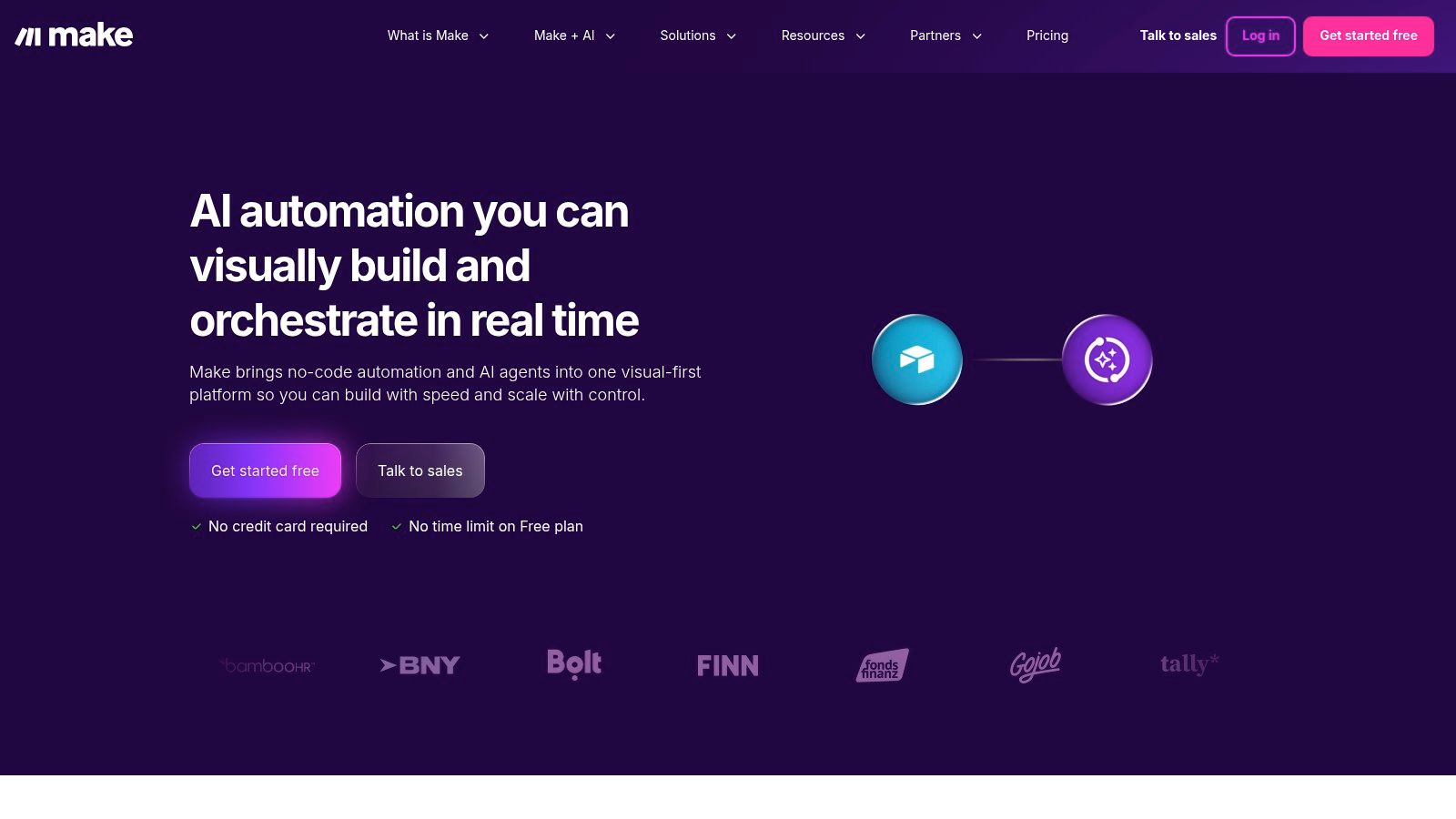
The platform’s drag-and-drop interface is highly visual, showing exactly how data flows between different modules and services. This transparency is a key differentiator, giving users granular control over data mapping and transformation. With its generous free tier and transparent, operations-based pricing model, Make provides significant power and flexibility without the steep costs often associated with high-volume or complex automations, making it an excellent choice for businesses scaling their operations.
Key Details & Pricing
| Feature | Details |
|---|---|
| Best For | Tech-savvy users, developers, and growth teams needing to build complex, multi-branch automations with granular control. |
| Key Features | Visual drag-and-drop scenario builder, routers and filters for branching logic, advanced error handling, 3,000+ app integrations. |
| Pricing | Offers a Free plan with 1,000 operations/month. Paid plans start at $9/month (billed annually) for 10,000 operations. |
| Pros | Powerful visual builder for complex workflows, great value at lower tiers, transparent operations-based pricing model. |
| Cons | Steeper learning curve than simpler tools; operations-based pricing can be confusing for new users. |
Implementation Tip: Start by mapping a workflow on paper that has at least one "if/then" condition. A practical example for an e-commerce store: if a new order is placed in Shopify (trigger), check the total value. If it's over $100 (router), add the customer to a "VIP" list in Mailchimp and send a thank-you Slack message. If it's under $100, just add them to the standard newsletter list. This simple exercise leverages Make's core strength in conditional logic.
Website: https://www.make.com
4. Microsoft Power Automate
For organizations deeply integrated into the Microsoft ecosystem, Microsoft Power Automate is one of the best workflow automation tools available. It extends beyond simple cloud-based connections by incorporating powerful desktop-based Robotic Process Automation (RPA), allowing you to automate tasks on legacy systems that lack modern APIs. This makes it ideal for businesses that need to bridge the gap between cloud applications like Office 365 and on-premise desktop software. For example, you can build a flow that automatically reads data from an Excel file, enters it into a desktop accounting program, and then posts a summary in a Microsoft Teams channel.
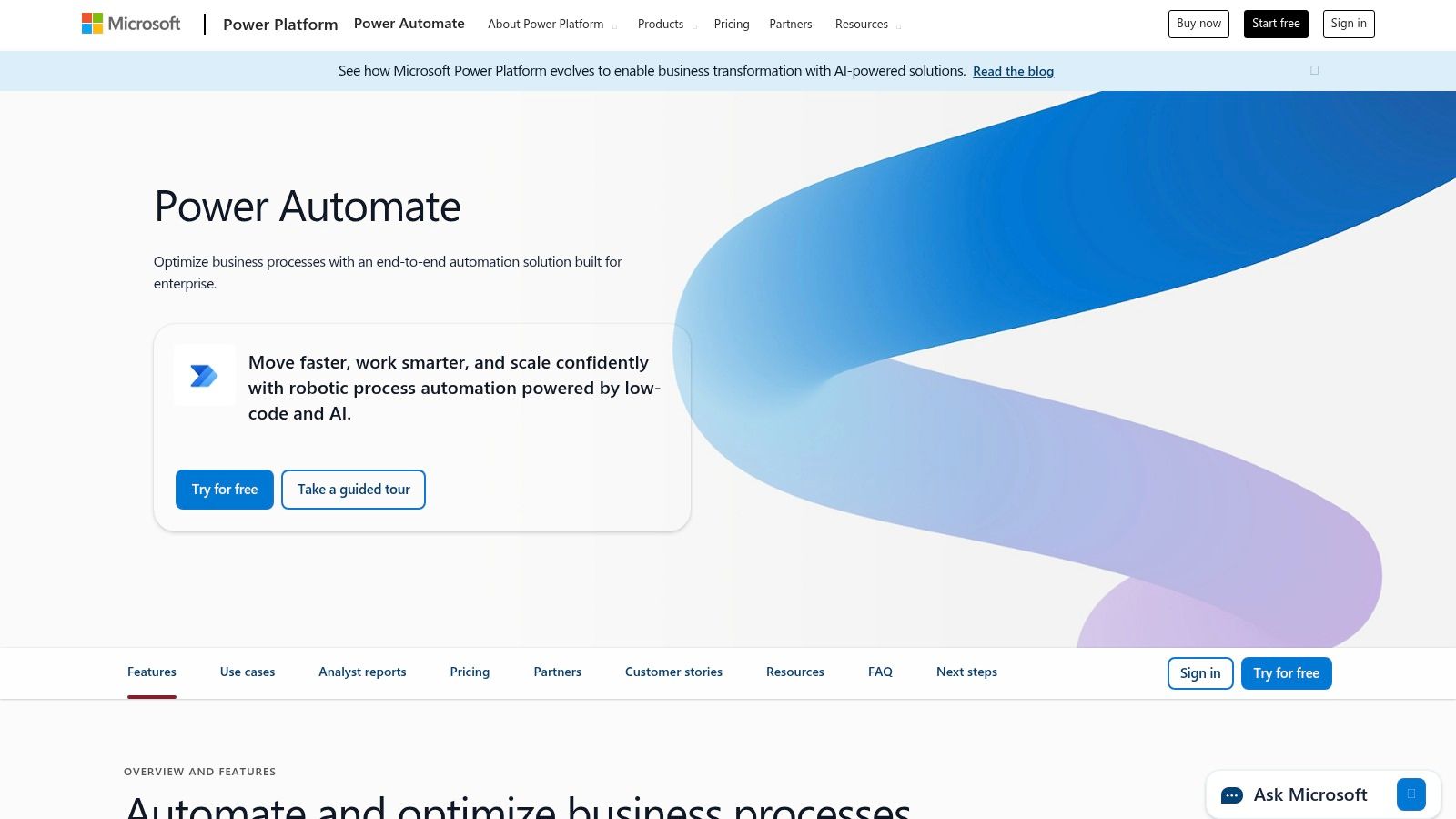
Power Automate's strength lies in its native integration with products like SharePoint, Dynamics 365, and Azure, providing a secure and governed environment. It combines cloud flows (API-based), desktop flows (RPA), and even process mining to help you identify automation opportunities. This comprehensive approach allows for the creation of sophisticated, enterprise-grade automations that handle complex business logic and data processing within a familiar Microsoft framework.
Key Details & Pricing
| Feature | Details |
|---|---|
| Best For | Organizations heavily invested in the Microsoft 365, Dynamics, or Azure ecosystems needing enterprise security and RPA capabilities. |
| Key Features | Cloud flows and desktop RPA (attended/unattended), process and task mining, deep Microsoft 365 integration, custom connectors, Dataverse. |
| Pricing | Limited free use within Microsoft 365 licenses. Standalone plans start at $15 per user/month for cloud flows. RPA capabilities are priced separately. |
| Pros | Unbeatable integration with Microsoft products, strong enterprise security and governance, combines API, RPA, and process mining in one platform. |
| Cons | Licensing can be complex and expensive, especially with premium connectors and RPA; the user experience is less intuitive outside the Microsoft ecosystem. |
Implementation Tip: Start by exploring the built-in templates within a tool you already use, like Microsoft Teams or SharePoint. A fantastic first workflow is to automate a simple approval process. For example, when a new file is uploaded to a specific SharePoint folder, Power Automate can automatically send an approval request via Teams. Once approved, the file is moved to a "Final" folder. This leverages your existing environment and demonstrates Power Automate's value without requiring a deep dive into its more complex RPA features.
Website: https://www.microsoft.com/power-platform/products/power-automate
5. Workato
Workato is a powerful, enterprise-grade automation platform designed for companies that need robust, secure, and scalable integrations. While many tools focus on SMBs, Workato positions itself as one of the best workflow automation tools for mid-market and enterprise teams requiring strict governance, compliance, and guaranteed service levels (SLAs). It handles complex, mission-critical processes, from data integration and event streaming to orchestrating workflows across entire departments. For example, a finance team could use Workato to build a secure workflow that syncs Salesforce opportunities with NetSuite invoices and automatically handles revenue recognition, complete with audit trails.
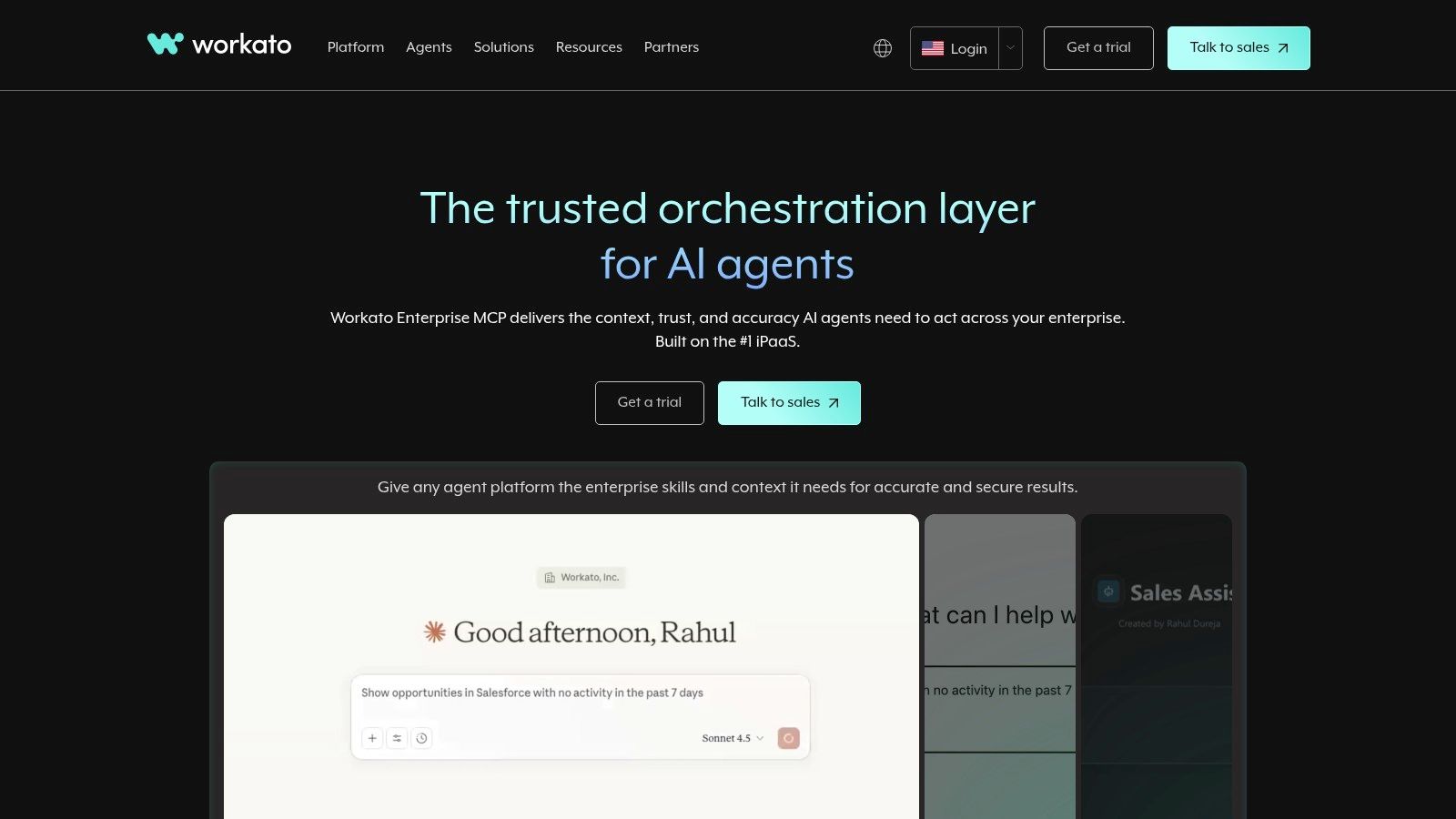
The platform’s strength lies in its ability to manage both cloud and on-premise systems through its secure agents, making it ideal for hybrid IT environments. It also excels at enterprise-level orchestration, allowing businesses to create sophisticated Master Control Programs (MCPs) that can manage AI agents and other complex, multi-system processes. This goes beyond simple trigger-action workflows, enabling businesses to build resilient, end-to-end automations that are central to their operations.
Key Details & Pricing
| Feature | Details |
|---|---|
| Best For | Mid-market and enterprise companies needing secure, compliant, and highly scalable automation with governance. |
| Key Features | Low-code "recipes," enterprise-grade security and governance, on-premise agents, AI agent orchestration, guaranteed SLAs. |
| Pricing | Custom pricing based on usage and platform edition fees. Generally a higher total cost of ownership than SMB-focused tools. |
| Pros | Unmatched security and compliance features, scales to handle mission-critical workloads, supports hybrid cloud/on-premise architectures. |
| Cons | Significantly more expensive than tools like Zapier or Make; requires dedicated technical ownership to realize its full value. |
Implementation Tip: Start with a high-impact, cross-departmental process that is currently a major bottleneck, such as employee onboarding. Automate the sequence of provisioning accounts in Okta, adding the new hire to the right Slack channels, and creating their profile in your HRIS. This multi-step, security-sensitive workflow is a perfect example of a process where Workato's governance and reliability shine.
Website: https://www.workato.com
6. Tray.io (Tray AI Orchestration Platform)
Tray.io positions itself as an intelligent integration platform that goes beyond traditional iPaaS by deeply embedding AI into its core. For scaling teams, it's one of the best workflow automation tools for not only connecting systems but also for designing, governing, and deploying AI agents alongside classic automations. The platform is built to handle complex, enterprise-grade processes, merging a powerful visual workflow builder with its Merlin Agent Builder for creating sophisticated, AI-driven assistants.
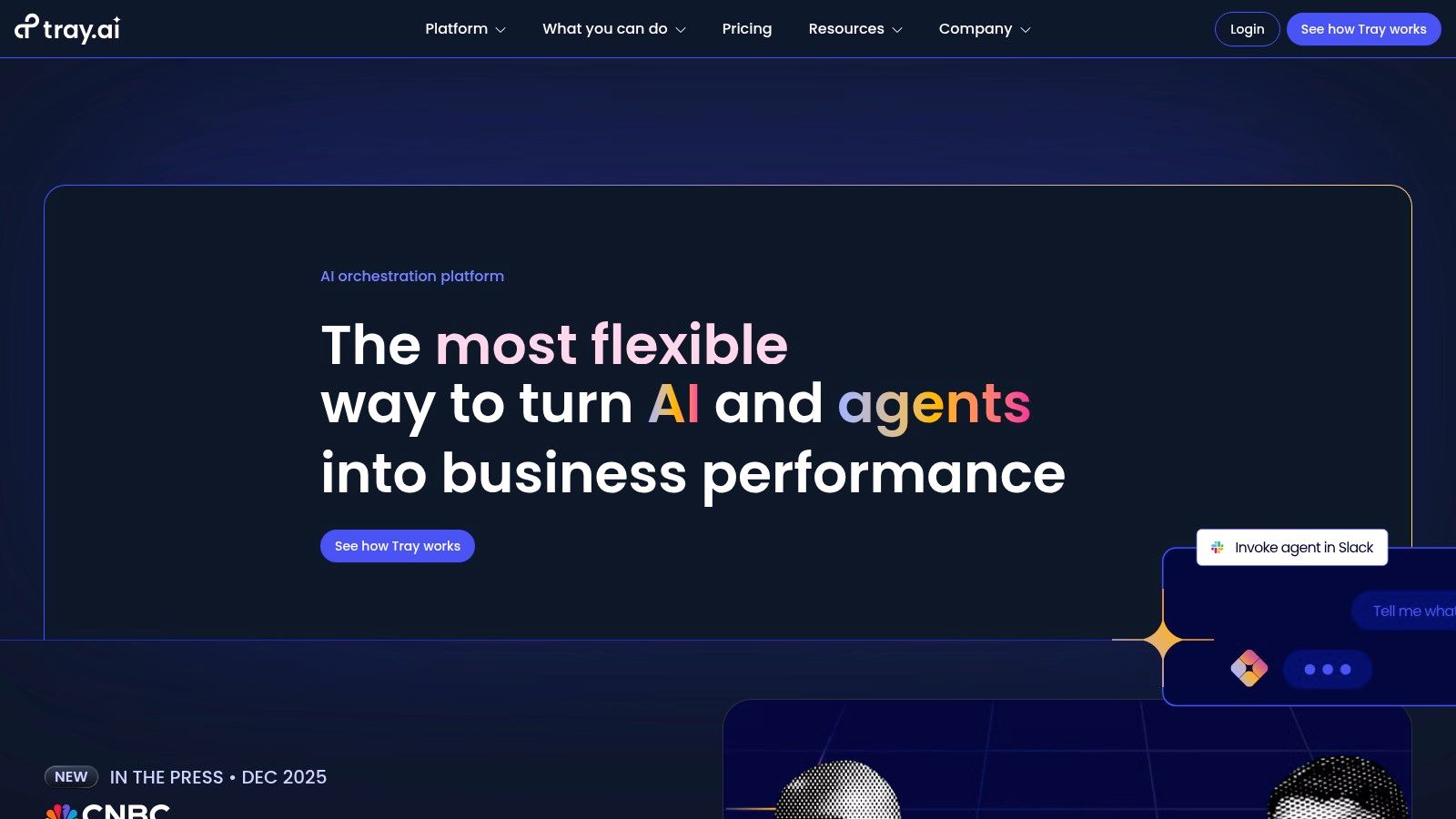
What makes Tray.io stand out is its unified approach to human-in-the-loop and fully autonomous AI workflows. You can build a custom AI agent, give it memory and secure access to your core business systems, and then deploy it in Slack or Microsoft Teams to handle tasks like lead qualification or customer support triage. This is all managed within a single platform that offers robust governance, security guardrails, and detailed monitoring, making it suitable for organizations with strict compliance needs.
Key Details & Pricing
| Feature | Details |
|---|---|
| Best For | Scaling tech companies and enterprises needing a unified platform for both complex automations and governed AI agent deployment. |
| Key Features | Visual workflow builder, Merlin Agent Builder, AI agents for Slack/Teams, enterprise governance, security guardrails, detailed monitoring. |
| Pricing | Pricing is not publicly listed and is provided through custom quotes based on scope and usage. |
| Pros | Powerful, unified approach to AI and automation; strong enterprise-grade governance and security features; highly scalable. |
| Cons | Can be overly complex for very small teams or simple use cases; pricing is not transparent and requires a sales consultation. |
Implementation Tip: Identify a high-volume, rule-based process that requires human decision-making, such as initial support ticket routing. A practical first project is to use the Merlin Agent Builder to design an agent that lives in Slack. When a new ticket arrives in Zendesk, the agent summarizes the issue in a Slack channel and suggests a priority level (P1, P2, P3). A support rep can then approve the priority with a button click, and the agent updates the Zendesk ticket automatically. This demonstrates the platform's AI and human-in-the-loop capabilities.
Website: https://tray.ai
7. n8n
n8n stands out in the automation space by offering a powerful, open-source alternative that caters to more technical users. As one of the best workflow automation tools for developers and founders with coding skills, it can be self-hosted for complete data control and cost savings or used via its managed cloud service. This flexibility is its core strength, allowing you to run complex, multi-step workflows without the task-based limits common in other platforms. For example, you can build a sophisticated data enrichment pipeline that pulls leads from a webhook, queries multiple APIs using custom JavaScript, and then inserts the refined data into a PostgreSQL database.
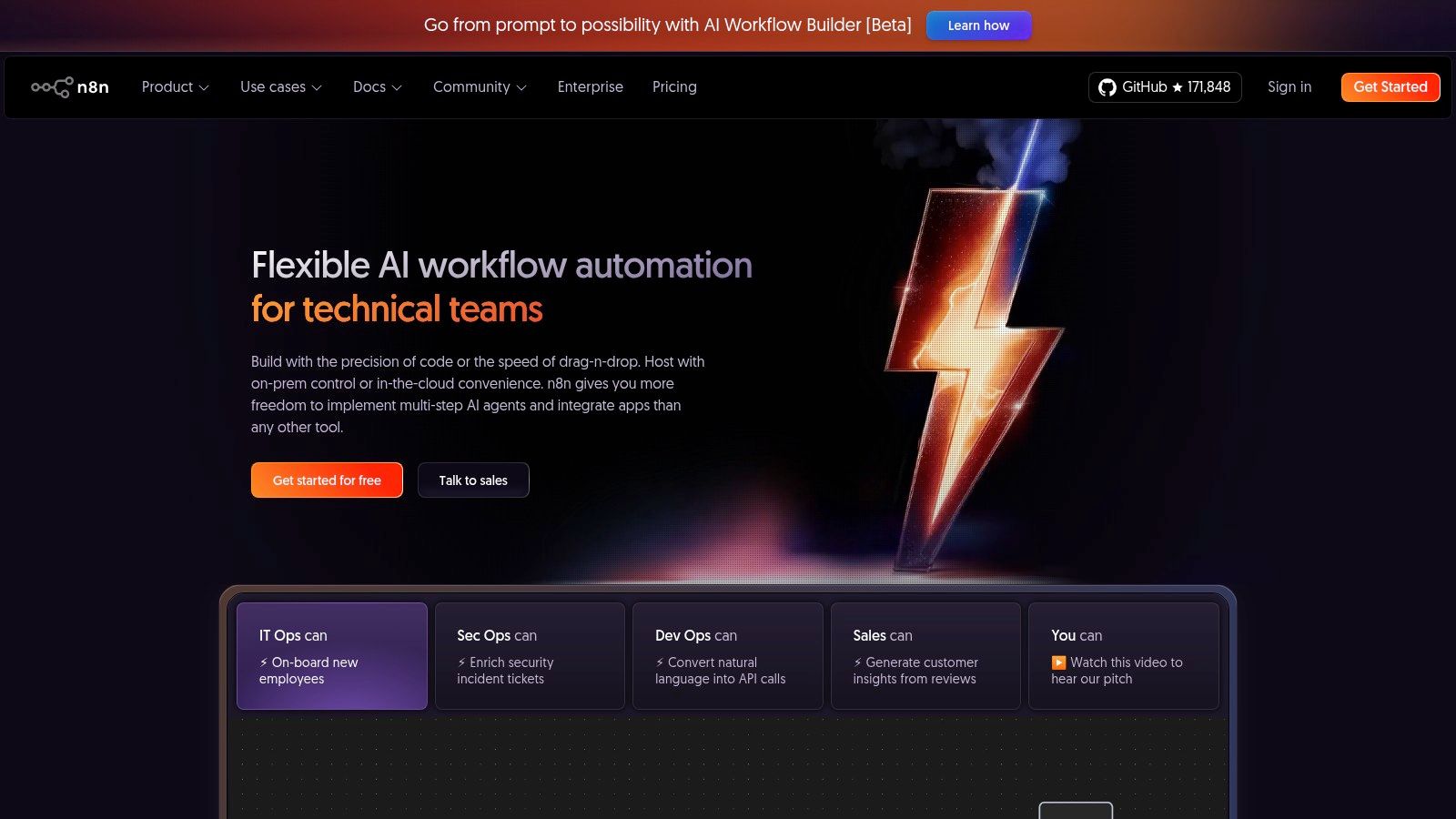
The platform’s "fair-code" model means you can use unlimited steps and logic within a single workflow, as pricing is based on workflow executions, not individual tasks. This makes it highly predictable and cost-effective for high-volume or complex processes. With advanced features like the ability to write custom code (JavaScript/Python), manage versions with Git, and control roles, n8n empowers technical teams to build robust, scalable, and secure internal automation systems that go far beyond what typical no-code tools can offer.
Key Details & Pricing
| Feature | Details |
|---|---|
| Best For | Technical founders and developers who need full control, security, and predictable costs for complex automations. |
| Key Features | Open-source with self-hosting, execution-based pricing, custom code steps (JS/Python), Git integration, unlimited workflow steps. |
| Pricing | Free self-hosted plan. Cloud plans start at €20/month for 2,500 executions and go up based on usage. |
| Pros | High degree of control and customization, cost-effective at scale, strong developer-centric features. |
| Cons | Steeper learning curve than no-code tools; self-hosting requires technical and operational overhead. |
Implementation Tip: Start by deploying n8n on a small cloud server or locally using Docker to automate an internal process. A great starter project is to create a workflow that monitors your brand name on social media. Have it trigger on new mentions from Twitter or Reddit, run a sentiment analysis on the text using a simple API, and then post negative mentions to a private Slack channel for immediate review. This showcases its ability to connect APIs and execute custom logic.
Website: https://n8n.io
8. Pipedream
Pipedream is a developer-centric automation platform built for technical teams who need more control than typical no-code tools offer. It uniquely blends a visual, no-code interface with the ability to drop into a serverless runtime to write custom code in JavaScript, Python, Go, or Bash. This makes it one of the best workflow automation tools for complex API integrations, data transformations, and event-driven architectures that require custom logic beyond standard connectors. For example, you could trigger a workflow from a webhook, fetch data from a proprietary API, transform the JSON payload with a Python script, and then route it to different systems based on the results.
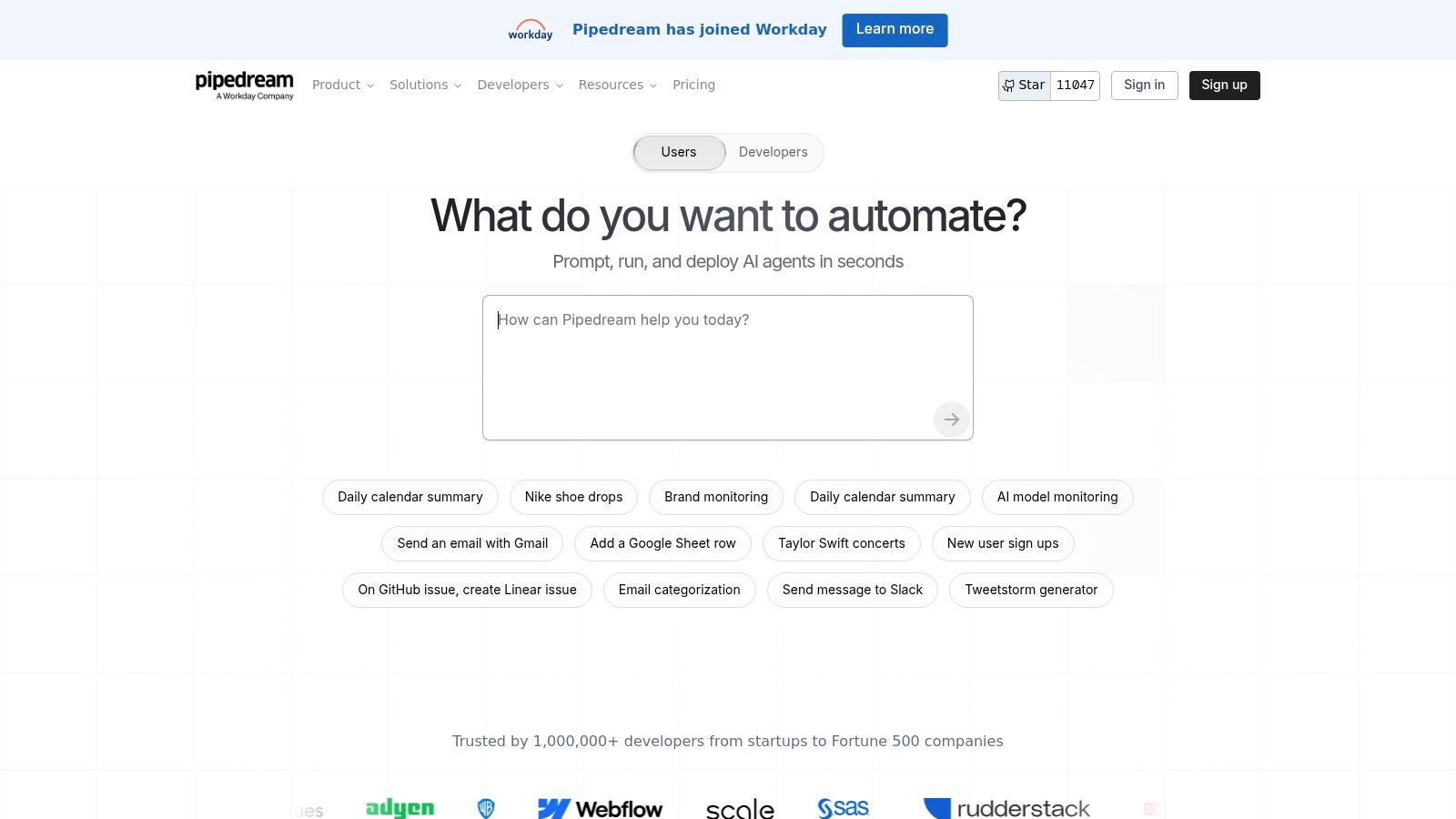
The platform shines with its powerful developer experience, featuring a real-time event inspector for easy debugging, built-in concurrency and rate controls, and GitHub sync for version control. Pipedream is particularly well-suited for building sophisticated AI-powered workflows, as its paid plans include generous allotments of AI credits for interacting with models like GPT-4. This makes it a go-to for tasks like automated content summarization, data classification, or building internal AI-driven tools.
Key Details & Pricing
| Feature | Details |
|---|---|
| Best For | Developers and technical teams needing to combine no-code speed with custom code for advanced API and AI workflows. |
| Key Features | Hybrid visual and code builder, serverless execution (Node.js, Python, Go), real-time event inspector, GitHub sync, concurrency controls. |
| Pricing | Free plan available. Paid plans start at $29/month for more credits, concurrency, and longer execution times. |
| Pros | Excellent for technical users, fine-grained control with code, strong debugging and observability tools. |
| Cons | Requires coding knowledge to unlock its full potential; credit-based pricing may need monitoring at high volumes. |
Implementation Tip: Use Pipedream to "bridge the gap" where other tools fall short. A practical example: if your CRM's Make integration doesn't support a custom object you use, create a Pipedream workflow. Have Make send a webhook to Pipedream with the data. Then, in Pipedream, write a short Node.js script that makes a direct, authenticated API call to your CRM to create or update the custom object. This gives you unlimited flexibility.
Website: https://pipedream.com
9. Airtable Automations
Airtable has evolved far beyond a simple spreadsheet-database hybrid, becoming a powerful platform for building custom business applications. Its built-in Automations feature is a key part of this evolution, allowing teams to create workflows directly within the same environment where their data lives. This is ideal for managing operational processes like content calendars, CRMs, or project trackers, as it eliminates the need for an external tool to react to data changes. For example, you can automatically send a Slack notification when a project's status changes to "Ready for Review" or create a series of tasks when a new client is added to a base.
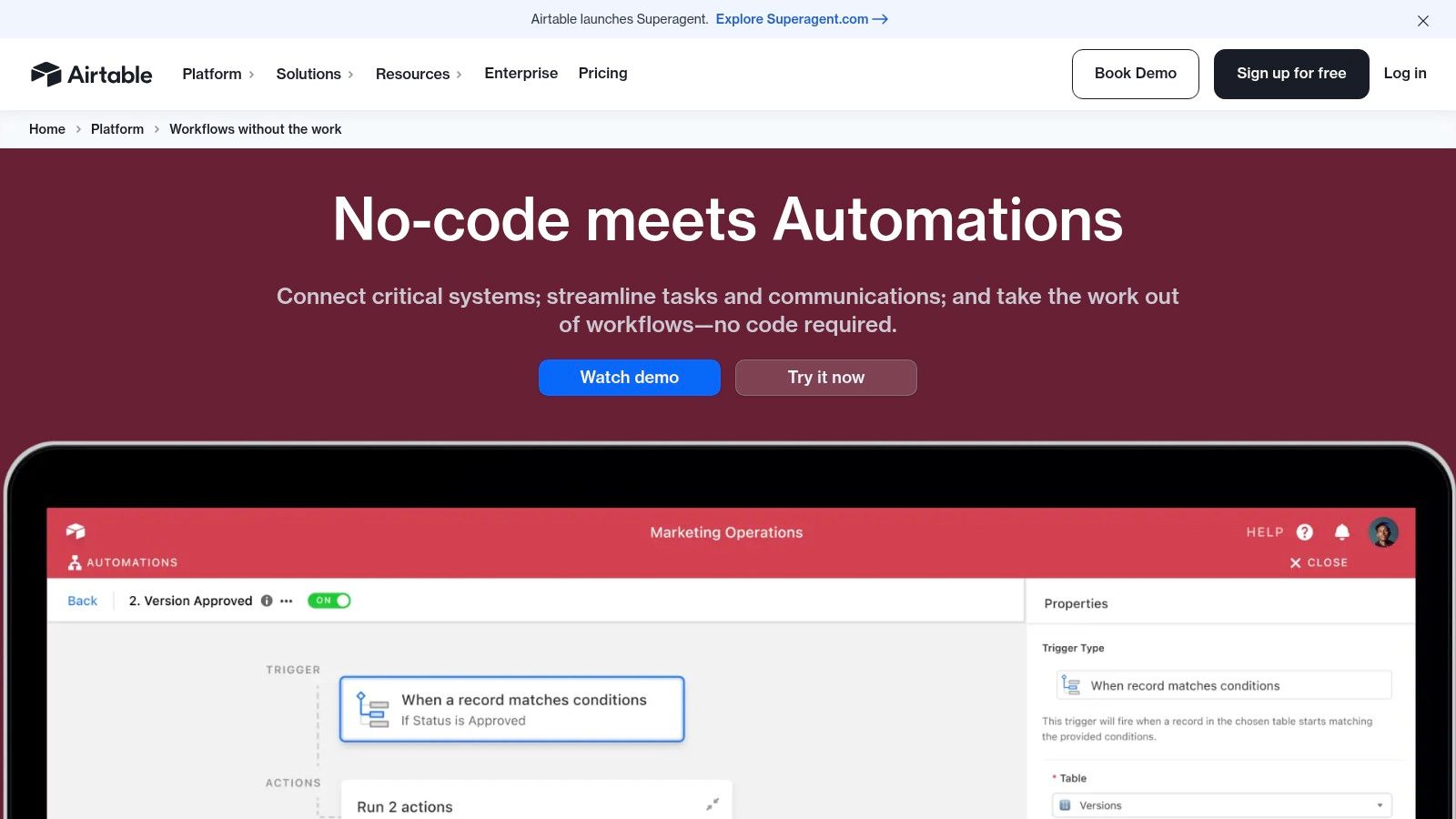
The real power of Airtable lies in its all-in-one nature. By combining a flexible relational database, customizable Interfaces (UI builder), and robust automations, it allows founders and marketers to build complete, lightweight internal tools without code. The visual automation builder is intuitive, offering triggers based on data changes and actions that can update records, send emails, or connect to external apps like Google Workspace and Slack. For more complex logic, there's even an option to add a custom JavaScript step.
Key Details & Pricing
| Feature | Details |
|---|---|
| Best For | Teams managing data-centric operational workflows, like content operations or lightweight CRMs. |
| Key Features | No-code triggers and actions, integrated relational data and UI builder, optional JavaScript step, strong templates. |
| Pricing | Free plan includes 100 automation runs/month. Paid plans start at $20/user/month (billed annually) with higher automation limits. |
| Pros | All-in-one solution (data + UI + automation), very intuitive for non-technical users, great for building custom internal tools. |
| Cons | Automation run limits are per workspace and can be restrictive; scaling requires careful planning around API and base limits. |
Implementation Tip: Start by building a core "base" for a single process, like a content pipeline. Use one of Airtable's many templates to get started quickly. Once your data is structured, add a simple automation: when a record enters a view called "Needs Approval," automatically send an email to your editor with a link to the record. This creates a simple but effective review workflow without any external tools.
Website: https://www.airtable.com/product/automations
10. HubSpot Operations Hub
For businesses already embedded in the HubSpot ecosystem, the Operations Hub is one of the best workflow automation tools for centralizing data and processes. It's designed to clean up messy data, sync information between apps, and automate complex internal workflows without forcing your team to leave their primary CRM. It bridges the gap between your go-to-market teams (sales, marketing, service) and the underlying data that powers their work. For example, you can automatically format lead data, like capitalizing names, or create custom-coded workflow actions to calculate lead scores based on unique business logic.
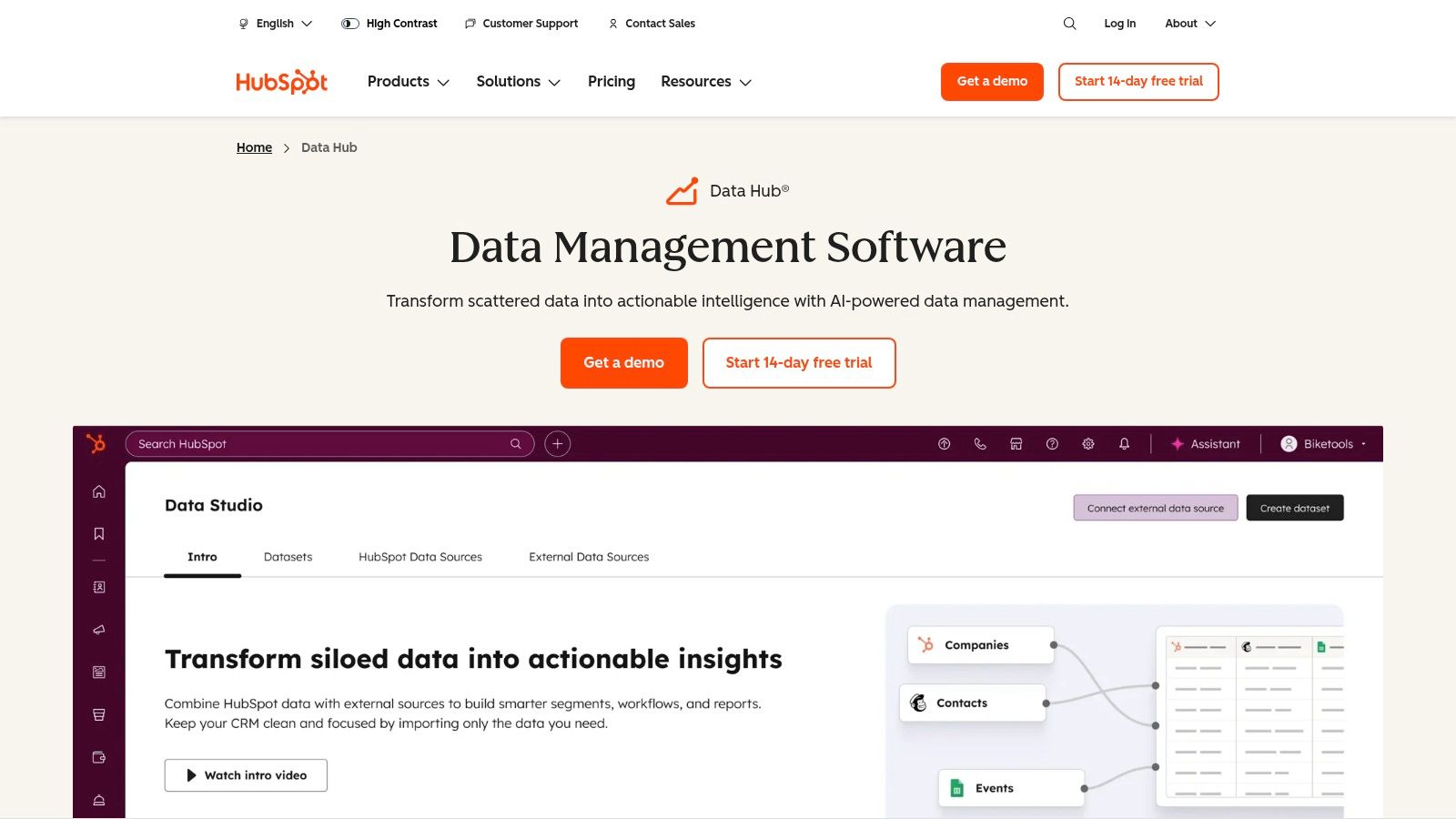
The platform’s core strength is its deep, native integration with the HubSpot CRM. Operations Hub adds two-way data synchronization with over 90 apps, ensuring tools like NetSuite or Microsoft Dynamics 365 are always aligned with your HubSpot data. It also introduces data quality automation, allowing you to build workflows that automatically standardize and clean records. For more advanced needs, programmable automation lets developers write custom JavaScript code directly within workflows, adding a layer of flexibility often missing from purely no-code platforms.
Key Details & Pricing
| Feature | Details |
|---|---|
| Best For | SMBs and scale-ups already using HubSpot CRM who want to reduce third-party tool reliance. |
| Key Features | Two-way data sync, programmable automation (custom code), data quality actions, native CRM integration. |
| Pricing | Included in the Free Tools plan with limited data sync. Paid plans start at $45/month (billed annually) for more advanced features. |
| Pros | Reduces need for external sync tools, balances no-code with custom code flexibility, unifies operations within the CRM. |
| Cons | Advanced features are locked behind expensive higher tiers; primary value is for HubSpot-centric companies. |
Implementation Tip: Start by using the data formatting actions to clean up your existing contact database. A powerful first workflow is to create a rule that automatically standardizes job titles. For instance, it can change "VP of Marketing," "Marketing VP," and "Vice President, Marketing" all to a consistent "VP, Marketing." This immediately improves data hygiene for better reporting and demonstrates the hub's value before you tackle more complex syncs.
Website: https://www.hubspot.com/products/operations
11. Asana Automation (Rules)
For teams that live inside Asana for project management, its native automation engine, Rules, is one of the best workflow automation tools for streamlining internal processes. Instead of needing an external tool to manage project handoffs, Rules lets you automate common actions directly within your boards. You can build simple "if-then" automations to assign tasks, update due dates, move tasks between project sections, or add comments based on triggers like a status change or a task being added.
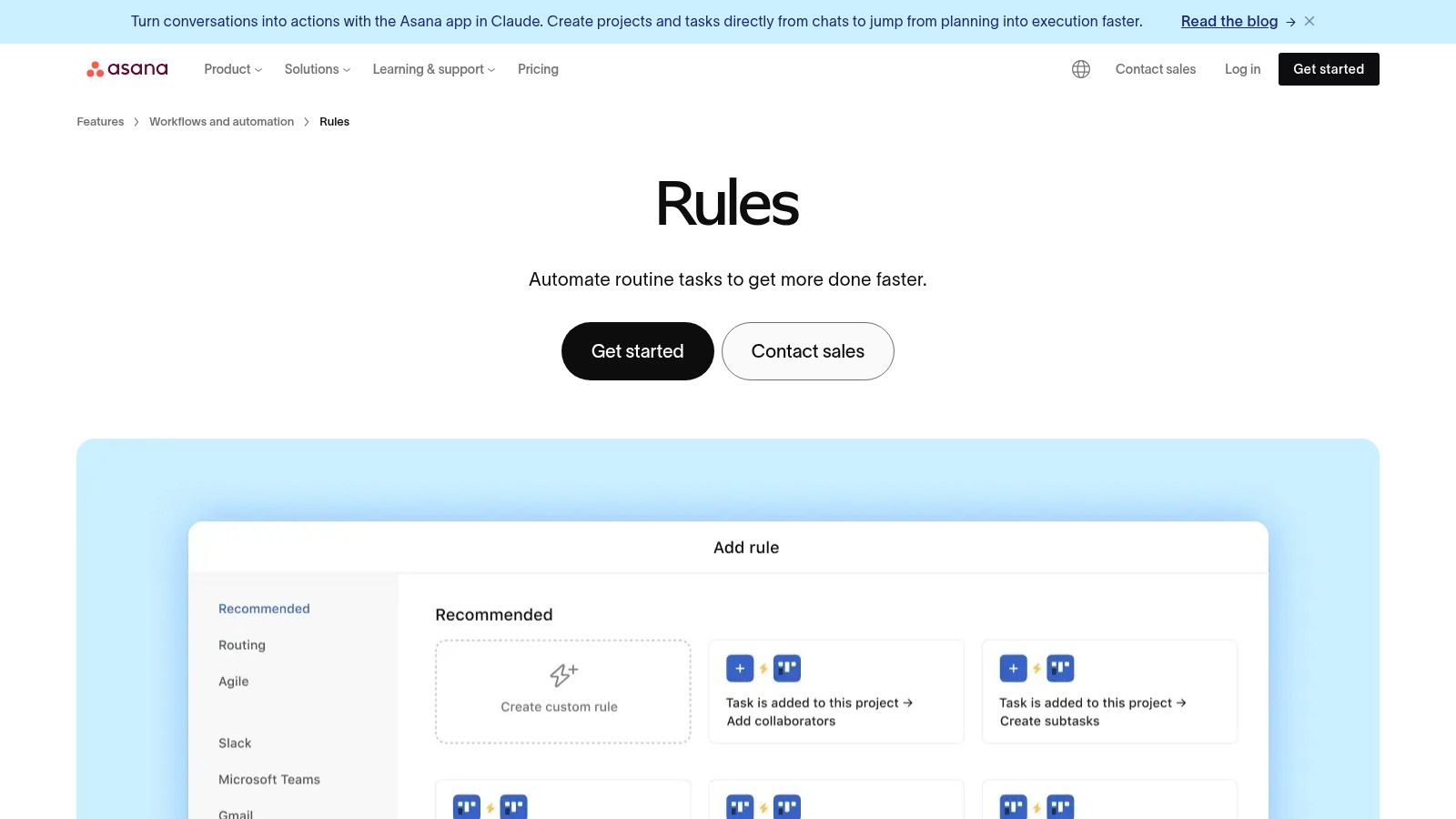
Asana's strength lies in keeping automation close to where the work happens. You can standardize intake with Forms that automatically create and assign tasks, and trigger actions based on custom field updates. While not a replacement for a full iPaaS solution, it offers essential cross-tool actions with apps like Slack, Jira, and Outlook, allowing you to notify teams or create calendar events without leaving Asana. This is ideal for reducing the administrative overhead that slows projects down.
Key Details & Pricing
| Feature | Details |
|---|---|
| Best For | Teams already using Asana for project management who want to automate internal task routing and status updates. |
| Key Features | Rule builder with triggers/actions, rule library, cross-tool actions (Slack, Jira), custom fields, and Forms. |
| Pricing | Basic rules are available on the free plan. Custom rules and advanced features require paid plans, starting at $10.99/user/month (billed annually). |
| Pros | Fast wins inside an existing Asana workflow, reduces assignment and reminder overhead, easy to maintain. |
| Cons | Full automation capabilities are tied to paid tiers; less suited for heavy data integrations compared to iPaaS tools. |
Implementation Tip: Use Rules to automate the first and last steps of a project stage. For example, in a content creation board, create a rule that when a task is moved to the "In Review" column, it automatically adds the editor as a collaborator and sets the due date for two days from now. Create another rule so when the task is marked "Complete," it posts a "New blog post published!" message in a Slack channel. This ensures smooth handoffs and clear visibility, helping you track progress for small business growth.
Website: https://asana.com/features/workflow-automation/rules
12. G2 (Workflow Management / Automation Category)
While not a direct automation tool itself, G2 is an indispensable resource for discovering and vetting the best workflow automation tools on the market. It’s an independent marketplace and review platform where you can compare hundreds of software options based on verified user reviews, detailed feature matrices, and market rankings. For founders, it provides a crucial layer of social proof and competitive intelligence before committing to a free trial or paid plan.
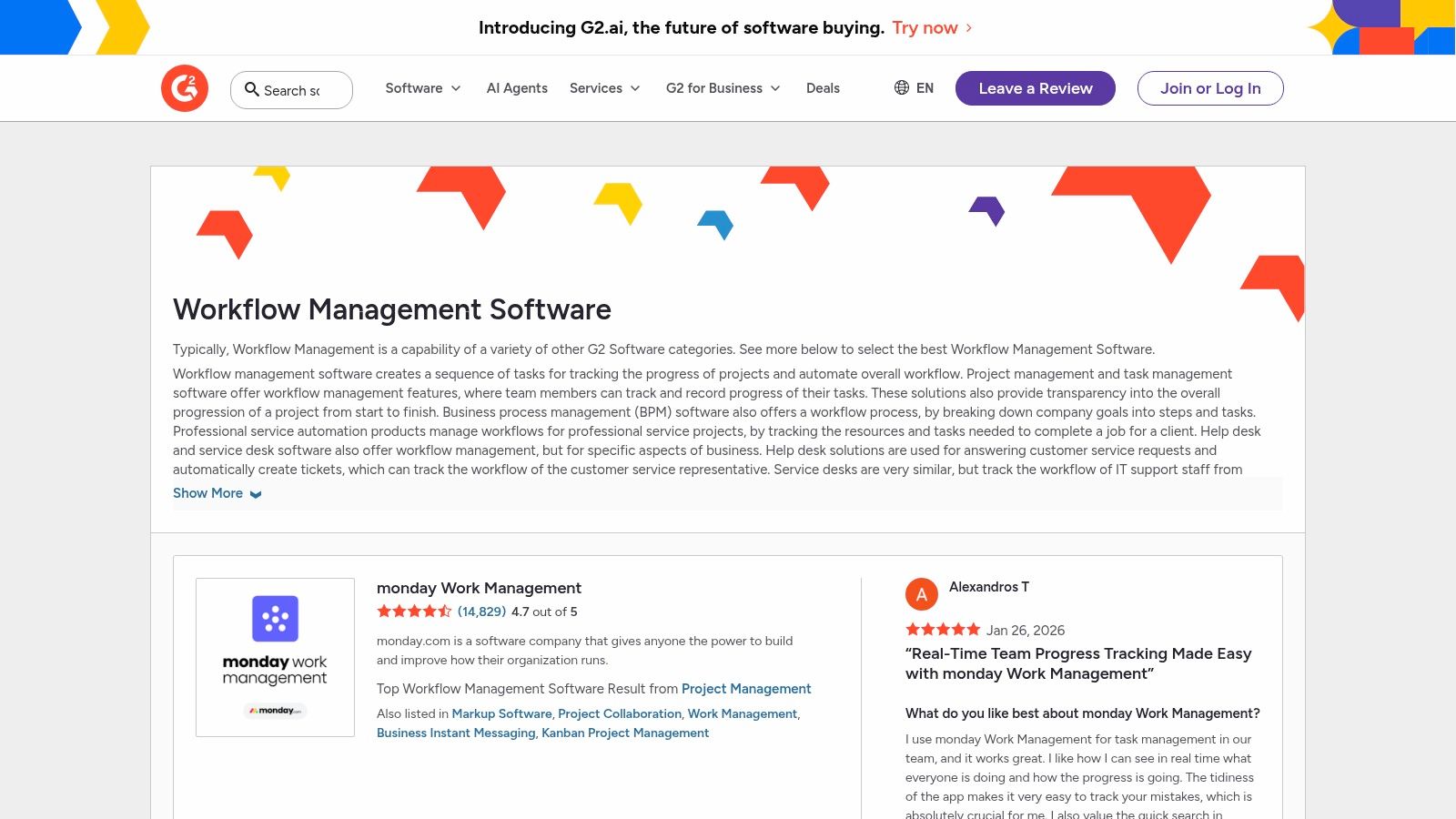
The platform’s strength lies in its powerful filtering and comparison capabilities. You can shortlist vendors by company size, specific features (like API access or conditional logic), and user satisfaction scores. The side-by-side comparisons and iconic "Grid" rankings offer a quick visual summary of market leaders versus niche players. This allows you to cut through marketing hype and see how real users rate a tool's ease of use, setup, and support, saving valuable research time.
Key Details & Pricing
| Feature | Details |
|---|---|
| Best For | Founders and operators shortlisting and validating automation tools before a hands-on trial. |
| Key Features | Verified user reviews, side-by-side product comparisons, feature-based filtering, Grid rankings. |
| Pricing | Free to use for research and reviews. |
| Pros | Broad market overview, validates vendor claims with peer reviews, excellent for comparison. |
| Cons | Some listings have sponsored placements; pricing information can be inconsistent or missing. |
Implementation Tip: Use G2 to create a shortlist of 3-4 top-rated tools that fit your specific use case and company size. A practical workflow is to filter for tools that integrate with your must-have apps (e.g., "QuickBooks" and "Salesforce"). Then, read the top three positive and top three negative reviews for each shortlisted tool. This gives you a balanced understanding of each platform's real-world strengths and weaknesses, ensuring the time you spend on free trials is highly focused.
Website: https://www.g2.com/software/workflow-management
Top 12 Workflow Automation Tools Comparison
| Tool | Core features | UX / Quality | Value & Price | Target audience | Unique selling point |
|---|---|---|---|---|---|
| Postful 🏆 | AI templates, ideation, brainstorming, scheduling automation | ★★★★ — simple, focused | 💰 Invite-only; pricing TBA | 👥 Founders, side-hustlers, small teams | ✨ Ready-to-use social templates + workflow automation |
| Zapier | No-code multi-step Zaps, 6,000+ integrations | ★★★★★ — reliable & easy | 💰 Freemium → paid tiers; can be costly at scale | 👥 SMBs & nontechnical teams | ✨ Massive app library & prebuilt templates |
| Make (Integromat) | Visual scenario builder, routers, filters, API modules | ★★★★ — powerful, steeper learning | 💰 Credit-based; strong low-tier value | 👥 Creators & growth teams | ✨ Complex branching at lower cost |
| Microsoft Power Automate | Cloud flows, desktop RPA, connectors, process mining | ★★★★ — enterprise-grade in MS stack | 💰 Enterprise licensing; premium connectors add cost | 👥 Enterprises using Microsoft 365/Azure | ✨ Deep MS integrations + RPA + governance |
| Workato | Low-code recipes, on-prem agents, orchestration & SLAs | ★★★★★ — robust enterprise reliability | 💰 Usage-based + platform fees; higher TCO | 👥 Mid-market & enterprise | ✨ Secure, governed orchestration at scale |
| Tray.io (Tray AI) | Visual workflows + Merlin Agent Builder, deployable agents | ★★★★ — powerful, enterprise-focused | 💰 Quote-based; custom pricing | 👥 Scaling teams needing agentic automation | ✨ Integrated AI agent design & deployment |
| n8n | Open-source workflows, self-host option, unlimited steps | ★★★★ — dev-friendly; self-host ops | 💰 Low cost at scale; execution-based billing | 👥 Technical founders & self-hosters | ✨ Open-source control & predictable pricing |
| Pipedream | Serverless runtime, hybrid visual+code builder, event inspector | ★★★★ — developer-first, great debugging | 💰 Credit/usage pricing; good for API/AI | 👥 Dev teams & API/AI workflows | ✨ Code + visual with real-time inspector |
| Airtable Automations | No-code triggers, relational DB, Interfaces & templates | ★★★★ — user-friendly, strong UX | 💰 Tiered plans; automation run limits | 👥 Content ops, marketing, lightweight apps | ✨ Data + UI + automation in one workspace |
| HubSpot Operations Hub | Two-way sync, programmable automation, data quality tools | ★★★★ — native HubSpot experience | 💰 Paid tiers; best value inside HubSpot stack | 👥 SMBs & scaleups using HubSpot CRM | ✨ Native CRM sync & data-quality automation |
| Asana Automation (Rules) | Rule builder, cross-tool actions, forms & templates | ★★★★ — fast wins inside Asana | 💰 Paid tiers for full automation | 👥 Teams managing work in Asana | ✨ Simple PM automations to eliminate repetitive tasks |
| G2 (Category) | Category pages, side-by-side comparisons, verified reviews | ★★★★ — broad market insight | 💰 Free to use; sponsored placements exist | 👥 Buyers shortlisting vendors | ✨ Peer reviews, Grid rankings & filters |
Choosing Your Automation Stack: A Founder’s Final Checklist
We've journeyed through a comprehensive landscape of the best workflow automation tools, from the all-powerful connectors like Zapier and Make to specialized powerhouses like Postful and enterprise-grade platforms such as Workato. The sheer number of options can feel overwhelming, but the path to greater productivity isn't about adopting every tool; it's about strategically selecting the right ones for your unique business needs. The goal is to build a streamlined, efficient engine that frees you from manual tasks and allows you to focus on high-impact growth activities.
Making the right choice begins not with the tool, but with your process. Before you sign up for a single free trial, take a moment to map out your most tedious, time-consuming, and repetitive workflows. This clarity is the single most important factor in selecting a solution that will actually stick.
Start Small, Win Big: The One-Workflow-at-a-Time Approach
The most common mistake founders make is trying to automate their entire business overnight. This leads to a complex, brittle system that's difficult to manage and even harder to troubleshoot. A far more effective strategy is to start with a single, high-leverage process.
Identify your biggest bottleneck. Is it the constant, manual grind of updating your CRM after every lead form submission? A tool like Zapier or Make is your perfect entry point. Is your social media presence suffering because content creation and scheduling eats up hours you don't have? A specialized tool like Postful will deliver an immediate and noticeable return on your investment. By focusing on one painful area, you can master a single tool and experience a tangible win, building the momentum and confidence needed to tackle the next automation challenge.
Your Personal Automation Checklist
As you evaluate the tools we've discussed, use this final checklist to guide your decision-making process. Don't just look at feature lists; consider how each platform aligns with your operational reality.
- Identify Your Core Need: Are you connecting cloud apps (Zapier, Make), managing complex internal data flows (Airtable Automations, HubSpot), or streamlining a specific function like social media (Postful)? Match the tool to the primary job to be done.
- Assess Your Technical Comfort: Be honest about your skills. No-code platforms like Zapier are incredibly accessible. Low-code tools like Make or Airtable offer more power with a slightly steeper learning curve. Developer-focused options like Pipedream or the self-hosted n8n provide ultimate flexibility but require coding knowledge.
- Factor in Scalability and Cost: Your needs will evolve. A tool that's perfect for your current stage might become limiting or prohibitively expensive as you grow. Review the pricing tiers carefully. Pay attention to task/operation limits and the number of connections allowed. A free plan is great for starting, but ensure the paid plans align with your future budget.
- Evaluate the Ecosystem: The power of automation lies in connectivity. Does the tool integrate seamlessly with the apps you already use daily? Check their app directory before committing. As you compile your personal automation stack, consider exploring various options, including the top SaaS integration platforms to find the perfect fit for your needs.
- Don't Overlook Support: When an automation breaks, you need help quickly. Investigate the tool's support options. Do they have a responsive support team, a comprehensive knowledge base, and an active user community? Strong support can be a lifesaver.
Ultimately, the journey into workflow automation is iterative. The perfect stack isn't built in a day; it's assembled one smart, time-saving workflow at a time. By starting with your most significant pain point and choosing the right tool for that specific job, you begin the powerful process of reclaiming your time and transforming how you run your business.
Ready to eliminate your biggest content bottleneck? Postful is the specialized workflow automation tool designed to turn your long-form content into a month's worth of high-quality social media posts in minutes. Stop the manual grind and start automating your content engine today with Postful.