
Yes, you can absolutely schedule TikToks. And honestly, it's one of the best things you can do to stay consistent without letting content creation take over your entire life.
You’ve got two main ways to do it: either through TikTok's own built-in desktop scheduler or with a more powerful third-party tool. This guide will walk you through a practical workflow for each, helping you choose the right one to boost your productivity.
Why Even Bother Scheduling TikTok Videos?
Let's be real—manually posting videos every single day feels like you're stuck on a content treadmill. It's chaotic. This is especially true for busy founders and creators who are already juggling a million other things.
Scheduling flips that script. It turns a reactive, messy process into a planned, productive system. You can batch-create your content in one go, then just set it and forget it. This isn't just about convenience; it's a genuine growth strategy.
Instead of dropping everything to post when your audience is most active, you can have your content calendar locked in weeks ahead of time. Imagine filming all your videos in one focused afternoon, knowing your entire week is already sorted.
Consistency is Everything on TikTok
The TikTok algorithm loves consistency. If you post sporadically, your reach can stall out. But a steady stream of content signals to the algorithm that your account is active, keeping your audience hooked. Scheduling is the easiest way to make sure you never miss a beat.
Productivity Workflow Example: Instead of creating one video daily, block out a 3-hour "TikTok Studio" session on Sunday. Film 5-7 short videos. Spend the next hour editing them in CapCut. Finally, spend 30 minutes uploading and scheduling them all for the upcoming week. You've just reclaimed hours of daily mental energy.
While the average business account on TikTok only posts about 14 videos a month, the data tells a different story. Adam Connell's research, which looked at over 11 million posts, found that bumping your frequency from once a week to 2-5 posts weekly can boost views per post by up to 17%. For a small business, scheduling is what makes that kind of output possible.
So, how do you actually do it? You have two paths to choose from.
TikTok Scheduling Methods at a Glance
Choosing the right scheduling method really comes down to your workflow and how much you're juggling. Here’s a quick breakdown to help you decide which path makes the most sense for you.
| Method | Best For | Key Features | Limitations |
|---|---|---|---|
| TikTok's Native Scheduler | Founders and creators with simple needs, posting to a single account. | – Free and built-in – Simple, no-fuss interface – Accessible on any desktop browser |
– 10-day scheduling limit – No bulk scheduling – Lacks advanced analytics – Only available on desktop |
| Third-Party Schedulers | Businesses, agencies, and creators managing multiple accounts or complex content calendars. | – Schedule weeks/months ahead – Manage multiple social profiles – Advanced analytics & reporting – Often includes collaboration tools |
– Subscription cost – Can have a learning curve – Relies on API access |
Ultimately, both get the job done. The native scheduler is a great starting point, but as you scale, you'll probably find yourself wanting the extra horsepower and productivity features that come with a dedicated tool.
Using TikTok's Official Desktop Scheduler
For founders and creators who just want a straightforward way to plan their content, TikTok has a simple, free, and built-in scheduler. The only catch? It's a desktop-only affair—you won't find it in the mobile app.
This method is my go-to when I just need to get a few videos queued up for the week without adding another tool to my stack. The process is incredibly simple. You log into your TikTok account on a computer, head to the upload page, and from there, you can drop in your video, nail down the caption, and pick the exact date and time for it to go live.
Practical Example: A coffee shop owner could film three short videos on a quiet Tuesday morning: one showing how to make a latte, another highlighting a new pastry, and a third featuring a friendly barista. Later that day, they can use the desktop scheduler to post these on Wednesday, Friday, and Saturday at 8 AM, ensuring a consistent presence during peak morning scroll times.
How to Find and Use the Scheduler
First thing's first: pull up tiktok.com on your computer and get logged in. Once you're on your profile, look for the Upload button, which usually hangs out in the top-right corner. Clicking this will take you to the main upload interface where the magic happens.
From here, you'll upload your pre-edited video file straight from your computer. Then you can get to work on your caption, add your hashtags, tag other accounts, and select a cover image, just like you would on your phone. The key difference here is the Schedule toggle.
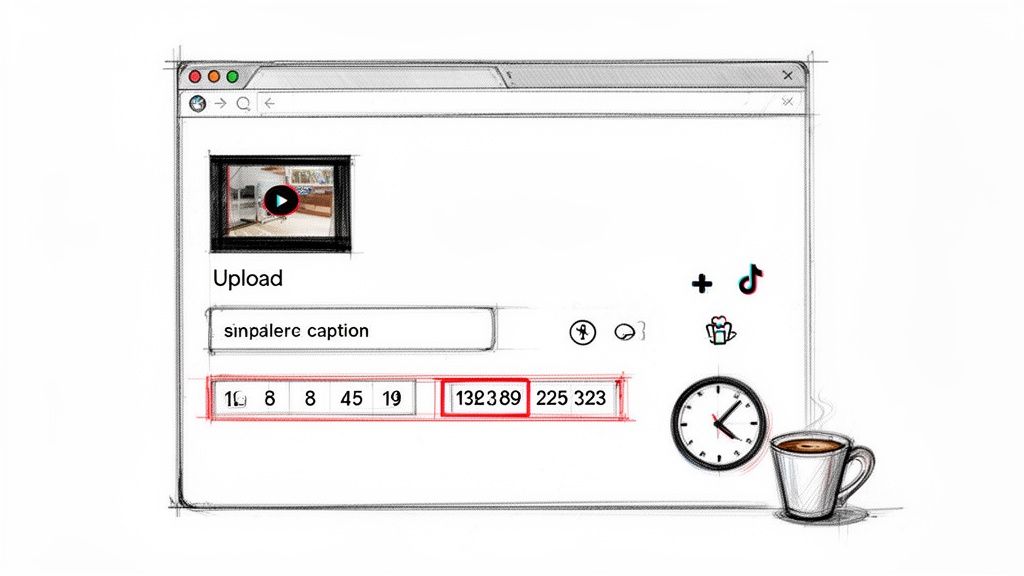
Flip that switch, and you'll see a calendar and time selector appear, letting you pinpoint the exact moment your video should be published.
Understanding the Limitations
While the native scheduler is a fantastic free tool, it does come with a few quirks you need to know about. Getting familiar with these up front will save you a world of frustration down the line.
- 10-Day Scheduling Window: You can only schedule videos up to 10 days out. This is perfectly fine for week-to-week planning but won't cut it if you're trying to schedule content a month or more ahead.
- No Edits After Scheduling: This is the big one. Once a video is scheduled, you cannot edit it. If you notice a typo in the caption or want to shift the post time, your only move is to delete the scheduled post and re-upload everything from scratch.
- Desktop-Only Access: Just to reiterate, the scheduling feature is only available on the desktop version of TikTok. You can't schedule anything from the mobile app.
My Personal Productivity Workflow: To get around the "no-edit" rule, I draft all my captions and hashtag sets in a separate app like Notion or Google Docs. I have a simple template with fields for "Caption," "Hashtags," and "Post Time." Before I even think about hitting 'Schedule' on TikTok, I do one final proofread there to catch any slip-ups. This simple habit has saved me from the headache of deleting and re-uploading more times than I can count.
Because of these constraints, the official scheduler is best for simple, short-term planning. If you find yourself needing more firepower—like managing multiple accounts or planning a full product launch campaign—a dedicated third-party tool is probably a better fit.
Supercharge Your Workflow with Third-Party Schedulers
While TikTok's built-in scheduler is a solid starting point, it's a bit like riding a bicycle when a rocket ship is waiting. For serious creators, founders, and agencies managing multiple channels, third-party scheduling tools are where the real productivity happens. These platforms can transform your content process from a weekly chore into a well-oiled machine.
The most immediate win is breaking free from that 10-day scheduling limit. With a dedicated tool, you can map out your content weeks, or even months, in advance. Imagine scheduling an entire product launch campaign in a single afternoon—that’s the level of strategic control you get.
Beyond Basic Scheduling
But these platforms are much more than simple schedulers; they’re complete content command centers. Many, like Postful, bake in features that help you ideate and polish your content before you even think about hitting "schedule." This creates a seamless workflow, taking you from a rough concept all the way to a published video.
Practical Workflow Example: A marketing agency manager uses a third-party tool to manage five client TikTok accounts. They create a shared content calendar inside the tool, where clients can approve video concepts. Once approved, the team schedules all posts for the month. The tool's analytics dashboard automatically generates a report at the end of the month, showing which videos performed best for each client, saving hours of manual data compilation.
The real magic of a third-party tool isn't just posting on a schedule. It's about centralizing your entire content operation—from idea generation and team collaboration to analytics and reporting—all in one dashboard.
This centralized approach is a game-changer for anyone juggling multiple hats. Instead of bouncing between a notes app for captions, a spreadsheet for your content calendar, and the TikTok desktop site for uploading, everything happens in one place.
Managing Multiple Accounts with Ease
Another huge pain point that third-party tools solve is managing more than one TikTok account. If you run an agency or have multiple brand profiles, the constant logging in and out of different accounts on TikTok's native platform is clumsy and eats up valuable time.
A dedicated scheduler lets you connect and manage all of your profiles from a single interface. You can plan and schedule content for different accounts side-by-side, making it incredibly efficient to maintain a consistent presence across your entire portfolio.
Here are some of the key productivity-boosting features to look for:
- Extended Scheduling Window: Plan your content calendar for weeks or months, not just the next ten days. This is a lifesaver for long-term campaigns and holiday content.
- Advanced Analytics: Get deeper insights into your video performance, follower growth, and engagement trends to see what’s truly working with your audience.
- Content Collaboration: Look for tools that allow team members to collaborate on video drafts, review captions, and approve content before it goes live. No more messy email chains.
- Cross-Platform Management: Many tools let you schedule content not just for TikTok, but for Instagram Reels, YouTube Shorts, and other platforms from the same dashboard, saving you from logging into multiple apps.
Choosing the Right Tool for Your Needs
The market for social media schedulers is packed with options, each catering to different needs and budgets. When you're looking around, think about your biggest workflow bottlenecks. Is it coming up with ideas? Juggling multiple accounts? Or getting analytics that actually tell you something useful?
Popular tools like Buffer, Later, and Sprout Social all offer robust TikTok scheduling. Look for features that solve your specific problems, like a visual calendar planner, a "best time to post" suggestion engine, or AI-powered caption writers.
Ultimately, investing in a third-party scheduler is about buying back your most valuable asset: time. By automating the repetitive task of posting, you create the mental space to focus on the creative and strategic work that actually grows your brand.
Pinpointing Your Audience's Peak Active Hours
Knowing you can schedule TikToks is one thing. Knowing when to schedule them is where the magic really happens.
Let's be real: scheduling content is only half the battle. If your videos drop when your audience is offline, you're just shouting into the void. The whole point is to post at the exact moment they're scrolling, giving your content the best possible shot at getting noticed by the algorithm.
Generic advice is fine for a starting point, but it won't give you an edge. Your audience is unique. The only way to nail your timing is to get your hands dirty and dig into your own data.
Let Your Own Data Be Your Guide
The absolute best source of truth is sitting right inside your TikTok Analytics dashboard.
To get there, you'll need a Creator or Business account. If you don't have one, it's a free and easy switch to make in your settings—seriously, do it now.
Once that's sorted, head to your profile, tap the three lines in the top-right corner, and select Creator tools. From there, you'll see Analytics. This is your new command center for building a data-driven posting strategy.
The 'Followers' tab is where the gold is. It gives you a detailed breakdown of your audience, but what we're really after is their activity. Find the Follower activity module. It's a simple graph showing the days and hours your followers were most active over the past week.
You’ll see clear peaks and valleys. Maybe your audience is consistently online around 8 PM on Thursdays but a ghost town on Monday mornings. This isn't a guess; it's hard data telling you exactly when to show up.
Productivity Suggestion: Take a screenshot of your "Follower activity" graph at the end of each week. Keep it in a folder. After a month, you'll have a clear, data-backed picture of your audience's habits. Use this to create a "master schedule" template in your content calendar, with pre-set time slots for each day.
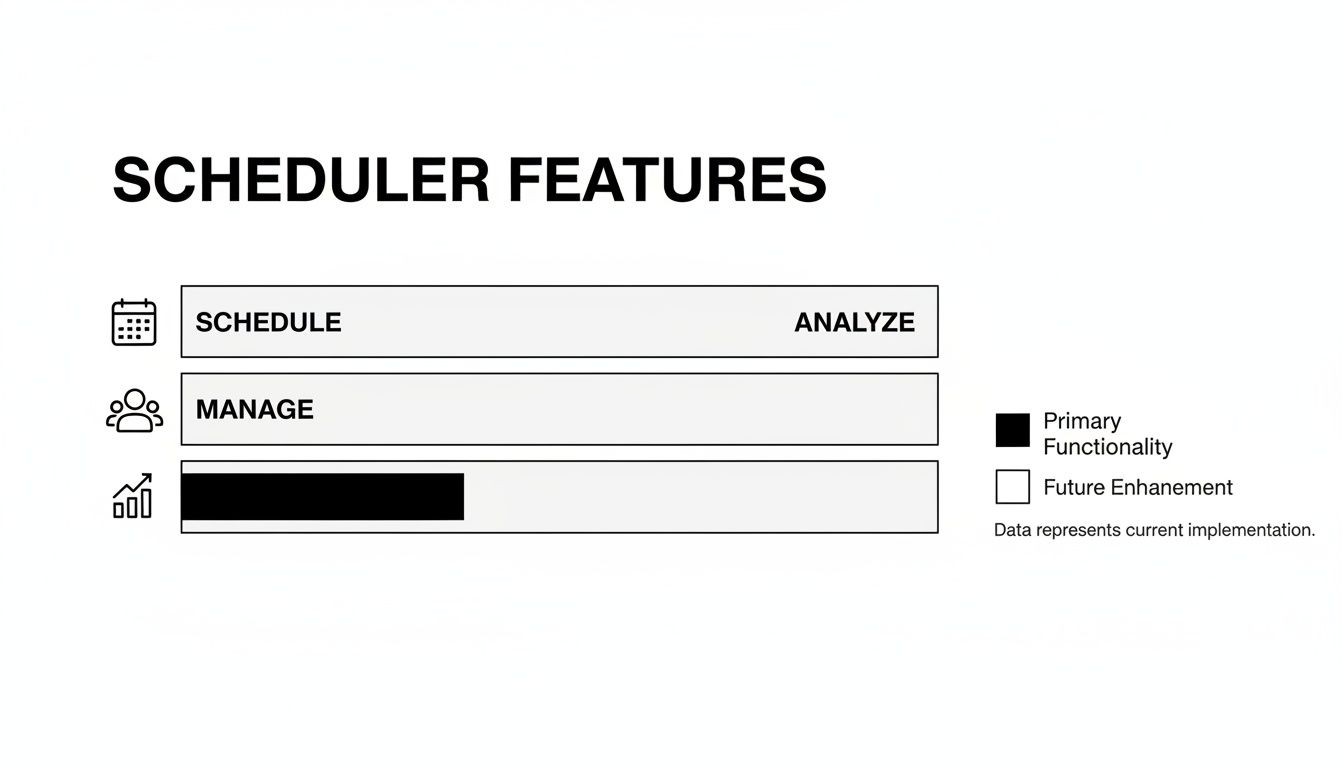
This chart visualizes how scheduling tools work hand-in-hand with analytics. You analyze the data, which then informs your entire scheduling workflow for maximum impact.
Combining Broad Insights With Your Personal Data
While your analytics are king, general data can give you a great starting hypothesis, especially if you're just getting your feet wet. For example, some studies have found surprisingly powerful (and specific) posting windows, like Tuesdays at 2 a.m., 4 a.m., or 9 a.m. and Wednesdays at 7 a.m., 8 a.m., or 11 p.m.
Timing matters a lot on TikTok. A video often gets 68% of its lifetime views in the first 24 hours, and hitting a peak window can boost your results by as much as 30%.
To help you get started, here's a table of generally accepted peak times. Use this as a jumping-off point, not a strict rulebook.
General Peak Posting Times for TikTok (EST)
| Day of the Week | High-Engagement Windows (EST) | Audience Behavior |
|---|---|---|
| Monday | 6 AM, 10 AM, 10 PM | Early morning scrolls and late-night browsing. |
| Tuesday | 2 AM, 4 AM, 9 AM | Very early birds and morning commuters. |
| Wednesday | 7 AM, 8 AM, 11 PM | Morning check-ins and end-of-day unwinding. |
| Thursday | 9 AM, 12 PM, 7 PM | Pre-work, lunchtime, and evening entertainment. |
| Friday | 5 AM, 1 PM, 3 PM | Early risers and afternoon "end of week" breaks. |
| Saturday | 11 AM, 7 PM, 8 PM | Late morning catch-ups and primetime evening hours. |
| Sunday | 7 AM, 8 AM, 4 PM | Relaxed morning scrolling and pre-week planning. |
Treat this table as your initial test. Post during these windows for a week or two, then dive back into your own analytics. See what actually worked for your audience. This cycle of testing, learning, and refining is how you truly master your timing on TikTok.
For a deeper look at how this strategy works across different platforms, you might find our guide on the best time to post on social media helpful.
Building a Sustainable TikTok Scheduling Workflow
Knowing the mechanics of scheduling TikToks is one thing, but building a solid system around it is what actually saves you from the content creation hamster wheel. A good workflow turns the daily scramble for ideas into a calm, predictable process. It’s about being strategic, not just busy.
The biggest shift is moving away from posting on the fly. This is where content batching comes in. Instead of trying to dream up, film, edit, and post a new video every single day, you block off a specific chunk of time—maybe a few hours on a Sunday—to create all of your content for the week. I’ve found this approach is way more productive than trying to force creativity every single day.
Organize Your Content Pipeline
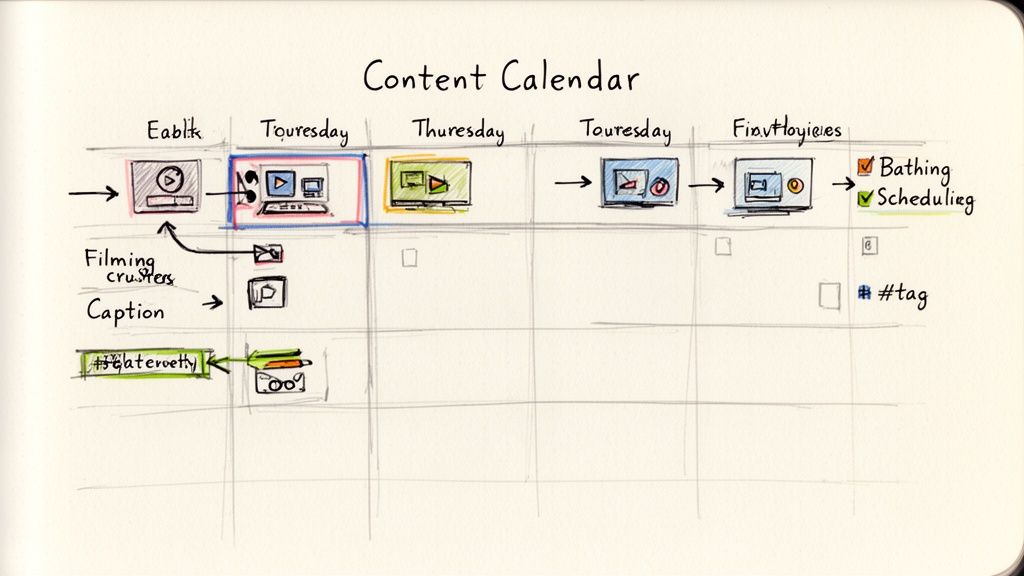
To make batching work, you absolutely need a plan. A simple content calendar is your best friend here. It doesn't have to be some complex piece of software; a spreadsheet in Google Sheets or a Trello board works perfectly. A good calendar gives you a bird's-eye view of your posts, helping you keep a nice mix of content—like educational, entertaining, and behind-the-scenes videos.
If you're starting from scratch, our guide on how to create a content calendar has some practical steps to get you going.
Practical Workflow: Use a free tool like Trello. Create lists for "Ideas," "To Film," "To Edit," "Ready to Schedule," and "Published." As you work on your content, simply drag and drop the card for each video from one list to the next. This visual pipeline makes it impossible to lose track of where each piece of content is in your process.
With your calendar mapped out, the next move is to get all your assets ready before you sit down to schedule. When I open up my scheduler, I want everything for each video good to go:
- The final video file, already edited and trimmed.
- A polished caption, proofread and with a clear call-to-action.
- A few hashtag groups that I can just copy and paste.
- An idea for the cover image so I know which frame to grab.
- Links to any trending audio I plan to use.
Having all of this organized makes the actual scheduling part take minutes, not hours.
Blend Automation with Authenticity
Here’s a mistake I see a lot of people make: they schedule their posts and then completely check out. They "set it and forget it." But the first hour after a TikTok goes live is critical. That initial burst of engagement tells the algorithm your content is worth showing to more people.
Automate the post, not the conversation. Scheduling frees you up to be fully present when it matters most—responding to comments and engaging with your community in real-time as your video gains traction.
A simple way to manage this is to set a calendar reminder for the exact time each video is set to publish. When that reminder pops up, jump into TikTok for just 15-20 minutes. Your only job is to reply to comments, thank people for watching, and be part of the conversation your video started.
This hybrid approach gives you the efficiency of automation without sacrificing the genuine connection that builds a real community. By combining a solid content calendar, batch creation, and a plan for real-time engagement, you create a powerful system that actually drives growth without burning you out.
A Few Common Questions About Scheduling TikToks
Even with a solid workflow, a few questions always pop up. Here are the quick answers to the most common things people ask about scheduling TikToks, so you can avoid any last-minute surprises.
Can I Edit a TikTok After It's Been Scheduled?
This is a classic "it depends" situation. If you're using TikTok's own scheduler on a desktop, the answer is a hard no. Once you hit that schedule button, the video is locked and loaded. If you spot a typo in the caption, you have to delete the whole thing and start over.
This is where third-party tools really shine. Most of them give you the flexibility to go back and edit captions, tweak the scheduled time, or even swap out the cover photo right up until it goes live. For anyone whose strategy needs to be a little more agile, that's a huge plus.
Does Scheduling My TikToks Hurt My Reach?
Not at all. There’s absolutely zero evidence that using TikTok’s official scheduler or a reputable third-party tool will get you penalized by the algorithm. The platform cares about good content, viewer engagement, and relevance—not how the video was uploaded.
In fact, scheduling can actually help your reach. By consistently posting when your audience is online and active, you give your videos a better chance at getting that crucial initial traction. That early engagement is a powerful signal to the algorithm that your content is worth showing to more people.
At the end of the day, a great video is a great video, no matter how it got there.
Can I Schedule TikTok Stories Instead of Feed Videos?
Right now, you can only schedule standard, in-feed videos. That goes for both TikTok’s native tool and the third-party platforms out there. They are all built to manage the content on your main feed.
TikTok Stories are designed to be more spontaneous and "in-the-moment." You still have to create and post them directly from the mobile app. It helps to think of it this way: feed videos are your planned, more polished content, while Stories are for the casual, real-time connection with your followers.
Ready to stop scrambling and start scheduling? Postful is the AI-powered social media tool built for busy founders and creators. We make it simple to plan, create, and publish content so you can grow your reach without the grind. Join the Postful waitlist today and reclaim your time.